
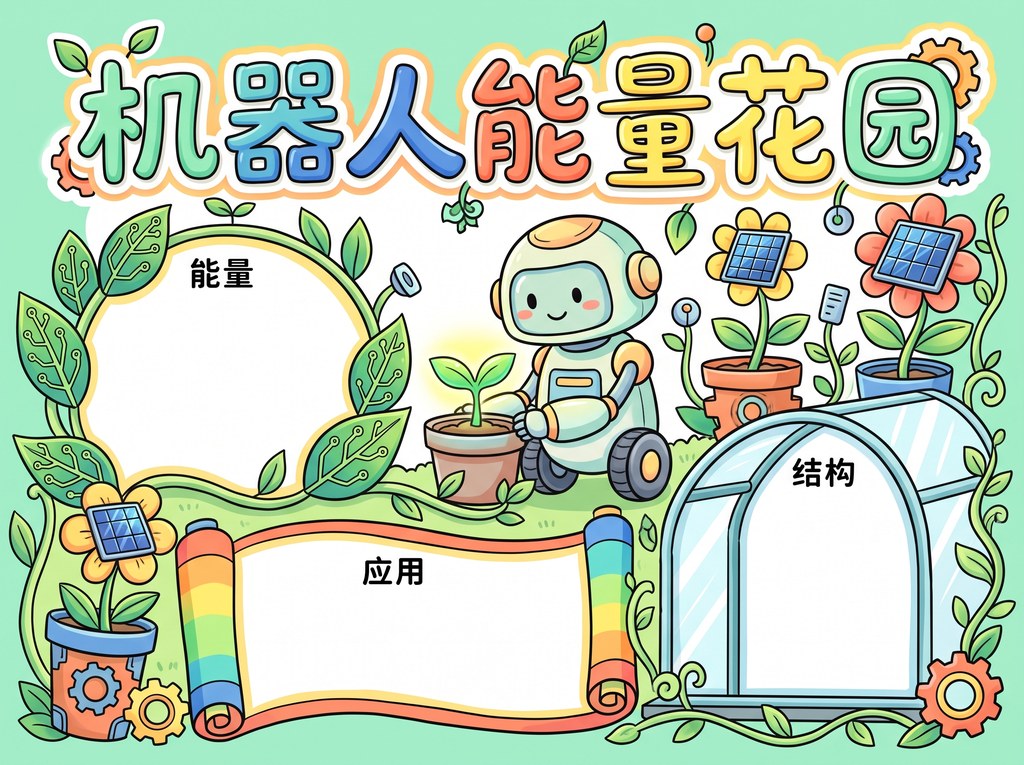
Line Art Example
Robot Energy Garden
Reference the layout, drawing density and blank areas before generating your own poster.
Enter a topic in the mini program. AI helps plan the title, text sections, layout and high-definition line art, then you can save it for printing and coloring.
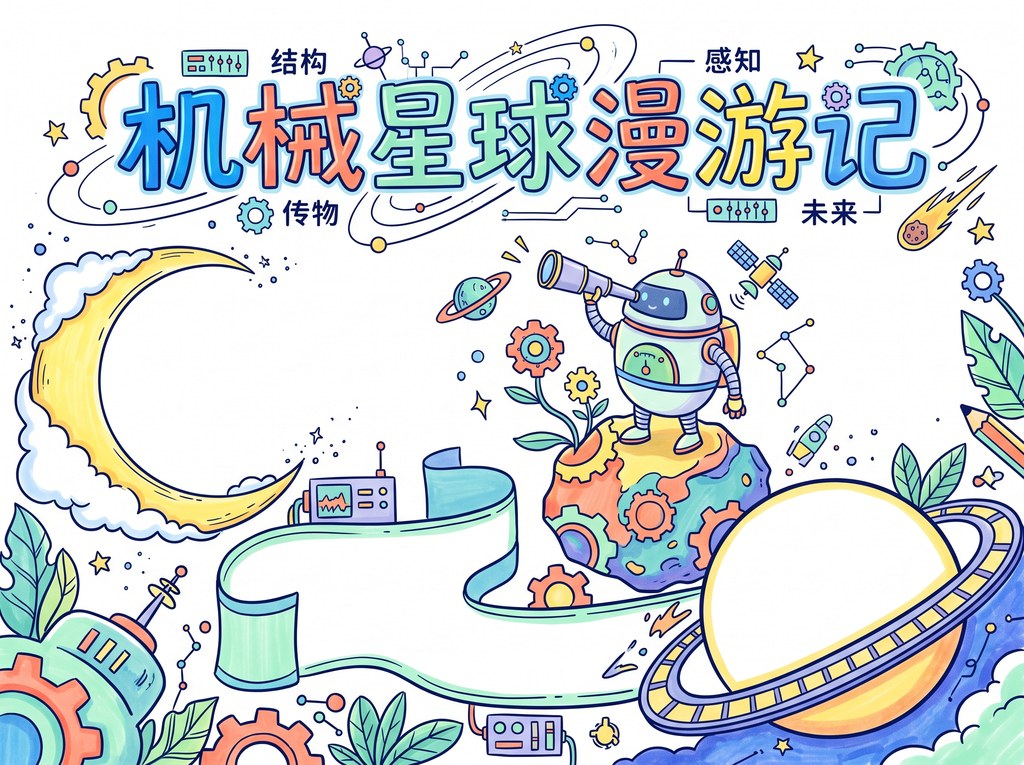
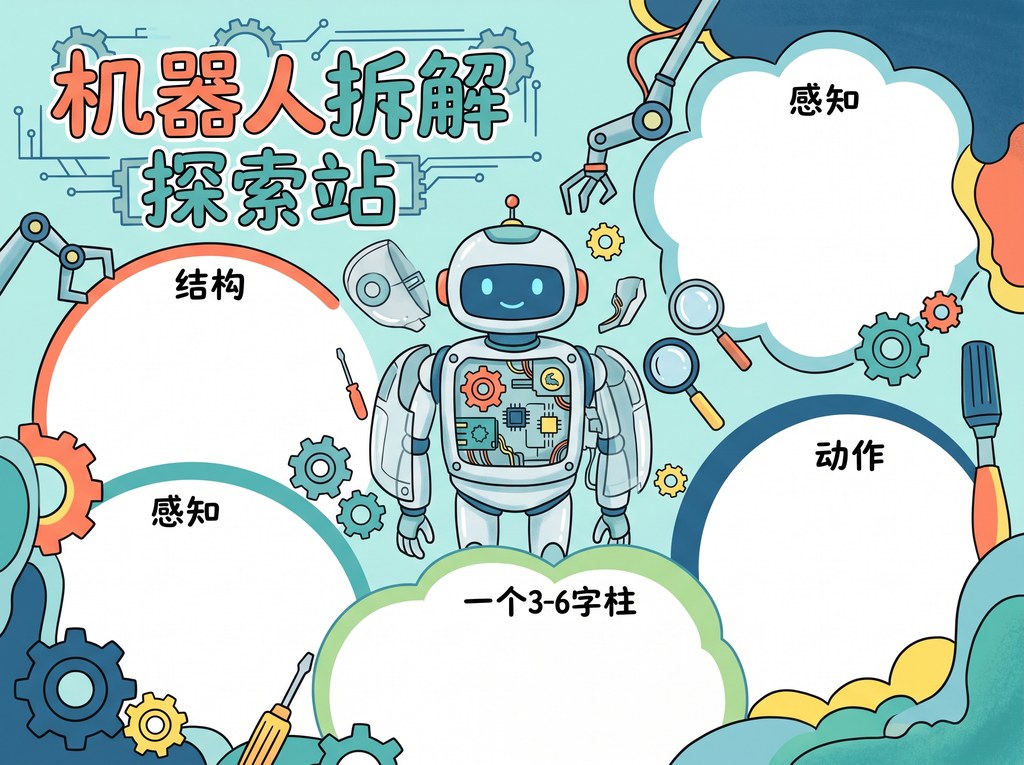
Tell the AI what the poster is about, such as fire safety, reading notes or a traditional festival. It turns the topic into sections, short copy and layout suggestions.
AI turns the topic and layout into a poster draft. You can compare the color preview with the black-and-white line art before saving.
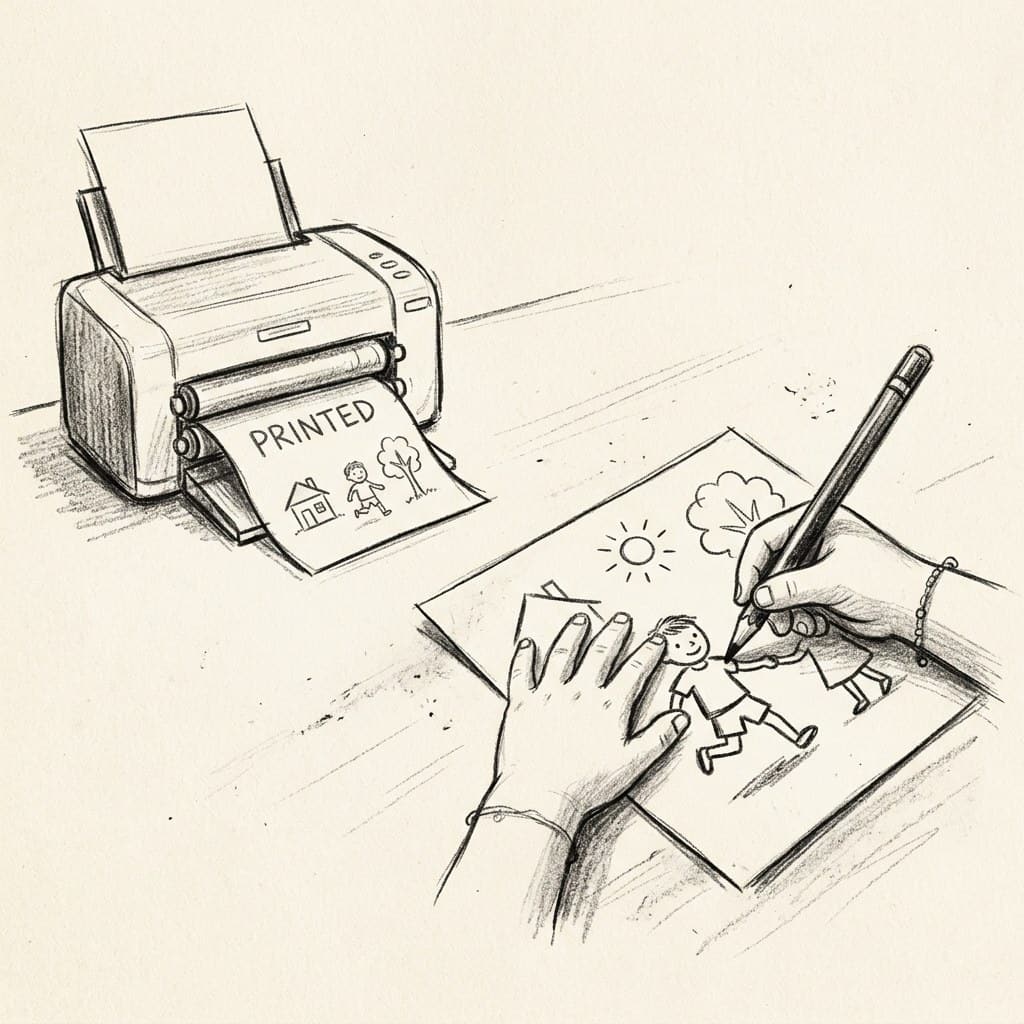
Save the generated line art to your phone album, print it on paper, then let the child write, color and decorate the poster.
Enter a topic, generate a draft, print the line art.
Tell the AI the theme, grade level and any required content.
AI returns a poster layout, text sections and printable line art.
Print the line art and finish handwriting, coloring and decoration on paper.
It handles the parts that usually take the most time: topic planning, layout and line art.
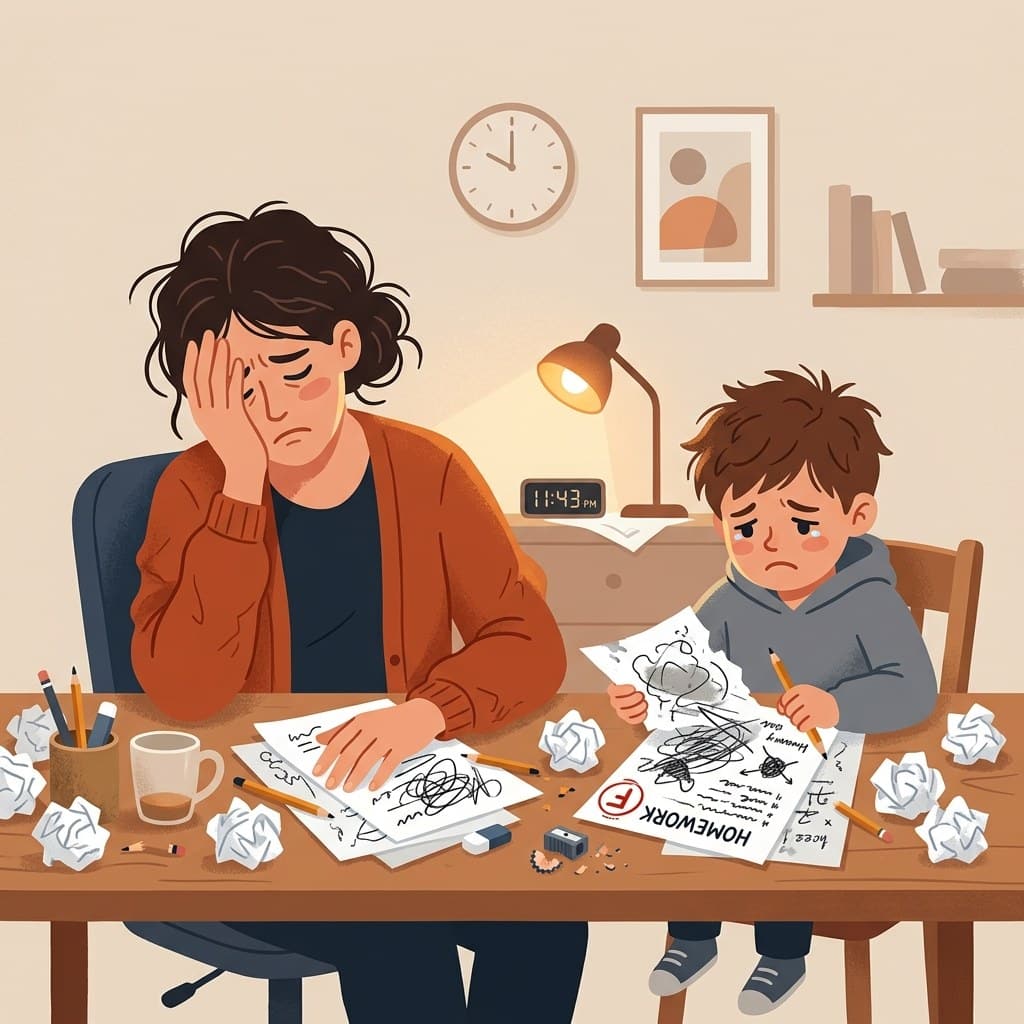
Search for references, plan the layout, write the copy and draw the border by hand. It often takes longer than expected.
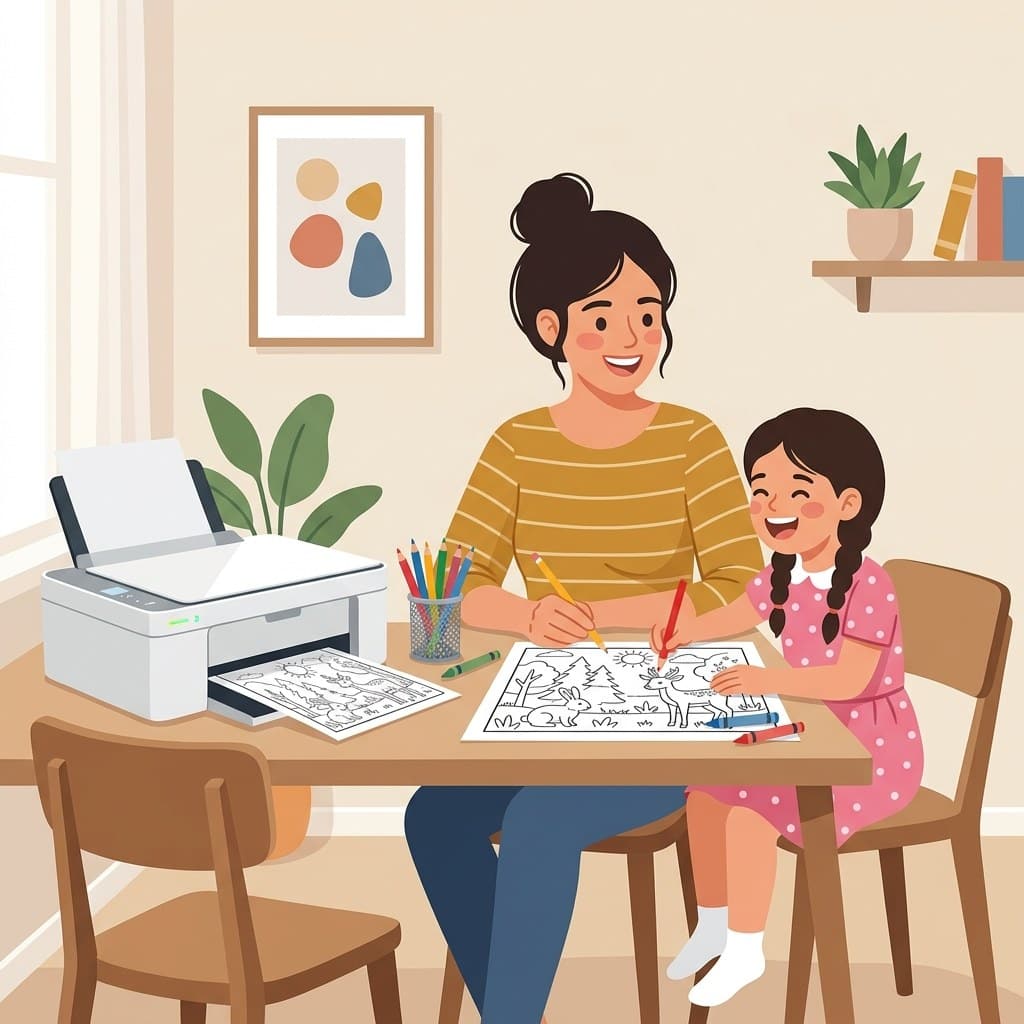
Enter the theme, get section copy, a layout draft and printable line art, then finish it on paper.
Use these examples to judge layout style, picture density and coloring space.
Reference the layout, drawing density and blank areas before generating your own poster.
Reference the layout, drawing density and blank areas before generating your own poster.
Reference the layout, drawing density and blank areas before generating your own poster.
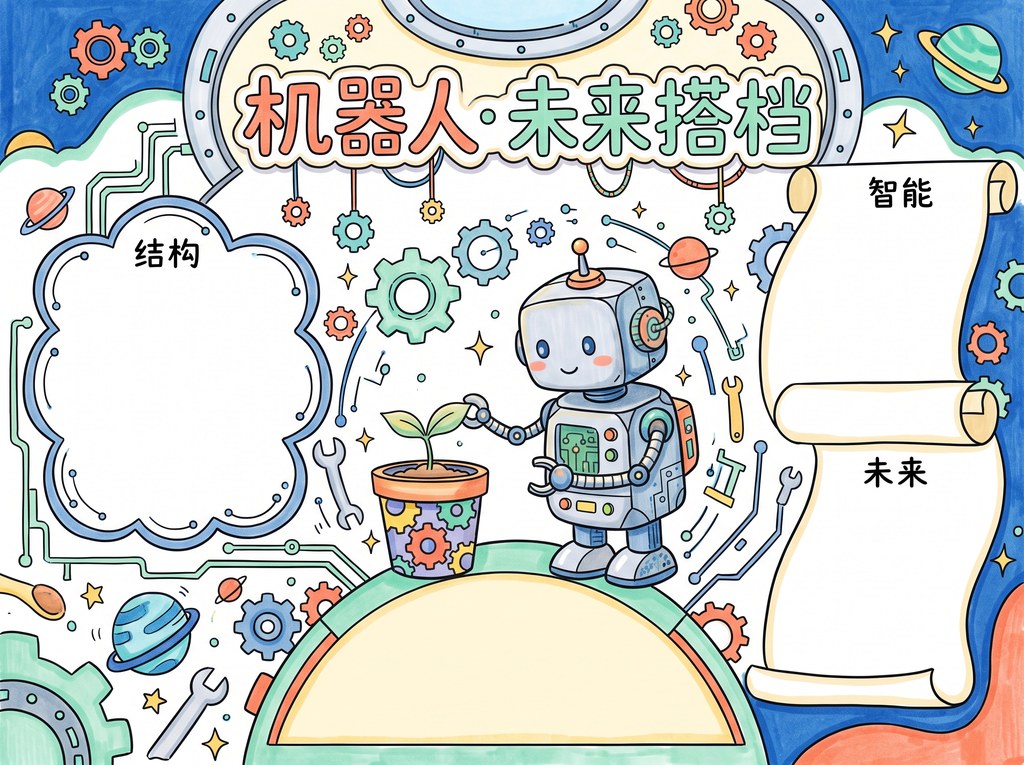
Reference the layout, drawing density and blank areas before generating your own poster.
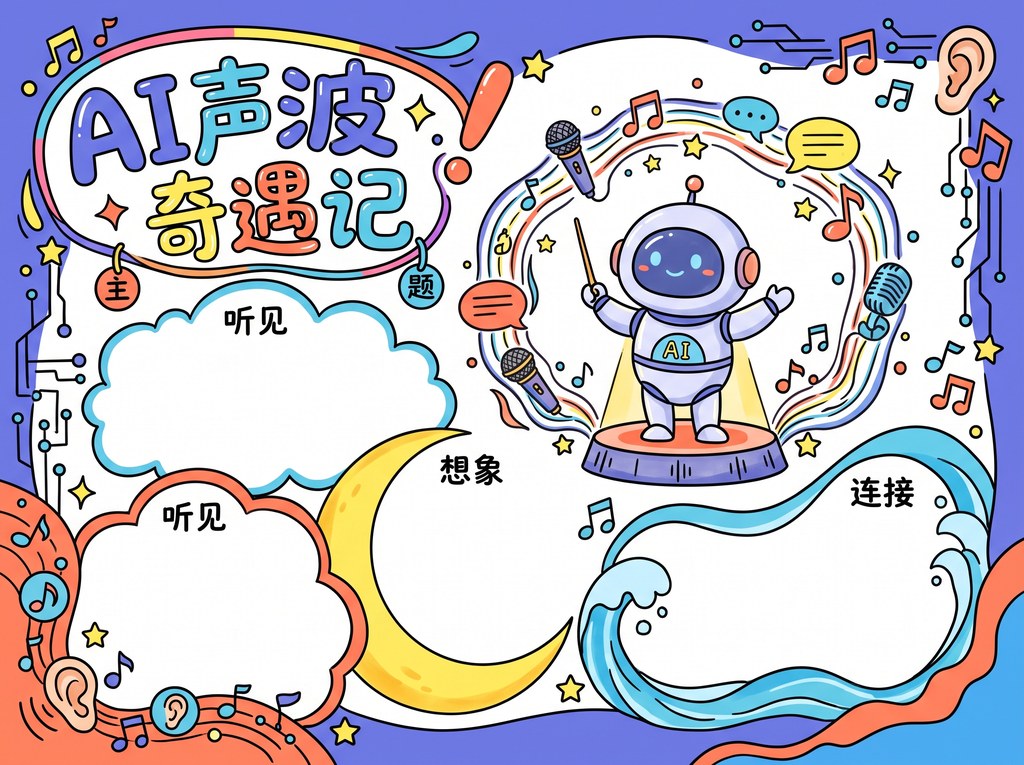
Reference the layout, drawing density and blank areas before generating your own poster.
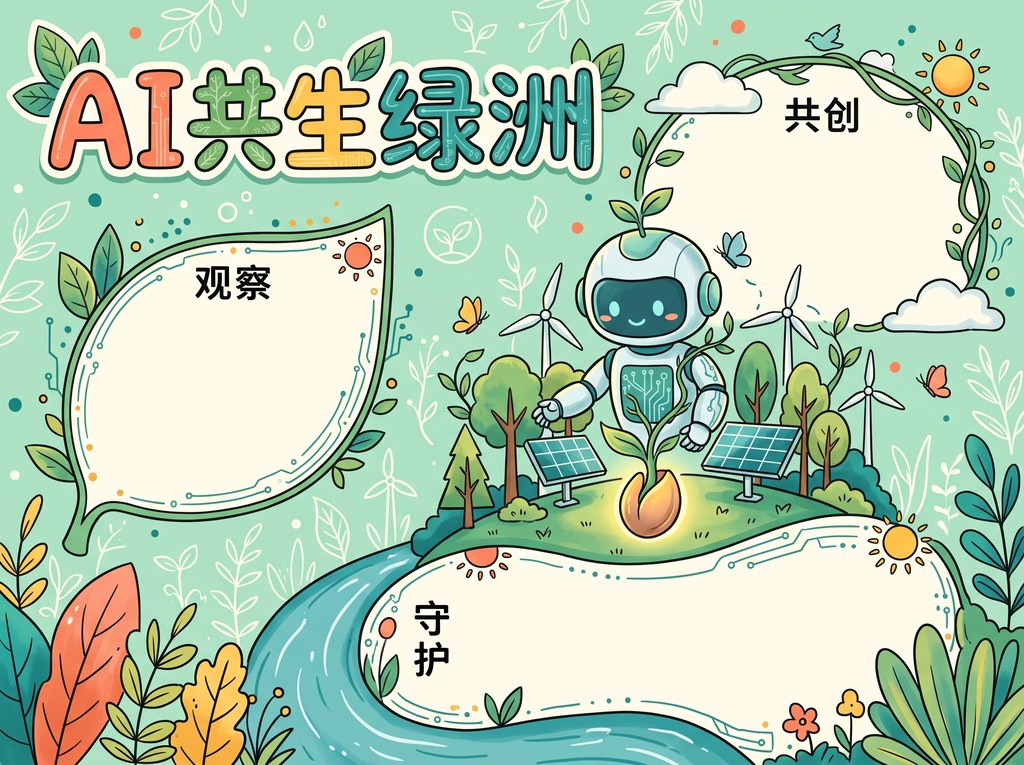
Reference the layout, drawing density and blank areas before generating your own poster.
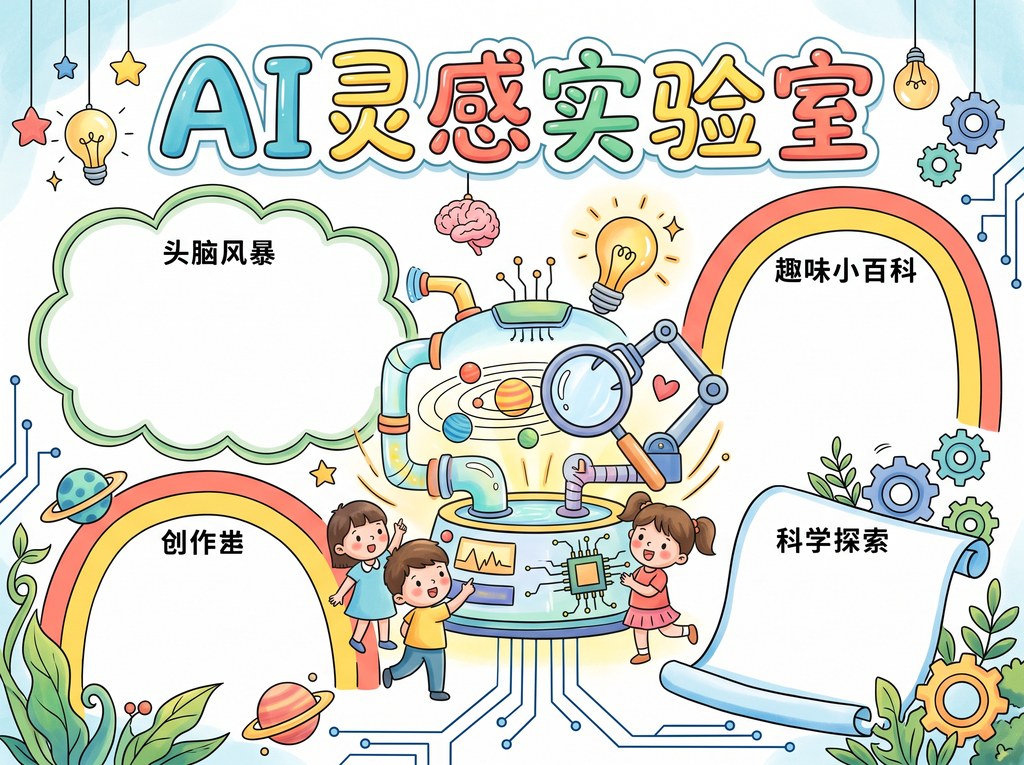
Reference the layout, drawing density and blank areas before generating your own poster.
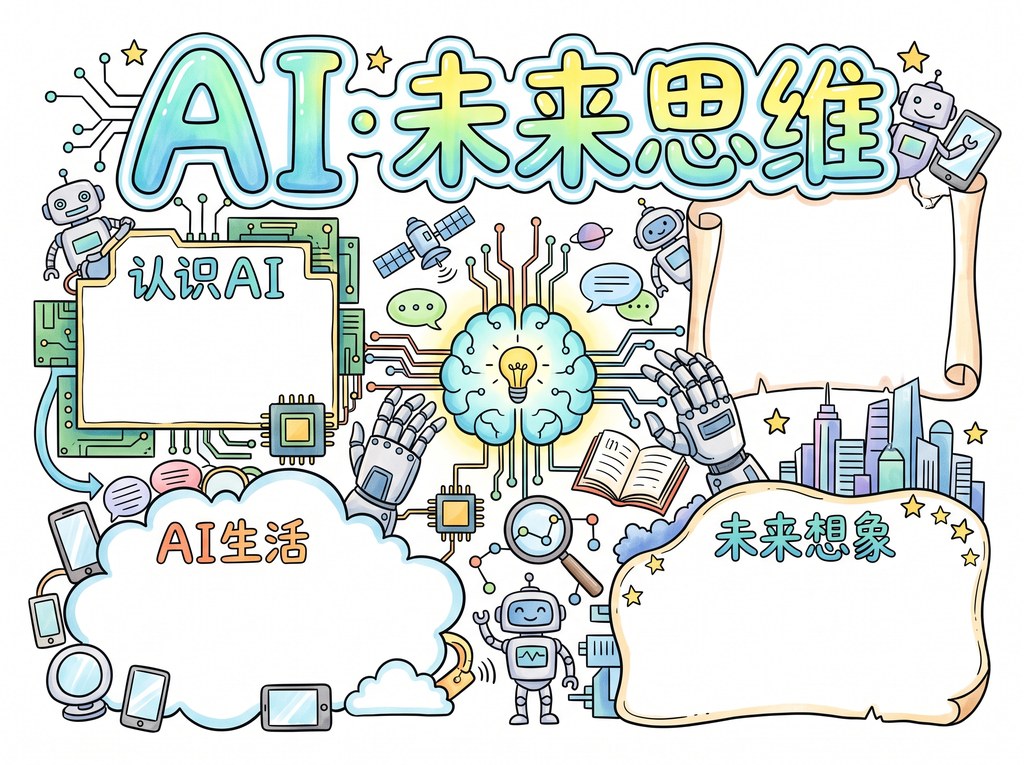
Reference the layout, drawing density and blank areas before generating your own poster.
Auto-plan layout based on themes
Generate black-and-white drafts for printing
Choose looks for festivals, reading and safety topics
Festival, reading, safety and science themes
Start from one sentence or a teacher's requirement
Save a clear image for printing
Pick a topic first if you are not ready to generate from scratch.
A hometown famous people handwritten newspaper should not be a list of names. Pick one local figure with a real place and a real story, then use a timeline, a name card, local landmarks, and a personal note to fill the page with both facts and hometown flavor.
A throat care poster for voice change works well with four columns: smart use of the voice, warm drinks and food, environment and sleep, and accepting a changing voice. Keep sentences short, give the masthead the top third of the page, split the rest into three columns or four boxes, and use light blue and mint tones.
A good Winter Solstice handwritten newspaper connects poems, customs and layout into one clear story. This article offers short classical poems that primary school students can copy, one-line explanations, solar-term facts and folk sayings, along with a warm four-block layout, a nine-nine cold chart decoration and simple copying steps to make the page look complete.
This theme has something most patriotic poster topics lack: sound. The article splits the page into alarm knowledge, defense facts and short slogans, gives sample sentences for each box, and shows how wavy lines and colour blocks can make an alarm signal visible on paper.
Common questions about AI poster generation, printable line art and topic copy references.
Yes. After generating a draft, you can save a clear black-and-white line art image and print it on paper. The layout keeps space for handwriting, coloring and extra decoration.
You can enter the teacher's requirement directly, such as fire safety poster, Dragon Boat Festival poster or reading sharing poster. The AI will help organize the title, sections and copy ideas.
The tool provides a color preview and a black-and-white line art draft. The preview helps you check the overall look, while the line art is better for printing and finishing by hand.
It can be used for different primary-school grades. Lower grades are better suited to large illustrations, simple titles and short copy. Middle and upper grades can add section comparisons, knowledge points, safety tips or short reflections.
Yes. The topic library provides section planning, short copy references and layout suggestions for common school themes. You can first choose useful text, then ask AI to generate a layout that leaves enough handwriting space.
Describe the topic, grade level, required sections and preferred style together. For example: grade three traffic safety poster, include crossing the road, bicycle safety and civilized travel, with a clean layout and large title area.
It supports common school poster themes such as festivals, safety education, reading sharing, environmental protection, traditional culture, science topics and campus civility. After you enter a specific topic, AI can generate section copy, layout ideas and line art direction.
It helps to prepare the topic, grade level, teacher requirements and any content that must appear on the poster. If the requirement is not clear, you can start with one topic and let AI suggest suitable sections first.
Yes. You can refine the description based on the first result, such as asking for more handwriting space, simpler drawings, a layout for lower grades or specific safety tips. Then generate another version closer to the assignment.
Choose a clear black-and-white draft before printing, and check the paper direction, margins and blank writing areas. Lower grades usually work better with larger illustrations and fewer sections, while upper grades may need more text space.

Scan with WeChat
Scan with WeChat