Start with One Classroom and One Light
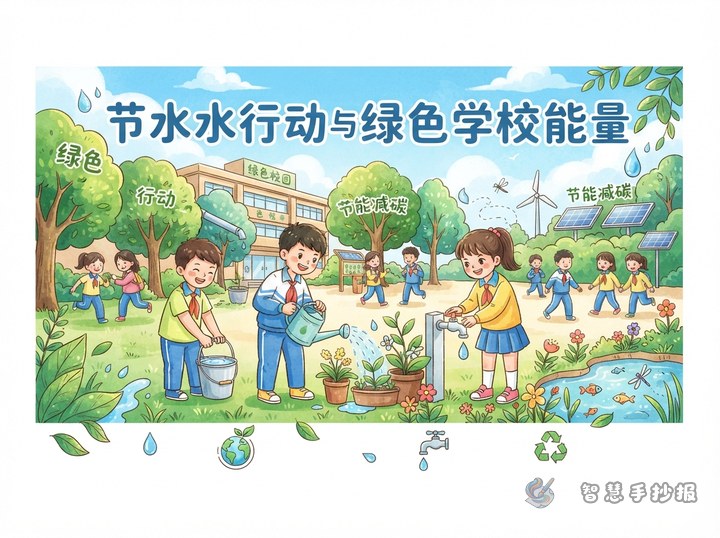
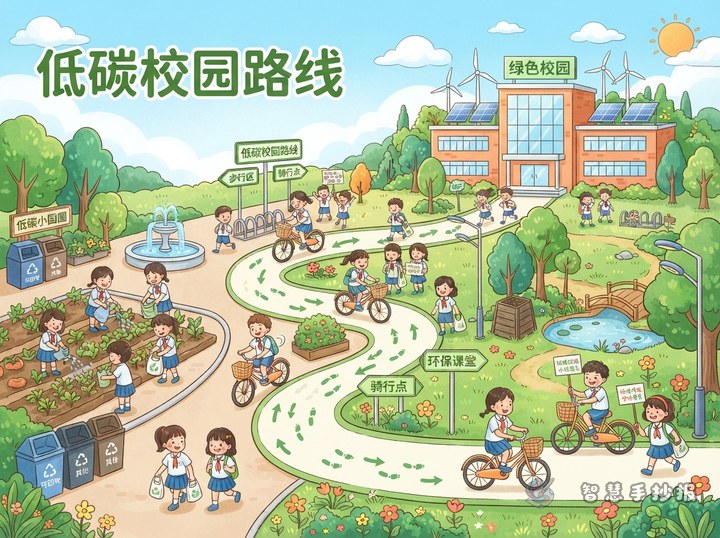
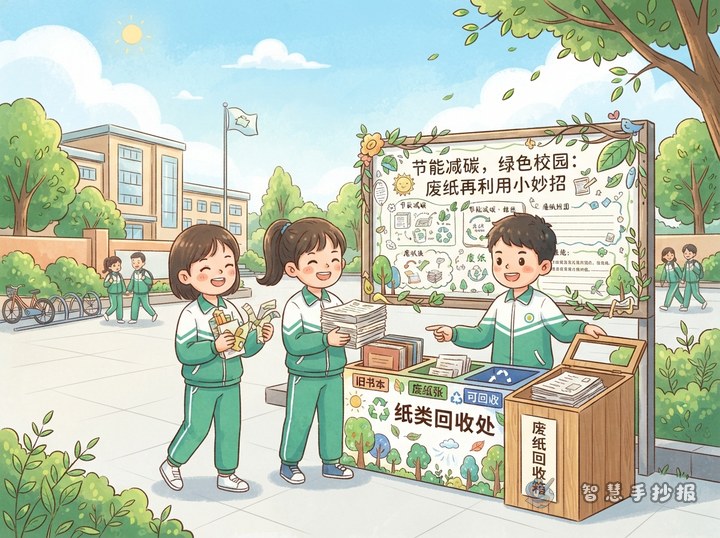
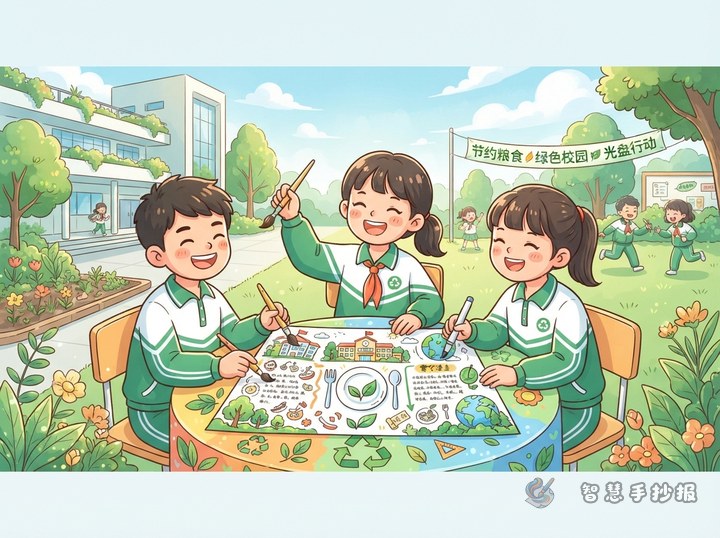
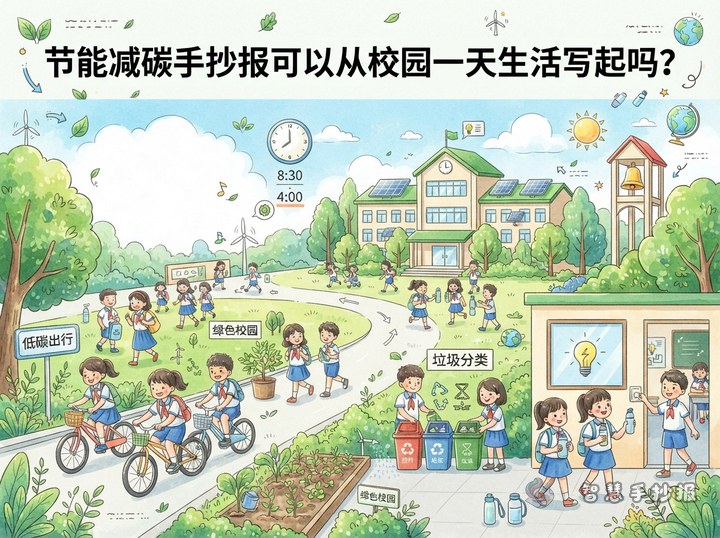
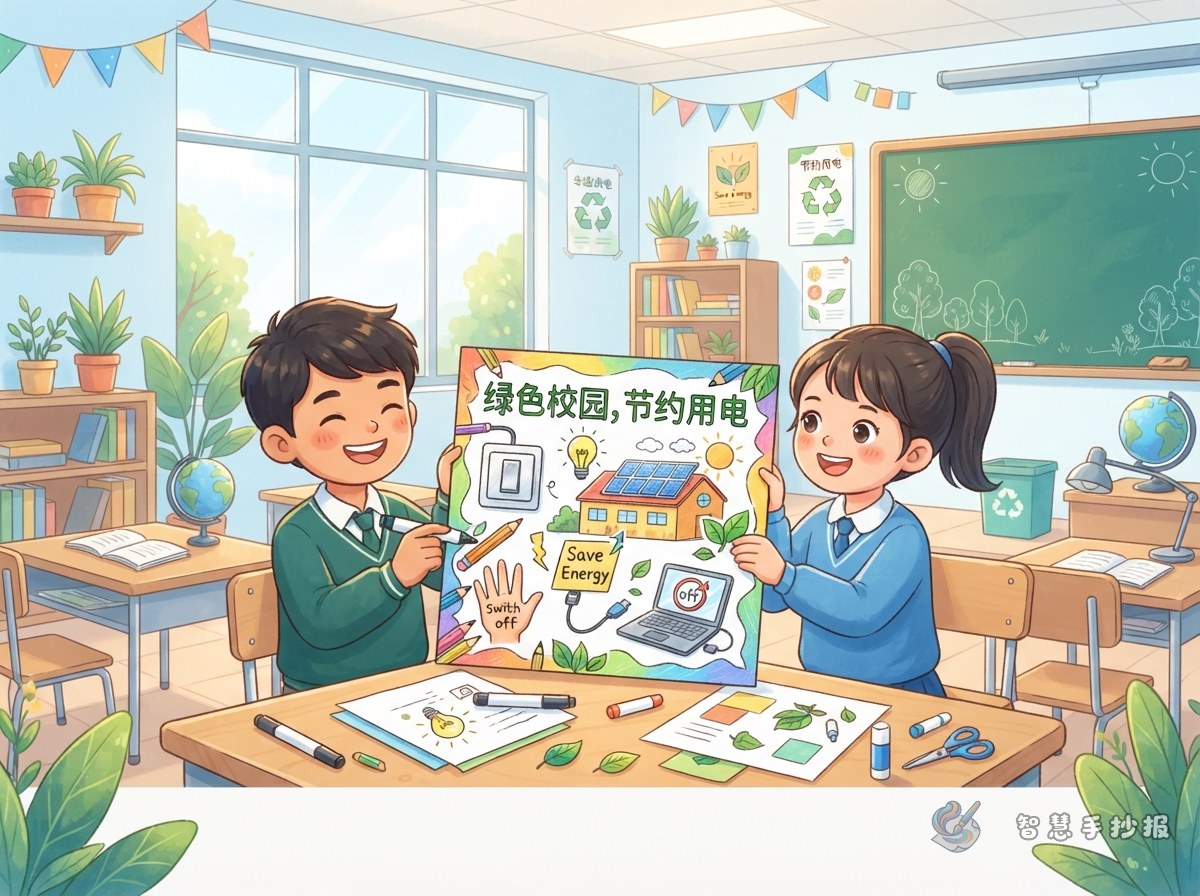
This poster topic works best when it focuses on daily school life instead of a broad slogan. A good title could be “Turn Off One Light, Add More Green to Our School”. It is simple, visual, and easy for students to understand.
You can begin with this idea: saving energy and reducing carbon emissions are not far away from us. They happen when we turn off the lights after class, use fans wisely, close unused computers, and make good use of daylight in the classroom.
Useful Sections for the Poster
- Energy-Saving Detectives: Look for waste in the classroom, such as lights left on during the day or computers not turned off.
- Low-Carbon Action List: Turn off lights when leaving, use natural light, switch off fans, and set air conditioners at a reasonable temperature.
- Green School Slogans: “A small switch-off makes a greener school” and “Let sunshine in, let waste go out.”
- My Weekly Energy Record: Add a small checklist to record whether you saved electricity, water, and paper each day.
Short Writing Materials to Copy
Saving energy does not mean reducing our happiness. It means making our school life more responsible. In a bright classroom, we should also learn to value every unit of electricity, every drop of water, and every sheet of paper.
A low-carbon campus needs everyone’s effort. One student turning off a light may seem small, but when the whole class takes action, saving energy becomes a beautiful habit in school.
A green campus is not only found in trees and flowers. It is also found beside our desks, schoolbags, and light switches. Less waste and more care can make the campus cleaner and fresher.
Design It as a Classroom Energy Map
Draw a bright classroom in the center. Put the title on the blackboard, add sunlight and green leaves near the windows, and place small reminder labels beside the lights, fans, and computer. Around the picture, use sticky-note, leaf, or switch-shaped boxes for different sections.
- Place the main title in the upper left corner with green and yellow colors.
- Draw the classroom scene in the middle to show lights, windows, fans, and computers.
- Put the low-carbon checklist on the right side with small tick boxes.
- Add “My Energy-Saving Promise” at the bottom for a personal sentence.
Add a Small Interactive Part
To make the poster more engaging, add questions such as “Did you turn off the light today?” or “What three things can I do to save energy?” This helps the poster become not only informative but also a reminder for real action.
If you want to finish the layout, title design, and sections more easily, you can open the Zhihui Shouchaobao WeChat mini program and continue creating a green campus poster for classroom display.