Choose a practical theme first
This handwritten newspaper can use titles such as “Be Careful with Public WiFi”, “Safe Internet Starts with Safe Connections”, or “Free WiFi Is Not Always Safe”. This angle is more specific than a general online safety topic and works well for class displays and school safety education.
Under the title, add a short introduction: in places like shopping malls, stations, and restaurants, many people use free internet access. But connecting to unknown WiFi without thinking may lead to privacy leaks, account risks, or device problems. Learning how to connect safely is an important part of responsible internet use.
Ready-to-use writing materials
What kind of public WiFi should we be careful about?
Be cautious if the network name looks strange, has no password, keeps showing pop-up pages, or asks for too much personal information. Words like “free,” “fast,” or “one-click login” may sound attractive, but safety should come first.
Easy safety reminders
- Do not connect to unknown WiFi casually.
- Do not enter account passwords carelessly.
- Do not make payments or transfers on public networks.
- Do not click suspicious pop-ups or links.
- Disconnect at once if something feels wrong.
Short slogans for the page
- Think before you connect, stay safe on the internet.
- Free WiFi is convenient, but privacy matters more.
- Use the internet politely, connect carefully.
- Protecting your password means protecting yourself.
A page layout that feels clear and organized
You can use a two-column layout or a center title with four smaller sections around it. Put the main theme in the middle, “risk alerts” on one side, “safe actions” on the other, and leave the bottom area for slogans and situation-based questions. This makes the page easy to read at a glance.
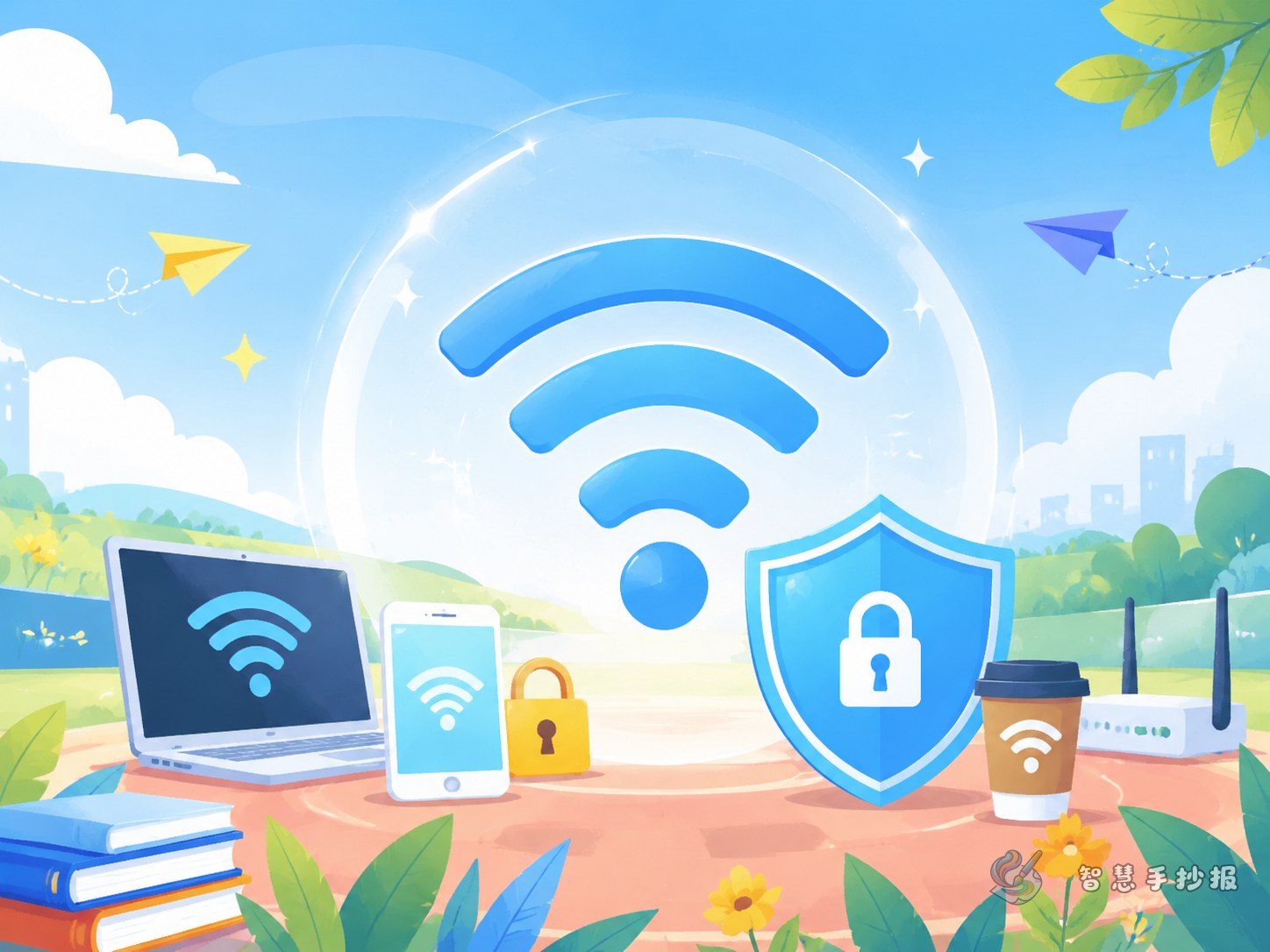
- Top left: draw a WiFi symbol and a magnifying glass to show careful checking
- Top right: list warning signs of unsafe networks
- Bottom left: add safe connection steps
- Bottom right: write a responsible internet promise
Blue and green can create a clean and safe feeling. Small red highlights can be used for “do not” reminders so important points stand out.
Add a situation corner to make it more lively
To make the newspaper more than a list of facts, add a section like “What Would I Do?” Write a few everyday situations: seeing several WiFi names in a mall, getting a page that asks for ID details, or wondering whether it is safe to log in to an important account on public internet. These examples help students understand the topic better.
- If there are many unfamiliar WiFi names, ask staff first instead of connecting randomly.
- If a page asks for too much personal information, leave immediately.
- If the action involves payments, transfers, or password changes, wait for a safer network.
This style works especially well for elementary school handwritten newspapers because it shows both knowledge and judgment.
A simple and meaningful ending
End with a short message: the online world is full of convenience, but safety awareness should always come first. When using the internet in public places, a little more caution can prevent a lot of trouble. Responsible behavior, privacy protection, and careful choices help make internet use safer.
If you want to keep improving your title design, decorative borders, section arrangement, or short copy for your page, you can continue building your work in the Zhihui Handwritten Newspaper WeChat mini program.