Start with a clear main idea
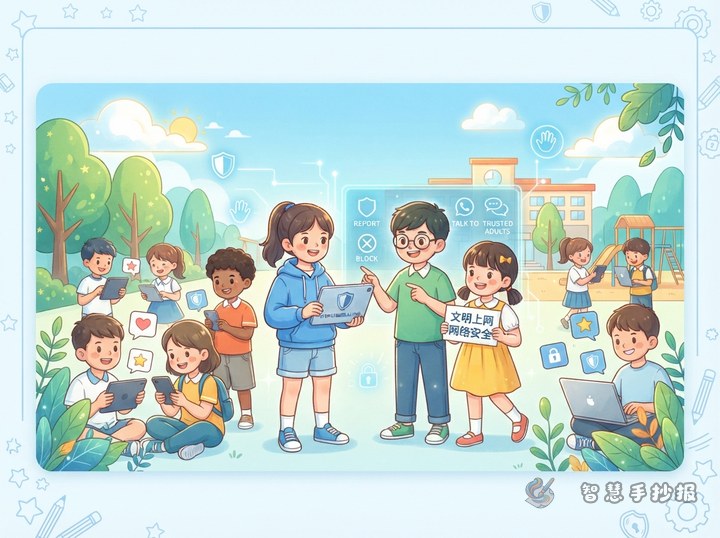
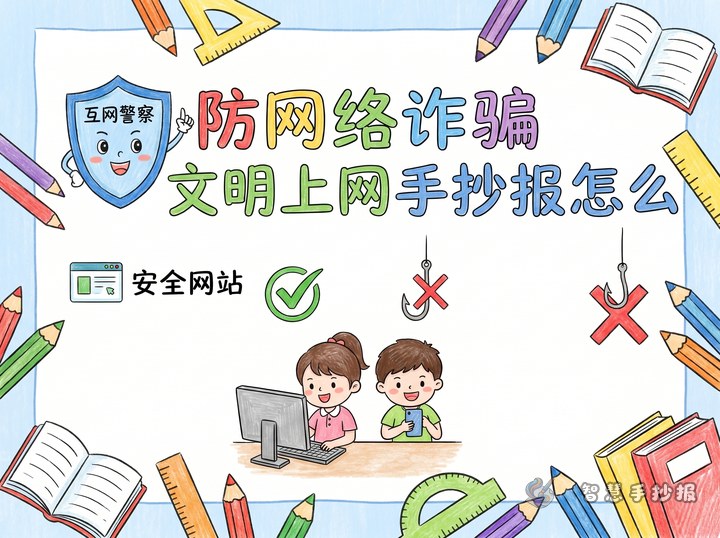
This kind of handwritten newspaper works well with a theme like Protect Personal Information and Be a Responsible Young Internet User. Under the title, add a short slogan such as: Keep private details safe and use the internet wisely. That helps readers understand the focus right away.
Useful section ideas for the page
- What counts as personal information: name, home address, school, phone number, photos, account details, and passwords.
- What should never be shared casually: ID photos, verification codes, family location, relatives' contact details, and payment information.
- Simple online safety tips: use strong passwords, avoid unknown links, do not scan random codes, and ask parents or teachers before downloading apps.
- How to use the internet responsibly: do not spread rumors, do not insult others, and stay away from harmful content.
Short text materials you can copy
Personal information is important because it is connected to our daily life and family safety. When using the internet, we should never share our real name, address, phone number, or private photos with strangers just for fun. If a website or pop-up asks for private details, we should stop and ask an adult for help before filling anything in.
The internet is helpful, but convenience does not mean we can relax our guard. We should remember not to trust strangers easily, not to reveal private details, not to click random links, and not to follow online trends blindly. Good habits help us learn safely and avoid harm.
Fun mini sections for children
Safety rhyme
Do not click strange links, do not fill in private things; keep your codes safe every day, ask for help right away.
Situation reminders
- If someone in a game asks for your account password, do not share it.
- If a stranger wants your home address to send a gift, do not believe it.
- If you see a free reward link, close it first.
- If you need to register on a platform, ask a parent to check it with you.
Easy layout ideas
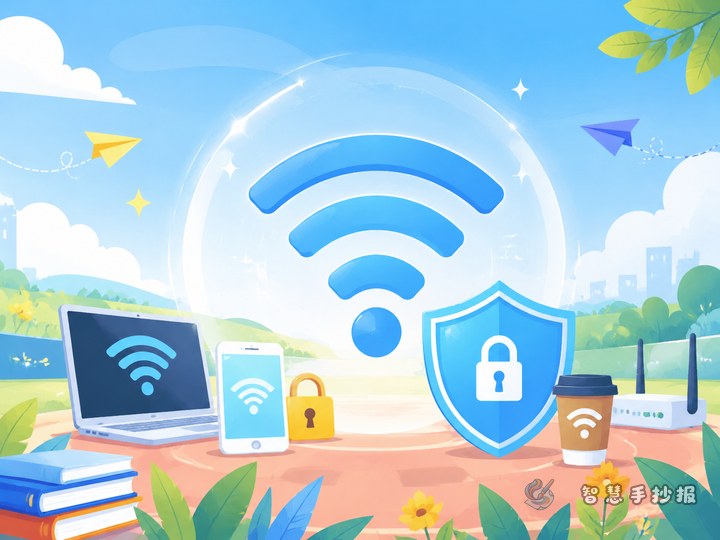
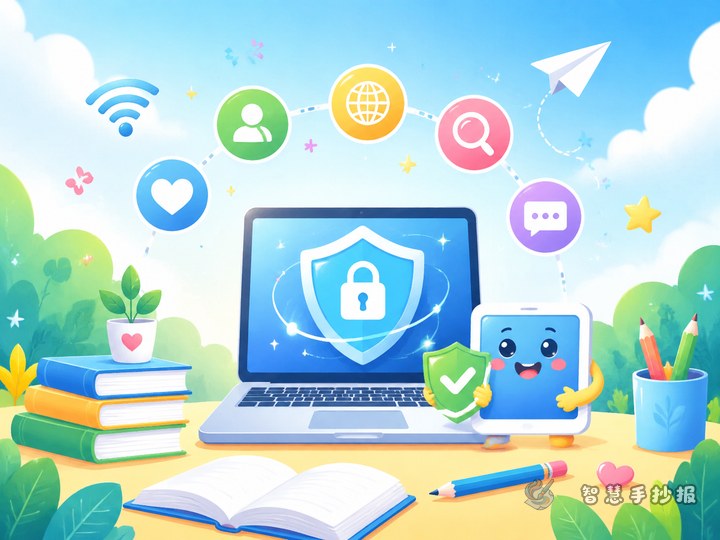
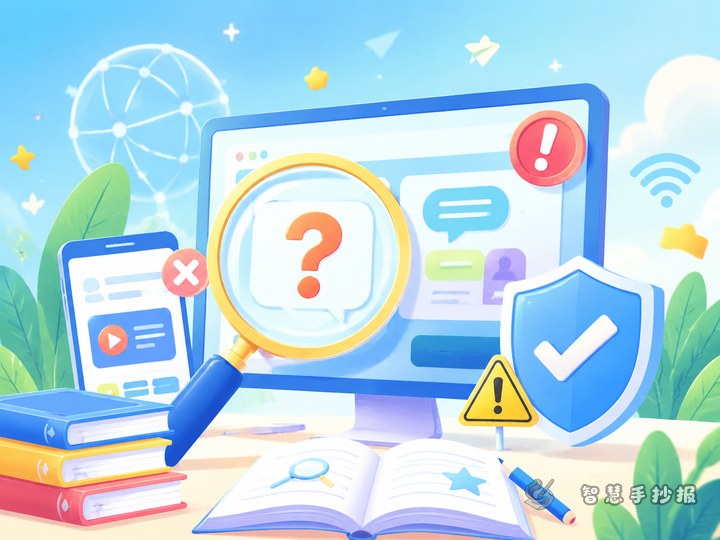
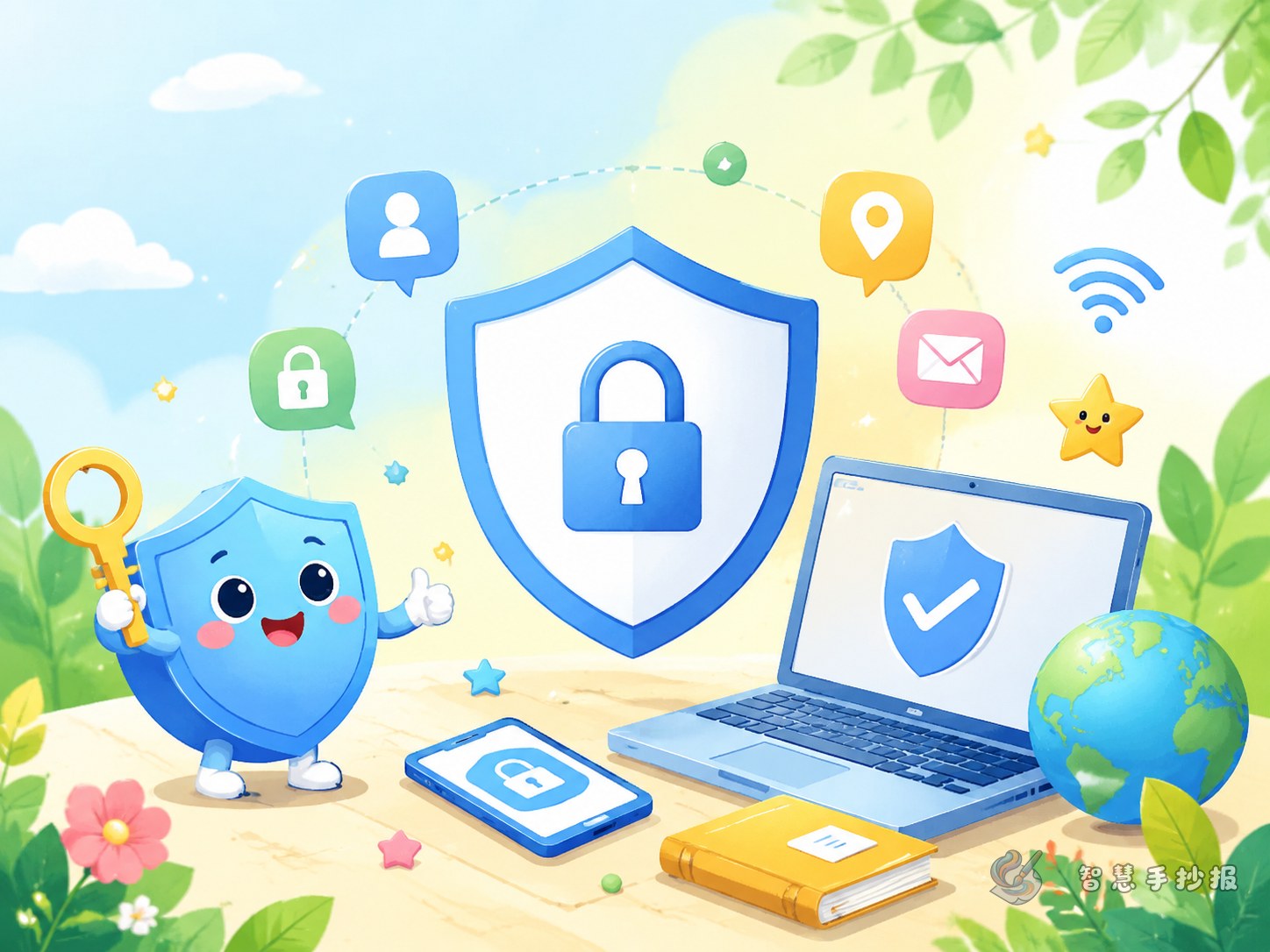
You can use a two-column layout or place a large title in the center with small content blocks around it. Add drawings of shields, locks, computers, globes, or warning signs. Blue, green, and orange make the page look bright, clean, and suitable for an online safety theme. Keep each section short so the whole page stays neat.
How to end the handwritten newspaper
You can finish with a short call to action: start from yourself, protect personal information, follow online rules, and become a safe and responsible student internet user. If you want to keep improving the layout and decoration, you can continue designing in the Zhihui Shouchaobao WeChat mini program.