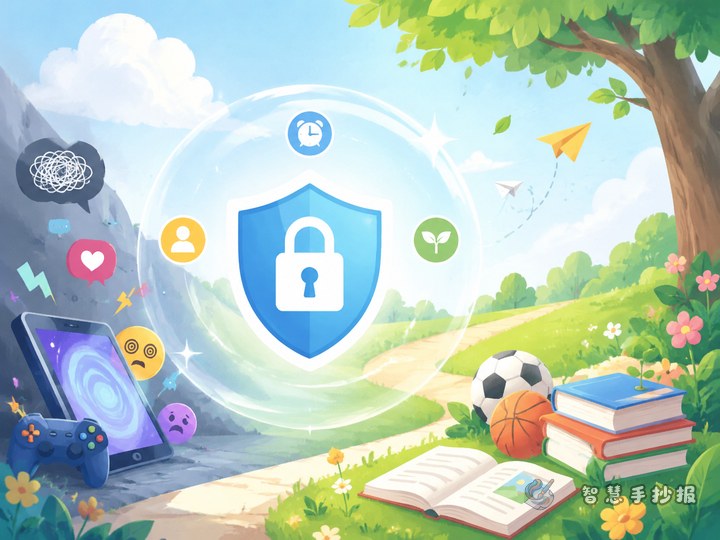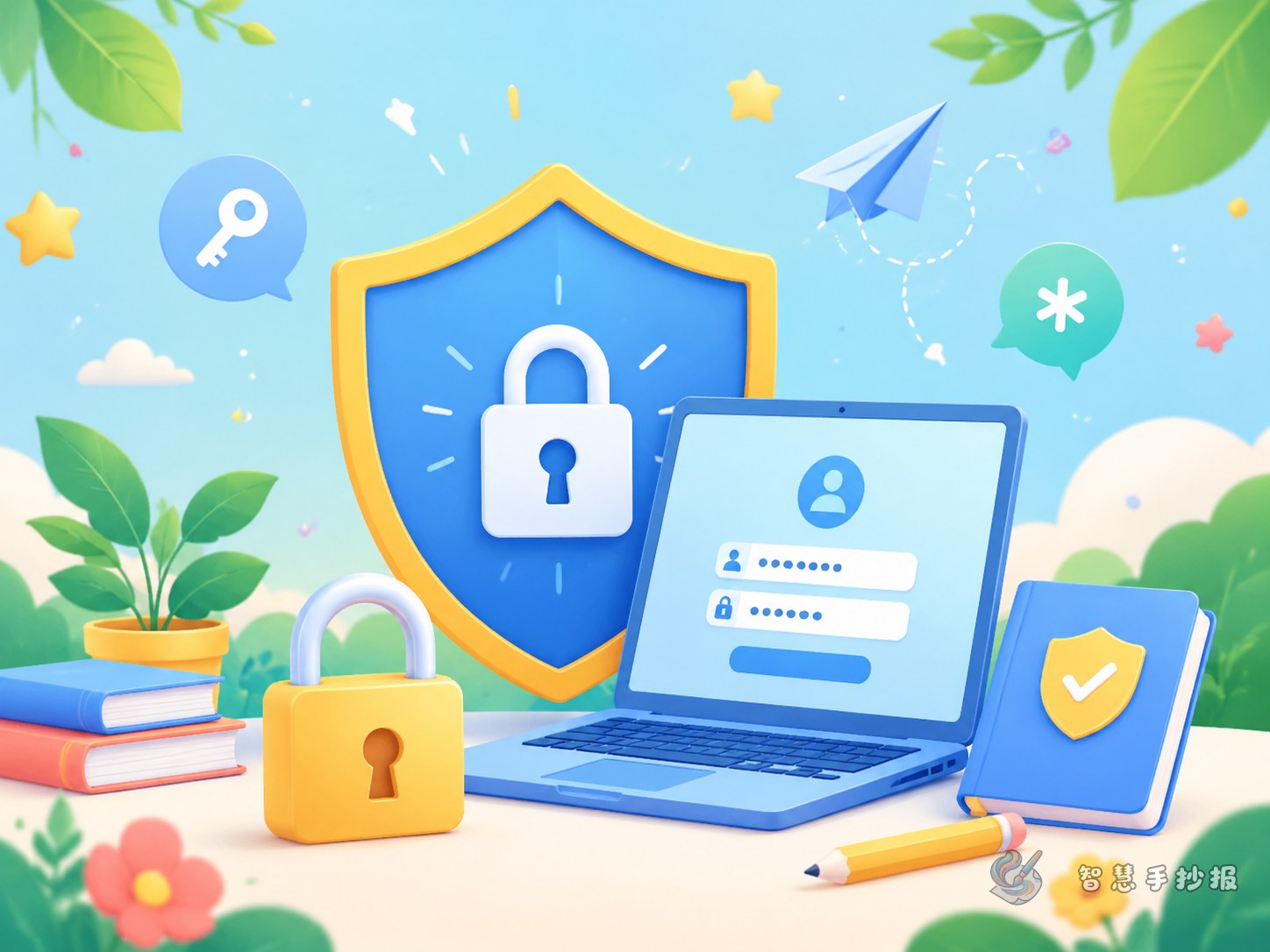
Start with a clear angle: account and password safety
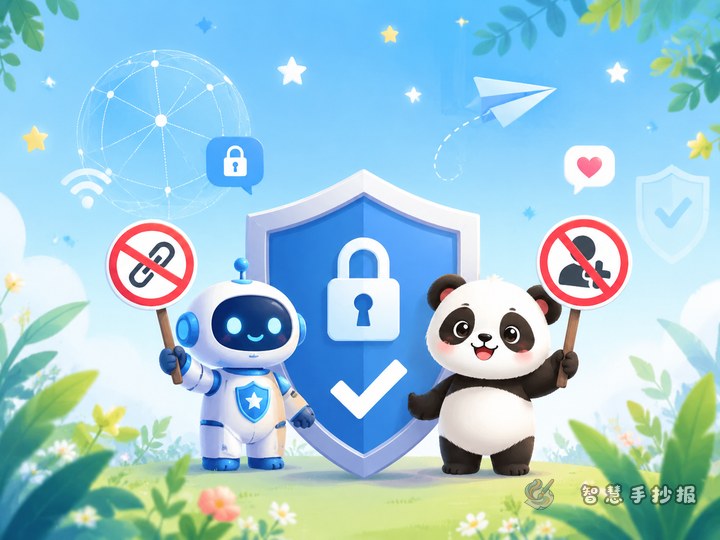
This kind of handwritten newspaper works best when it begins with a simple question: why should we never share our passwords casually? The topic is easy for children to understand and practical for classroom display. A title can focus on account safety, password protection, and keeping personal information private.
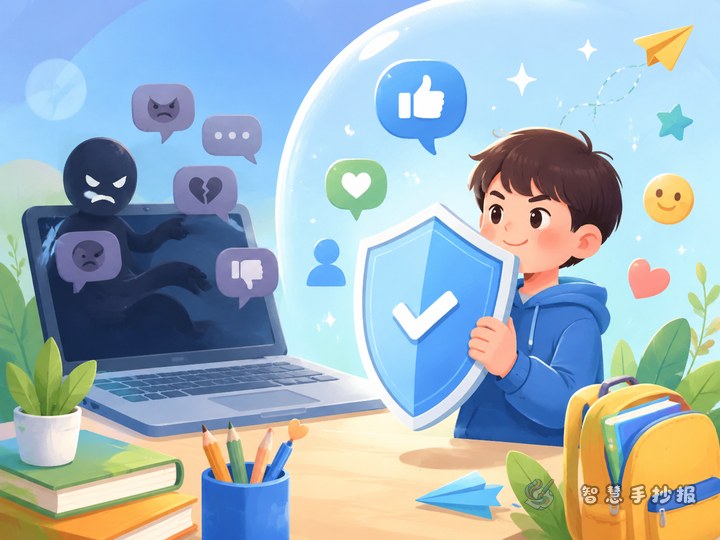
To make the page more meaningful, connect password safety with online civility. Protecting an account is not only about preventing theft, but also about being responsible for yourself and for a safer online environment.
Useful sections to include on the page
Password safety basics
- Do not use simple passwords like birthdays or 123456.
- Try not to use the same password on every platform.
- Keep your password private and do not tell others.
- Log out after using a public computer or someone else’s device.
Personal information corner
- Do not post your home address, phone number, or school details online.
- Think carefully before filling in online forms.
- Refuse any request for your password or verification code.
Online civility reminders
- Do not share other people’s photos or privacy without permission.
- Do not spread rumors or follow harmful online behavior.
- Tell a parent or teacher if you notice something unusual.
Short text materials children can copy
An account is like a little door, and a password is the key. If we keep the key safe, others cannot enter easily. When using the internet, we should never give our password to strangers, never send verification codes to others, and never sign up carelessly on unfamiliar websites. Protecting an account is an important step in safe and civil internet use.
We should be careful and responsible online. Before typing personal information, stop and think whether it is really necessary. If you see strange pop-up windows, prize messages, or requests to borrow your account, do not trust them, do not click, and do not forward them. Safe internet habits can start with protecting one account well.
A page layout that works well
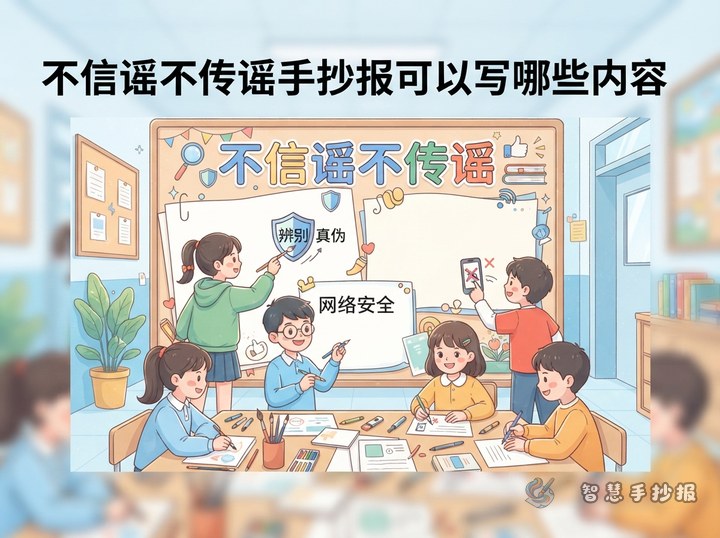
A good design is a large title in the center, two side sections, and a reminder bar at the bottom. Around the title, students can draw locks, keys, computers, tablets, or shields to match the topic. Put password tips on one side and personal information protection on the other, then add a checklist or slogan at the bottom.
Blue, green, and orange can make the page look bright and friendly for school use. Keep each section short and clear, with three to five key points, so the content is easy to read and copy.
How to finish the page neatly
The ending can use a short call to action, such as: Starting today, I will protect my account, keep my password safe, and never share private information online. This makes the handwritten newspaper feel complete and purposeful.
If you want to continue improving the title style, section arrangement, or decorative border, you can also explore more layout ideas in the Zhihui Shouchao Bao WeChat mini program.