Decide what message the page should deliver
For a handwritten newspaper about minors' internet safety, the goal is not to fill the page with abstract definitions. The best version helps students quickly understand what to do, what to avoid, and where to seek help. If you also want to reflect online civility, combine safety and good behavior on one page.
- Safety focus: protect privacy, avoid scams, stay away from harmful content
- Civility focus: use polite language, do not spread rumors, do not attack others
- Habit focus: manage screen time and use the internet in a healthy way
Easy section ideas you can use directly
If you are not sure how to begin, divide the page into four small parts. This makes the layout neat and easy to complete.
Section 1: My safe internet rules
- Do not share your real name, home address, or phone number casually
- Do not click unknown links or pop-up windows
- Do not trust messages about prizes, gifts, or game top-ups
- If something feels suspicious, stop and tell a parent or teacher
Section 2: I practice online civility
- Speak politely and never insult others
- Respect others and do not spread their photos or private details
- Do not create or forward rumors
- Be friendly and responsible online
Section 3: Common warning signs
- A stranger asks for personal information after adding you
- A webpage says you won a prize but asks for money first
- Someone wants your verification code for a game account deal
- A chat makes you feel scared, embarrassed, or uncomfortable
Section 4: What to do when something goes wrong
- Leave the page or stop the conversation at once
- Save screenshots or chat records
- Tell a parent or teacher and ask for help
- Never transfer money or meet online strangers alone
Short lines that fit a handwritten newspaper
Short lines are easier to place on the page than long paragraphs. These can be used as mini slogans or highlighted notes.
- Be civil online, start with yourself.
- Protecting privacy means protecting yourself.
- Do not trust strange messages or click unknown links.
- Go online safely and grow up healthily.
- The internet has rules, and words need care.
- Ask for help quickly when danger appears.
How to arrange the layout clearly
This theme works well with a central title and several sections around it. Put the main title in the middle, then place safe habits, civility rules, warning signs, and help steps around the page. This structure is easy to read and easy for teachers to review.
- Use blue or green for the main title to create a clean and safe feeling
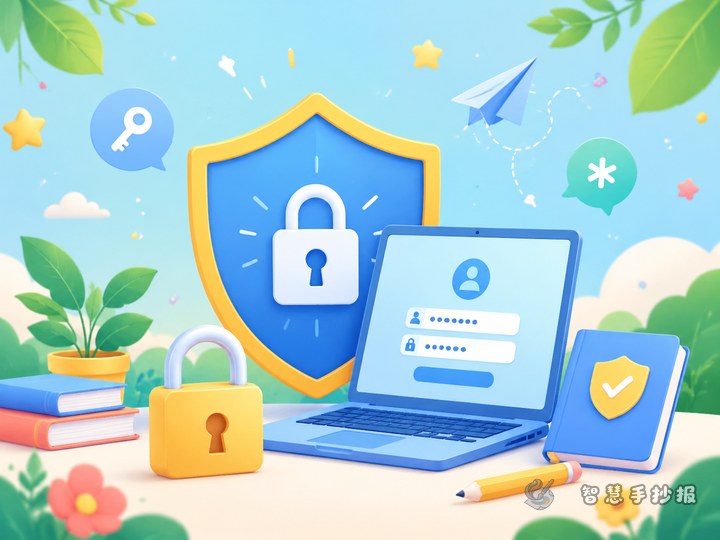
- Add simple decorations like shields, computers, globes, or speech bubbles
- Avoid overly busy borders that distract from the text
- Keep each section short so the page stays open and clear
Make the content feel closer to student life
To keep the work practical instead of abstract, include familiar situations such as someone asking for a game password, a fake prize page while watching videos, or a stranger asking to move a chat to private messages. These everyday examples make the handwritten newspaper much more useful.
If you already have your topic and text ready, you can continue refining the layout, colors, and title style in the Zhihui Handwritten Newspaper WeChat mini program for a more complete classroom-ready result.