Choose a clear angle: explain the danger of unknown QR codes
This handwritten newspaper topic works best when it focuses on one simple message: do not scan unknown QR codes casually. The goal is not to explain complicated technology, but to help children understand that codes on street ads, fake prize posters, chat messages, or game offers may lead to risky pages.
You can place a short warning sentence under the title, such as: If the QR code is unclear, do not scan it. Protect your personal information. This makes the whole page easy to understand at a glance.
Useful content students can write directly
What is QR code fraud?
QR code fraud happens when scammers use a code to guide people to fake websites, fake prize pages, unsafe downloads, or forms that ask for private information. It may look like a gift, discount, class notice, or game reward, but the real goal is often to collect personal details.
Common risky situations
- QR codes on street posters saying “free gift”
- Codes sent by strangers in chat groups or social apps
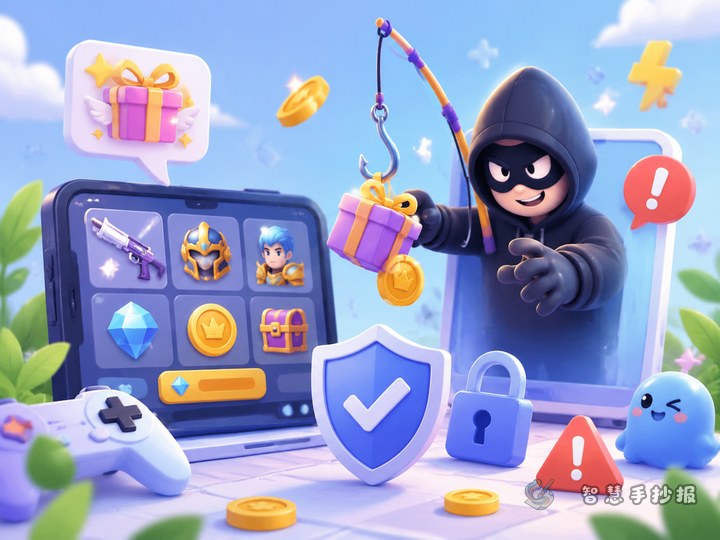
- Game messages offering free skins or items
- Fake “school notice” or “grade check” codes
- Suspicious delivery messages with QR codes
Simple safety rules
- Unknown QR codes: do not scan
- Fake prize pages: do not trust
- Verification codes: never share
- Check first before taking action
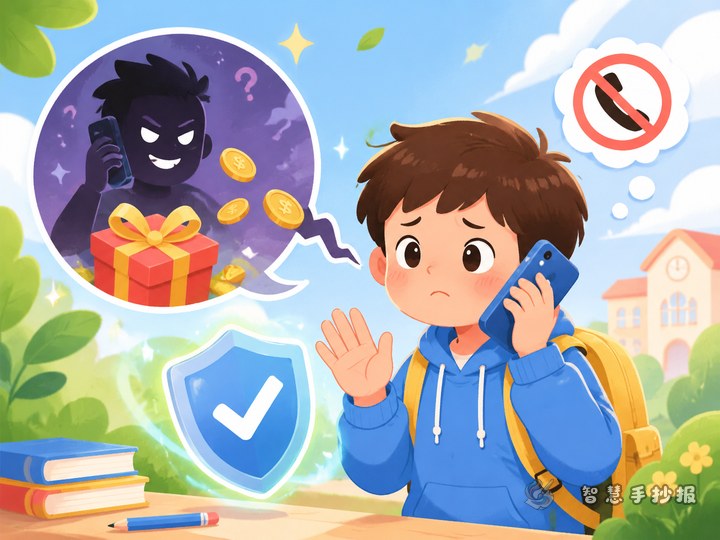
- Ask parents or teachers for help
A layout idea that looks neat and practical
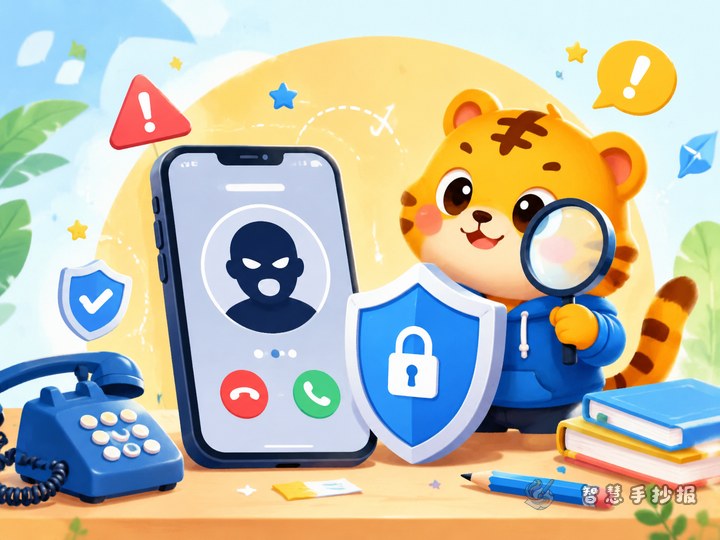
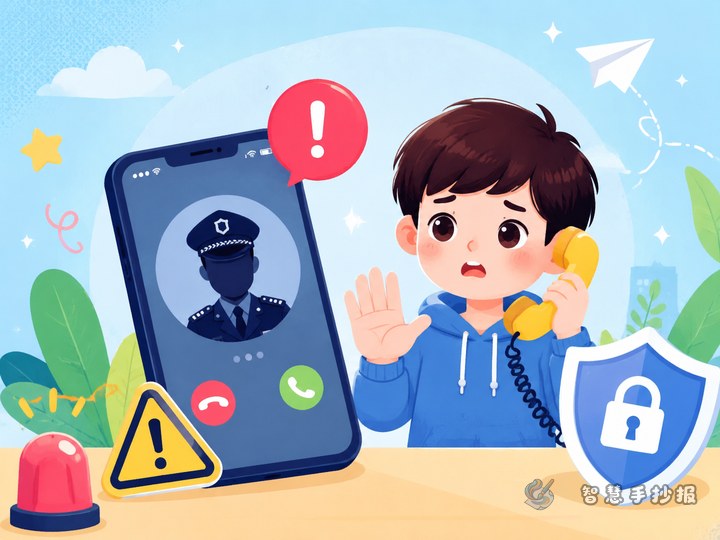
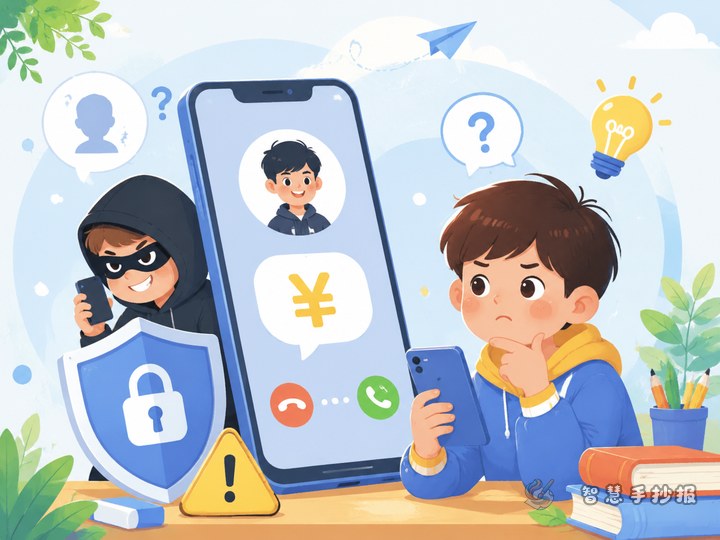
Try a center title with side sections layout. Put the big title in the middle, with a phone and QR code drawing beside it. Add warning signs or a red cross to show danger clearly. On the left, write common scam scenes. On the right, place safety tips. At the bottom, add “What should I do?”
Blue, orange, and red work well together for this topic. Important words like “unknown,” “verification code,” and “check first” can be highlighted with bold frames or decorative lines.
What to do if a QR code looks suspicious
- Stop and do not scan in a hurry
- Check where the code came from
- If you already opened it, do not fill in personal details
- Leave the page if it asks for payment, codes, or downloads
- Tell a parent or teacher as soon as possible
This section can also be shown like a simple step list, which makes the handwritten newspaper more practical and easy to read.
Small details that make the page better
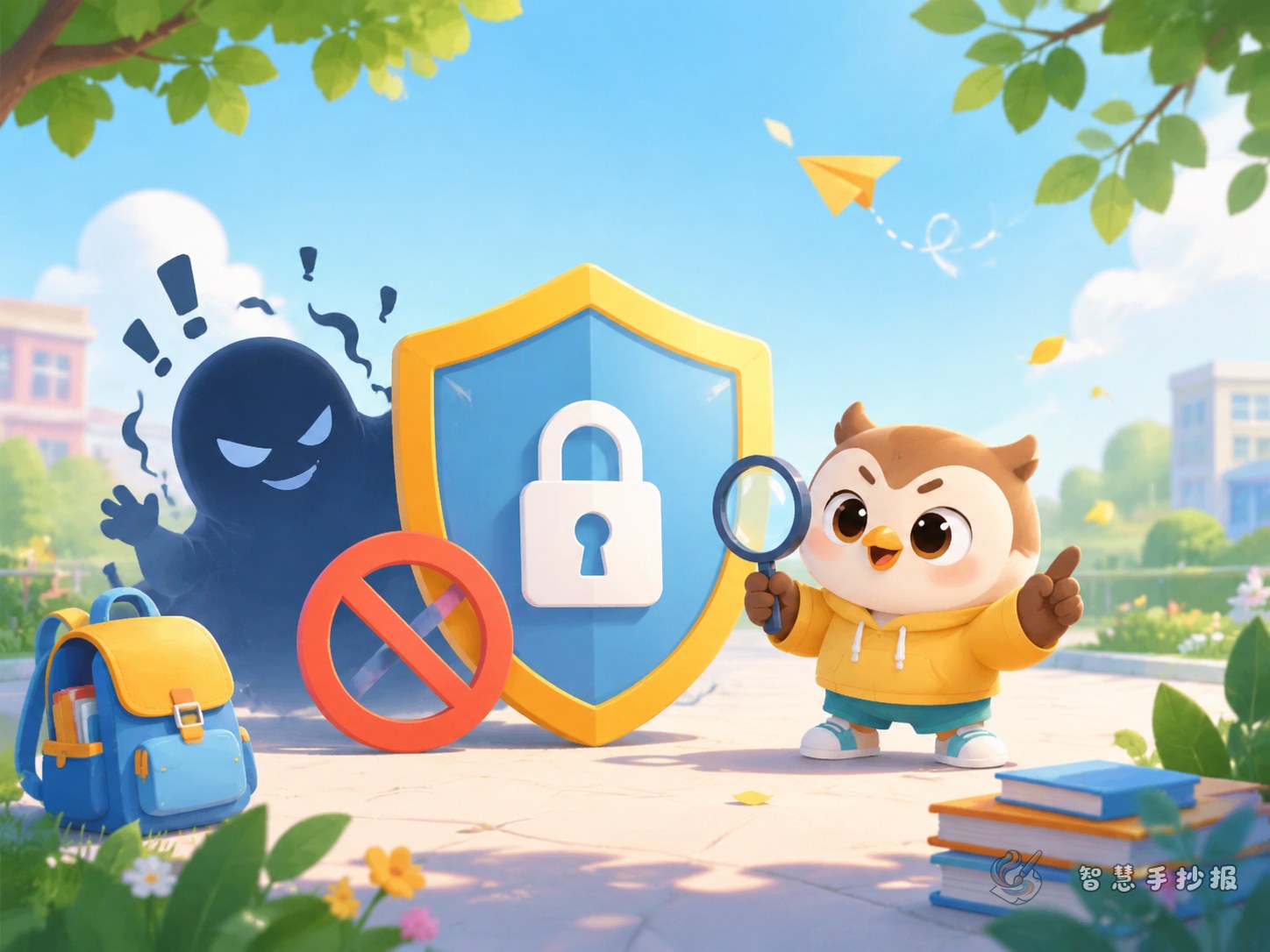
You can decorate the page with simple drawings such as shields, locks, magnifiers, phones, and warning borders. If you want to keep improving the title style, color matching, and overall layout, you can continue making your work in the Zhihui Shouchaobao WeChat mini program.