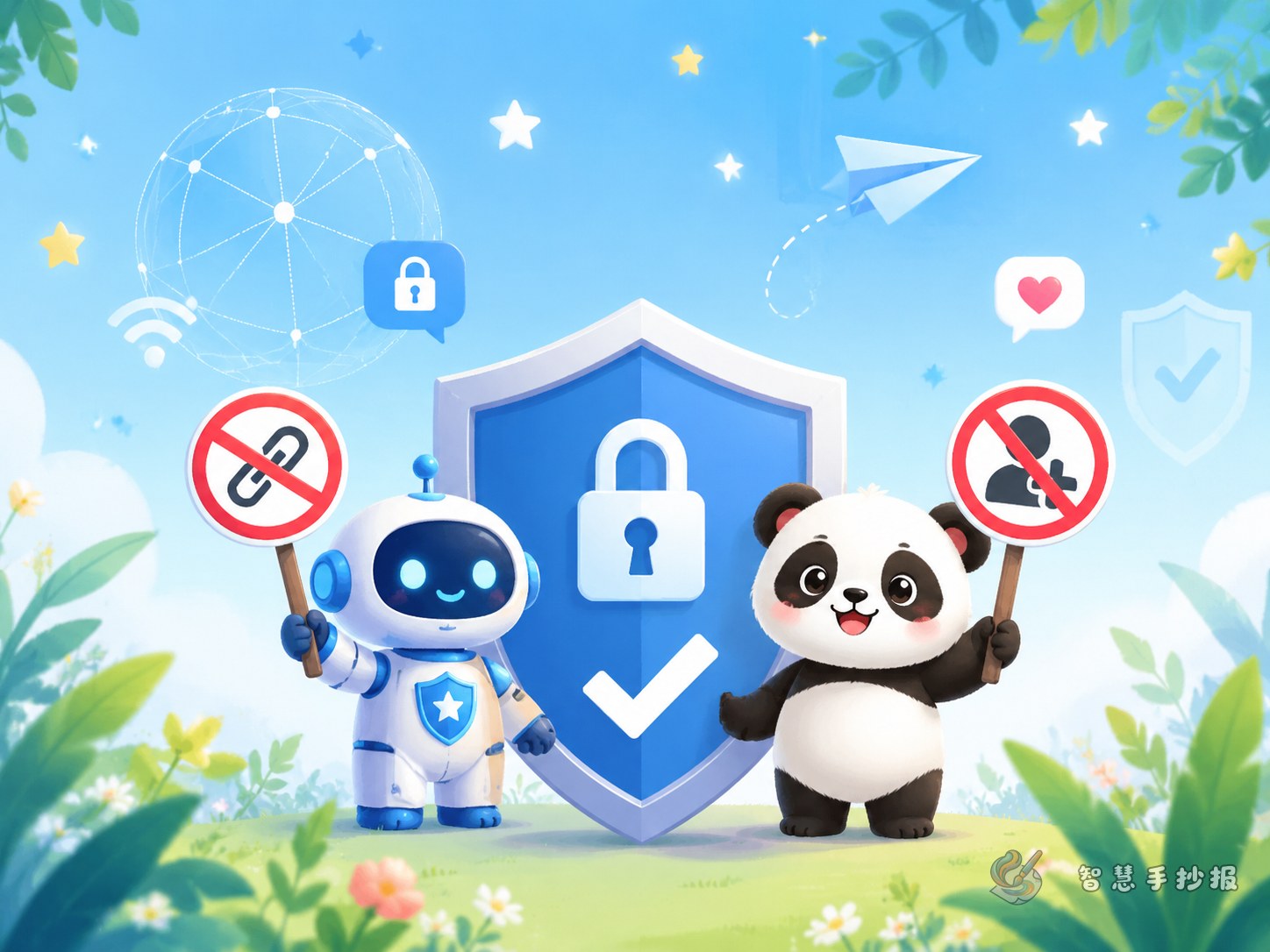
Focus the theme first: don’t click unknown links or add strangers casually
This handwritten newspaper topic works best as a clear safety reminder. Instead of filling the page with general advice, help students remember a few key online rules at a glance. A title centered on unknown links, strangers online, and personal privacy makes the poster practical and easy to understand.
You may open with a short introduction like this: The internet is useful and interesting, but it also has risks. Children should learn to recognize suspicious messages, avoid unsafe links, protect personal information, and communicate politely online.
Good content sections for the page
Section 1: Which links should never be clicked
- Do not click prize or lottery links from unknown sources
- Do not open strange files or installation packages sent by others
- Be careful with pages offering free game gifts or skins
- Do not type passwords into suspicious pop-up windows
Section 2: Which online friends should not be added
- Do not add people whose identity is unclear
- Refuse anyone asking for photos, address, or phone number
- Verify people who pretend to be classmates, teachers, or customer service
- Tell parents or teachers if someone threatens or tricks you online
Section 3: Personal information protection checklist
- Do not post your real name, home address, or school details publicly
- Never share ID numbers, bank information, or verification codes
- Even profile photos should avoid exposing too much privacy
- Use your own password and do not share it with others
Short text materials students can copy
Safety slogan: Don’t click unknown links, don’t trust strangers online, don’t share private information, and remember to speak politely.
One-line message: Be a good digital citizen by protecting yourself and respecting others.
Online civility line: No rumors, no insults, no spamming; stay kind, careful, and responsible.
Risk reminder: If a message asks for passwords, money, or urgent action, stop first, ask an adult, and check carefully.
Keep the layout clean and easy to read
A two-column layout or a centered title with four small content boxes works well. Place the main title at the top, then arrange “unsafe links” on one side and “strangers online” on the other. The bottom area can show a privacy checklist and short slogans.
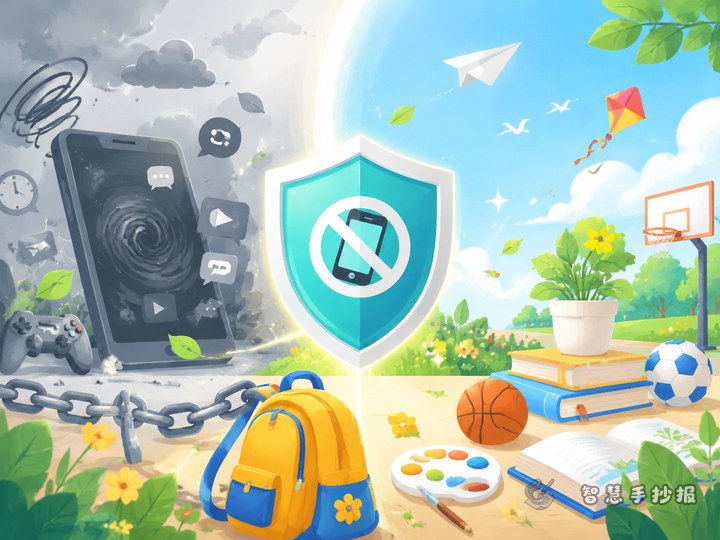
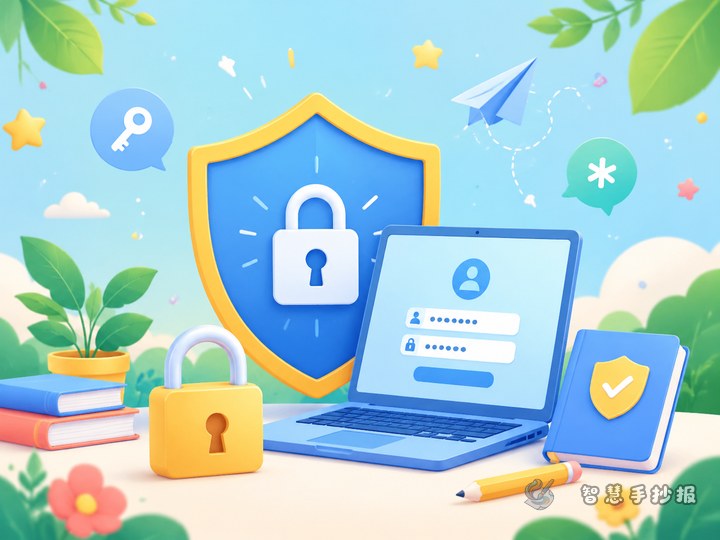
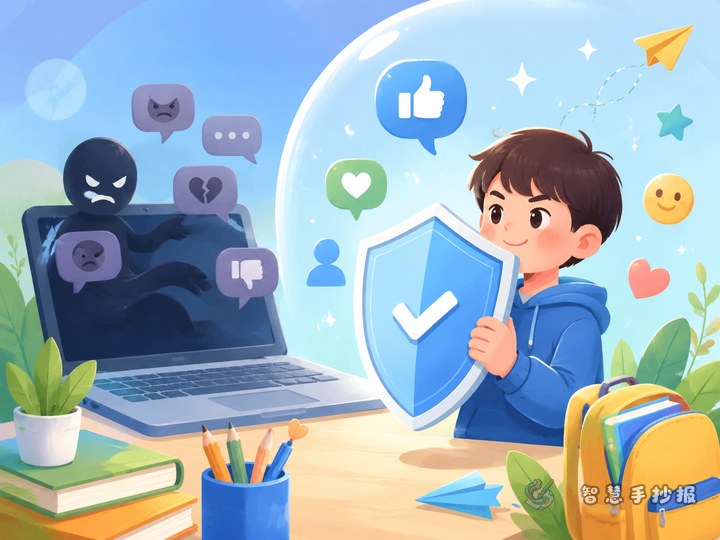
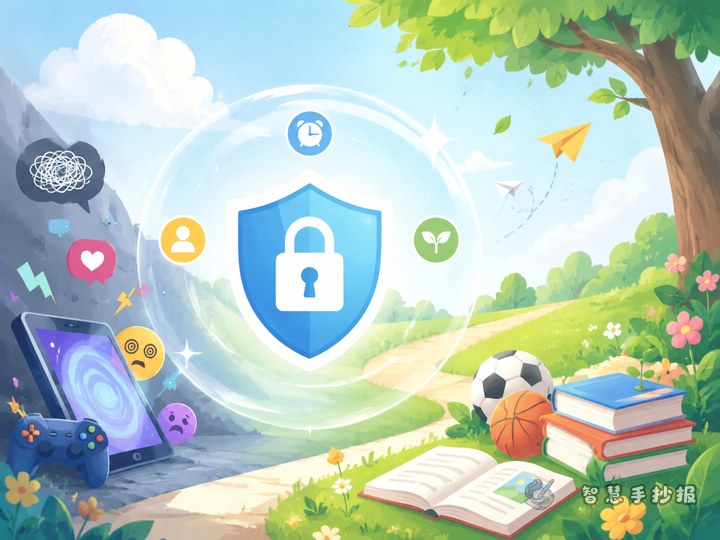
Simple decorations such as a shield, lock, computer screen, speech bubbles, mouse arrow, or warning symbol fit the topic well. Avoid overcrowding the page. Each section should stay short and neat so the key points stand out.
Practical tips for students
- Write the title first and divide the page into clear boxes before adding text
- Highlight key words like unknown links, privacy, and verification code
- Use short lines and checklist-style wording
- Check spelling and make sure the safety advice is easy to read
If you want to keep improving the layout, titles, or section ideas, you can continue making your poster in the Zhihui Shouchao Bao WeChat mini program.