Build the page around two key ideas
A strong handwritten newspaper on this topic should not talk only about internet dangers. It should also include online civility. A simple and effective way is to divide the page into two lines of thought: how to behave politely online and how to stay safe online.
The civility side can include respectful speech, not spreading rumors, and not hurting others with words. The safety side can include protecting personal information, avoiding suspicious links, and telling parents or teachers when something seems wrong.
Section titles students can use directly
- My Online Civility Rules
- Four Things I Should Not Do Online
- What to Do When I Meet Online Danger
- My Healthy Internet Plan
- Be a Responsible Young Internet User
For a bigger page, use one main title and four small sections. For a smaller page, keep two main sections and add a few short slogans.
Ready-to-use writing materials
Short lines about online civility
- Be polite online and speak with respect.
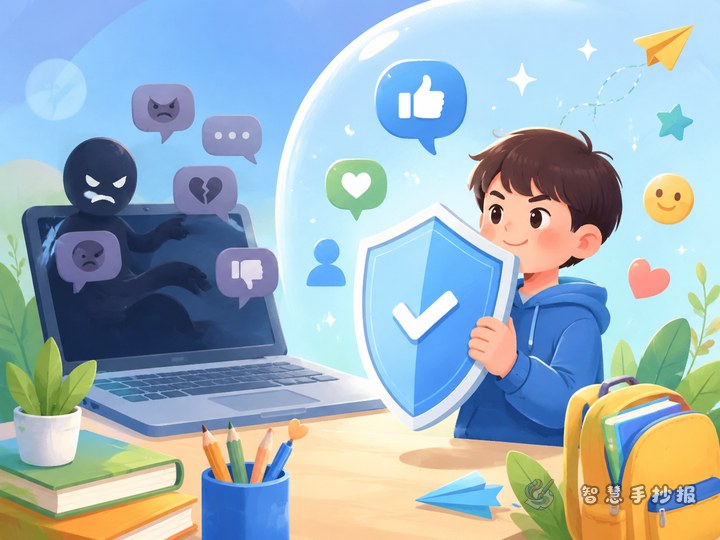
- Do not spread rumors, and do not hurt others with words.
- Respect others and protect yourself.
- Honest communication makes the internet better.
Short lines about online safety
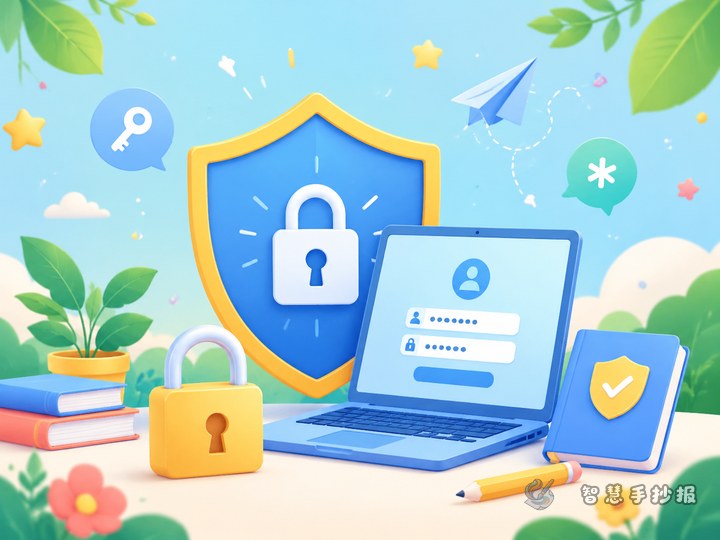
- Do not share personal information casually.
- Do not click unknown links or trust strange messages.
- Keep passwords private and ask adults for help when needed.
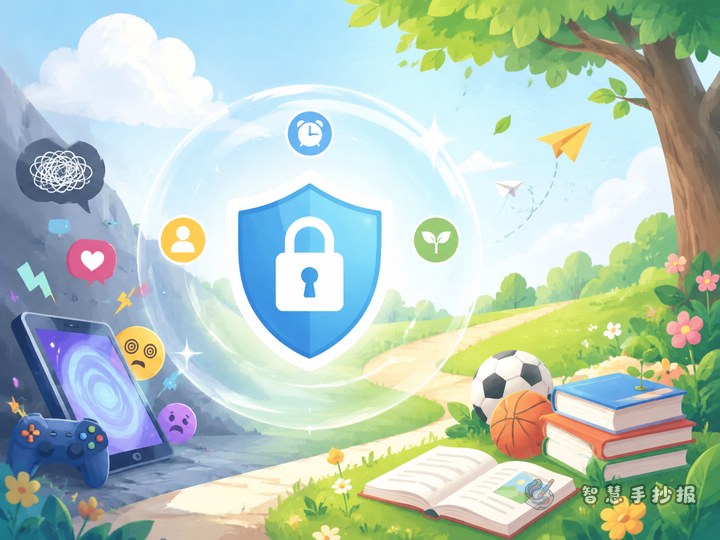
- Use the internet with balance for study and fun.
A short paragraph for the main body
The internet helps us learn, communicate, and explore new ideas. But when minors go online, they should be polite, careful, and responsible. By protecting personal information, staying away from harmful content, and asking trusted adults for help, young users can enjoy a safer and healthier online environment.
Keep the layout simple and easy to understand
A useful layout is a large title in the center with four content boxes around it. These boxes can cover polite speech, privacy protection, online risks, and healthy internet habits. Small decorations can include speech bubbles, a keyboard, a shield, a globe, or a computer screen.
- Use a large and eye-catching title.
- Highlight key words such as privacy, scam, respect, and help.
- Keep each section short, around three to five lines.
- Leave some blank space so the page looks clean.
Make the poster sound like a real student made it
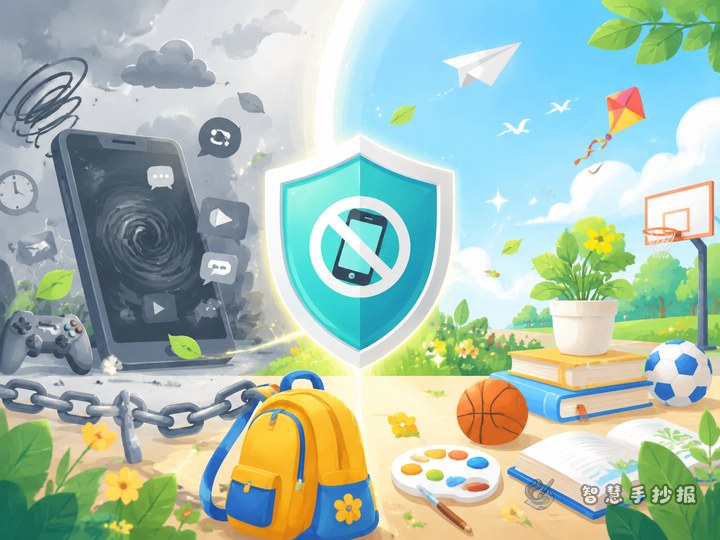
To make the handwritten newspaper feel personal, include a section like What I Will Do. Students can write promises such as not chatting privately with strangers, not joining online bullying, checking with parents before downloading apps, and limiting screen time each day.
This personal touch makes the work more natural and meaningful in a school setting.
End with a clear message
A short closing line can make the whole page feel complete, such as: Be civil online and grow up safely. After organizing the content, students can continue improving the layout, title style, and color matching in the Zhihui Shouchaobao WeChat mini program.