Start with a clear message
This topic works best when students understand that cyberbullying is not just a small online argument. It means using the internet to repeatedly hurt, mock, threaten, or isolate someone. A short opening definition near the title helps readers understand the purpose of the handwritten newspaper right away.
You can build the whole page around four key ideas: recognizing harm, responding correctly, asking for help, and spreading kindness online.
Helpful sections to include on the page
Section 1: What counts as cyberbullying
- Mocking or insulting someone in a chat group
- Giving a classmate a hurtful nickname online
- Posting someone’s photo or messages without permission
- Spreading rumors to embarrass another person
- Purposely excluding someone from online groups
- Sending repeated threatening or cruel messages
Section 2: What to do when it happens
- Stay calm and do not continue the fight
- Save screenshots and message records
- Block and report the harmful account
- Tell a parent, teacher, or trusted adult quickly
- Ask for more help if the problem becomes serious
Section 3: How to be a kind internet user
- Do not join in when others are being mocked
- Do not share private information or embarrassing images
- Speak up or report harmful behavior
- Think before posting and respect others
Short lines students can copy
Line 1: Kind words make the internet warmer.
Line 2: Do not become a bully, and do not be a silent supporter.
Line 3: One thoughtful message is better than many hurtful words.
Line 4: If cyberbullying happens, ask for help early.
Line 5: Respectful posting is real online manners.
If there is extra space, students can add a short pledge saying they will not insult, spread rumors, or watch others get hurt for fun.
Try a centered layout instead of equal boxes
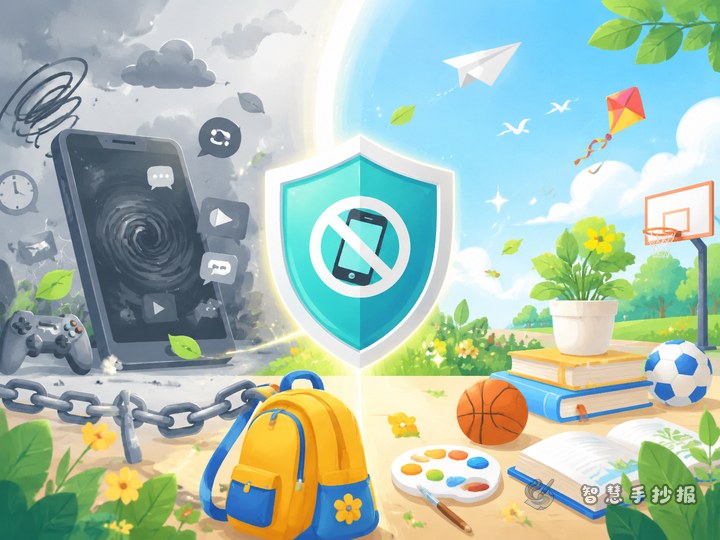
A strong design idea is to place the main title in the center and arrange smaller sections around it. The middle can say “Say No to Cyberbullying” or “Safe and Respectful Online,” while the surrounding areas explain warning signs, action steps, support options, and kind online habits.
Blue and green can show calmness and safety, while a little orange can highlight important reminders. Decorations may include shields, speech bubbles, small computer screens, or smiling faces, but leave enough blank space so the writing stays easy to read.
Make it feel like a real student project
Keep the writing short and direct. Each point should be easy to read in one glance. Highlight practical words such as “save evidence,” “block,” “report,” and “tell an adult.” This helps the handwritten newspaper look organized rather than like a long essay.
Teachers can also add a small reflection box, such as “What would I do if I saw a classmate being bullied online?” This makes the page more interactive and meaningful.
How to polish the final version
After finishing the draft, check whether the page clearly teaches students how to recognize, respond to, and prevent cyberbullying. If you want neater titles, cleaner spacing, and better decorative balance, you can continue editing in the Zhihui Handwritten Newspaper WeChat mini program and make the final page more ready for class display.