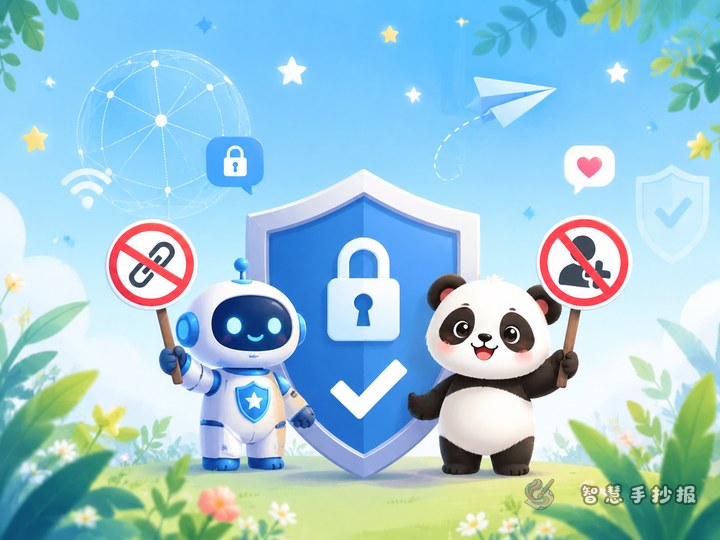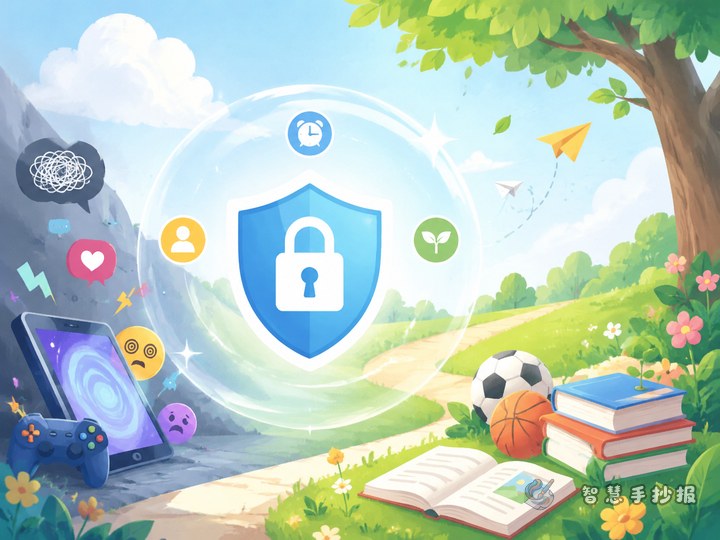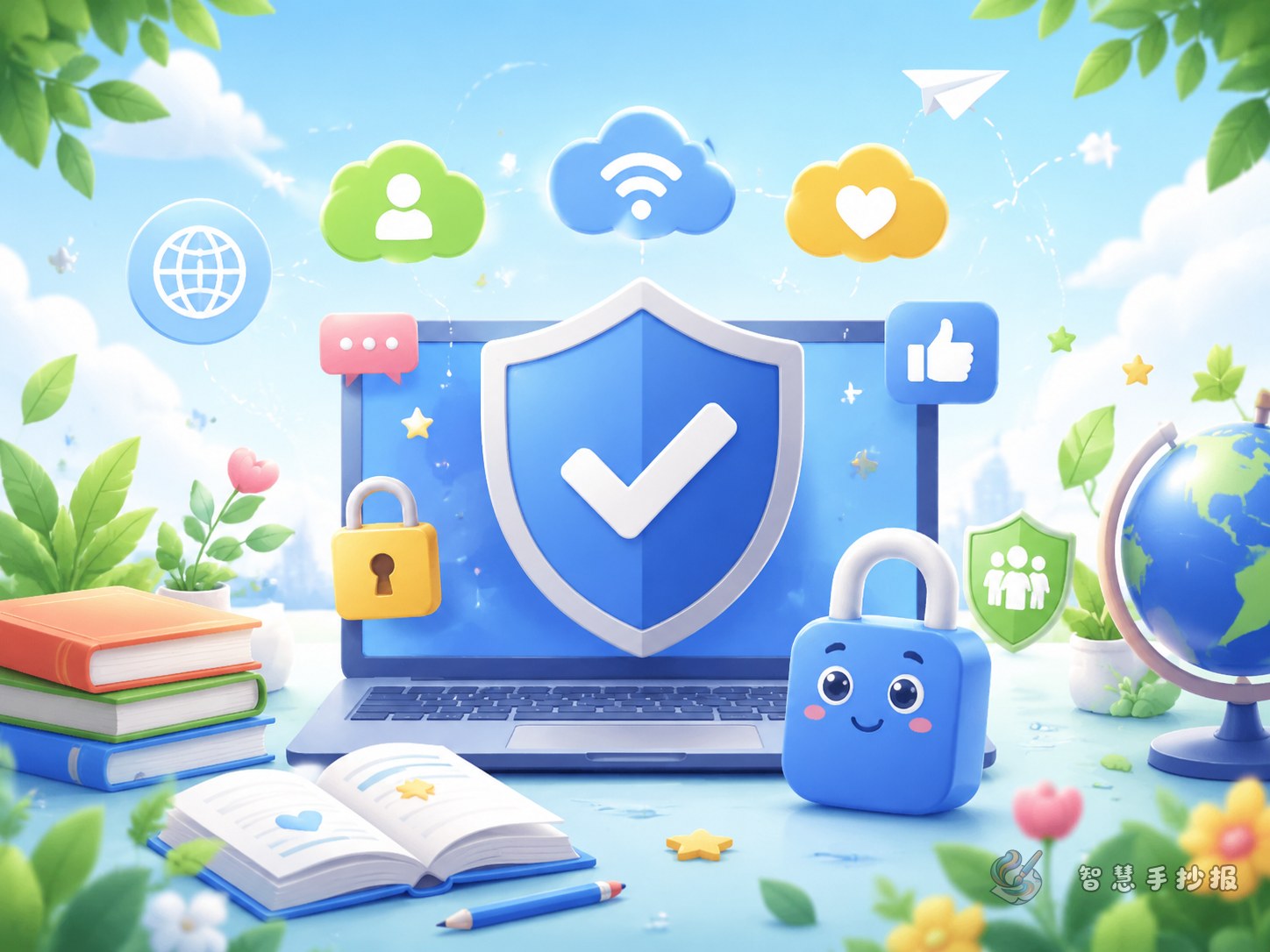
Build the page around a child-friendly theme
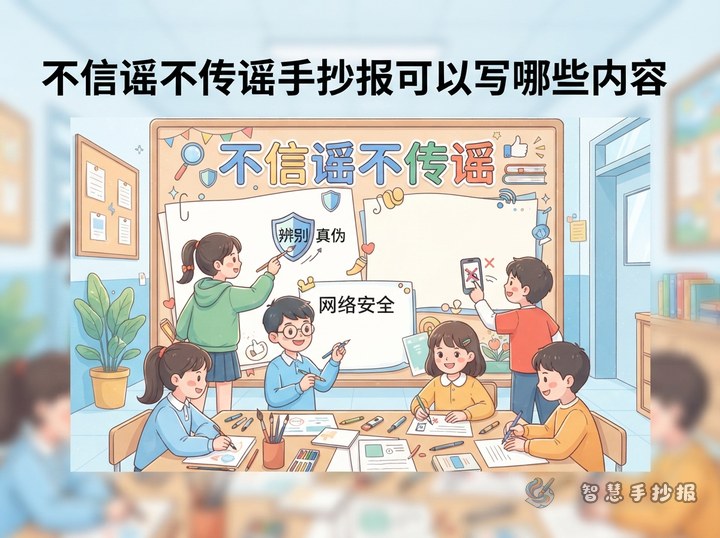
Instead of filling the poster with broad slogans, shape it around a practical idea such as Be a Smart and Safe Internet Explorer. This makes the handwritten newspaper more useful for primary school students because it connects with real situations like gaming, short videos, chat groups, online classes, and friend requests.
A main title like “How Can Children Stay Safe and Civil Online?” works well. A short subtitle such as “Think First, Speak Kindly, Protect Yourself” can make the page feel focused and easy to organize.
Four sections that work well on the page
Section 1: Rules for polite online behavior
- Use respectful language when commenting or chatting.
- Do not spread rumors or repost unverified messages.
- Do not join online bullying or make fun of others.
- Respect other people’s work and do not copy freely.
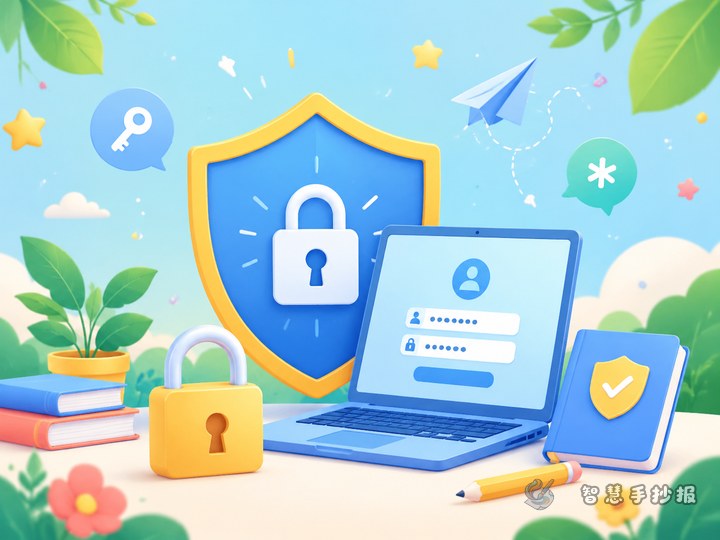
Section 2: Personal information safety
- Do not share your home address, school, class, or phone number casually.
- Keep passwords private and make them hard to guess.
- Do not click unknown links or scan random codes.
- Ask a parent before anything related to money or verification codes.
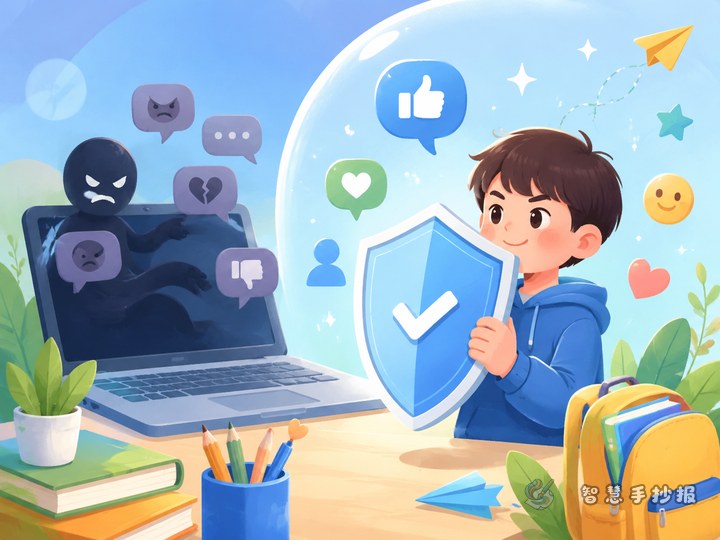
Section 3: What to do when something feels wrong
- Leave harmful content and tell a parent or teacher right away.
- Do not trust strangers who try to get close online.
- Save screenshots if someone threatens, bullies, or tricks you.
- Use block, report, and mute tools to protect yourself.
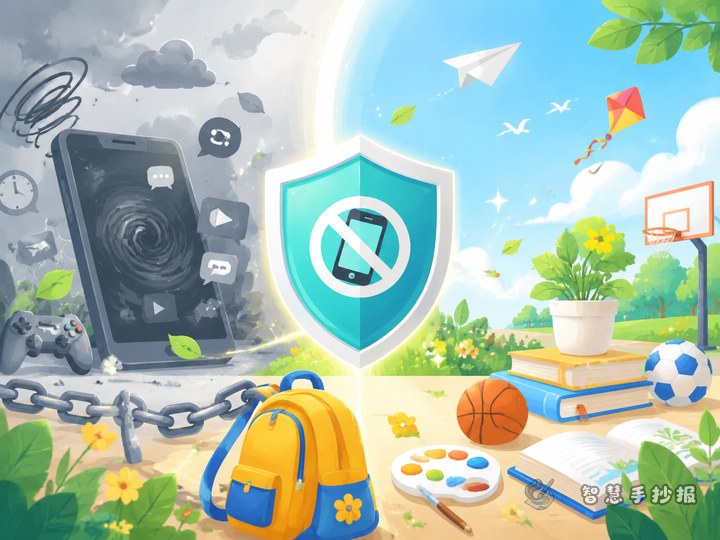
Section 4: Healthy screen-time habits
- Finish important tasks before entertainment time.
- Rest your eyes after using screens for a while.
- Reduce screen time before bed and keep a healthy routine.
- Make time for sports, reading, and real-life activities.
Try a traffic-light layout
A traffic-light design makes the poster memorable and easy to read. Put safe behaviors in the green area, situations that need caution in the yellow area, and dangerous actions in the red area. For example, green can include polite comments and password protection, yellow can include unknown friend requests and pop-up prizes, and red can include sharing addresses or meeting online strangers alone.
You can place the title in the center and decorate the corners with simple drawings such as a shield, lock, computer, speech bubble, or globe.
Short lines students can copy directly
- Good online manners start with kind words.
- The internet is useful, but safety rules come first.
- Do not trust easily, do not reveal private details, and do not send money.
- Asking for help is a smart way to stay safe.
- Use the internet wisely and keep life balanced.
If there is extra space, add mini reminders like “Pause before you click” or “Private information should stay protected.”
How to make the final poster look better
Use blue, green, and a little orange for a clean and student-friendly look. Make the title bold, keep each section neat, and highlight key words with bold text or colored pens. Leave enough blank space so the page does not feel crowded.
If you want to continue with layout ideas and finish the design faster, you can also use the Zhihui Shouchaobao WeChat mini program to turn your notes into a more complete handwritten newspaper.