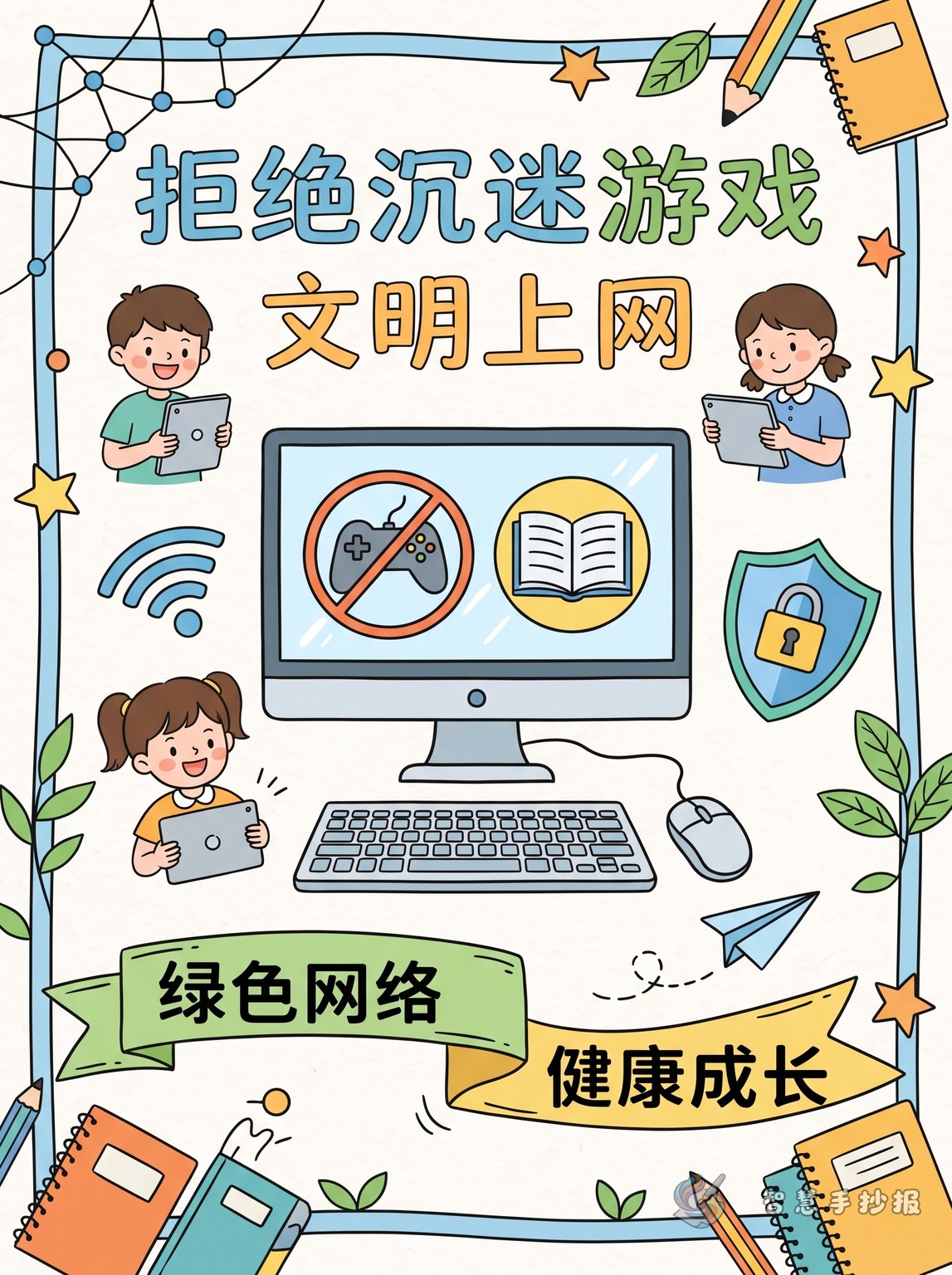
Start with a focused theme
This handwritten newspaper can center on say no to game addiction and practice civilized internet use. It works well for school activities about online safety and healthy internet habits. Keep the headline short and clear, and use a subtitle such as “Use the internet wisely, protect your eyes, grow up healthy.” The page does not need too many facts. The key is to help readers quickly understand why excessive gaming is harmful and how to build self-discipline online.
Four sections are enough for a full layout
Section 1: How game addiction affects us
- It lowers study efficiency and causes distraction
- It disrupts sleep schedules and daily routines
- Too much screen time can tire the eyes
- It reduces exercise and face-to-face communication
Section 2: What civilized internet use looks like
- Control screen time and finish schoolwork first
- Avoid harmful content and do not click unknown links
- Play games in moderation and do not compare spending
- Speak politely online and do not bully others
Section 3: Simple online safety reminders
- Do not share your name, address, school, or phone number
- Do not trust strangers online or meet them alone
- Keep passwords private and manage accounts carefully
- Tell parents or teachers if you see scams, harassment, or violent content
Section 4: My healthy internet promise
You can write a short pledge such as: I will use the internet with a plan every day, enjoy games in moderation, leave harmful content right away, and be a polite and responsible young netizen.
Short lines you can copy onto the page
Slogan: Safe internet use helps children grow.
Slogan: The internet has rules, and games need limits.
Slogan: No addiction, no oversharing, no blind trust.
Slogan: Give more time to reading, sports, and family.
Short paragraph: The internet helps us learn new knowledge and see a wider world. It is useful and convenient, but spending too much time on online games can affect study, sleep, health, and real-life communication. We should manage our time well, stay safe online, and speak politely on the internet so that technology becomes a helpful part of growing up.
A layout that looks neat and lively
A good design is a center title with left and right sections. Put the main title in the middle, then place “harms” and “safety tips” on one side and “good internet habits” and “my promise” on the other. Small drawings like a computer, globe, shield, clock, book, or eyes can make the theme more visual. Blue, green, and orange are good color choices for a bright school-style page.
Easy ways to make the page better
- Make the main title large and easy to read from a distance.
- Keep each section to a few clear points instead of long blocks of text.
- Highlight key phrases like moderate gaming, privacy protection, polite speech, and time management.
- Add one short personal reflection at the end to make the work feel complete and original.
If you want to keep improving the title, wording, or layout, you can continue creating in the Smart Handwritten Newspaper WeChat mini program.