Build a Neat Layout with Straight Lines
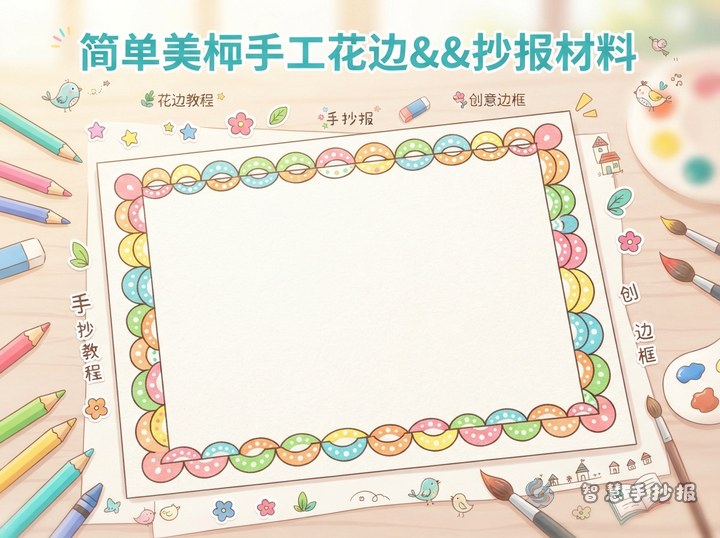
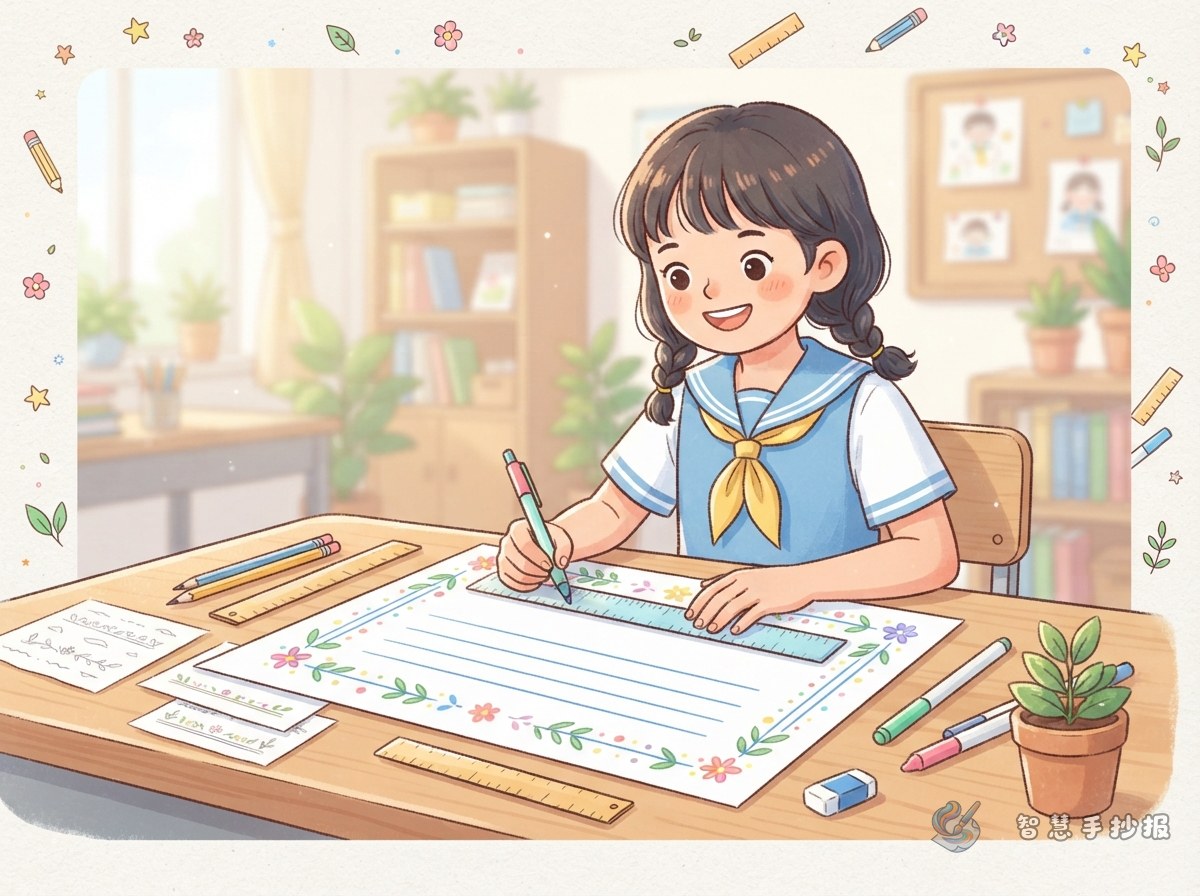
A divided-line border needs no complicated drawing. Start with a pencil, ruler, eraser, and colored pens. Leave a margin about one finger wide around the paper, then lightly draw the outer frame. Reserve roughly the top quarter for the title and divide the remaining space into two or three columns with even gaps.
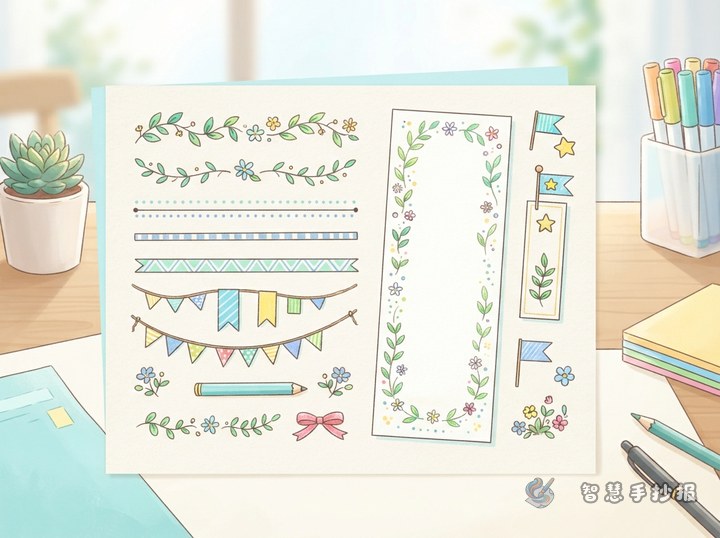
To make a single line more interesting, add a parallel line inside it to create a double border. Instead of coloring the entire frame, place short strokes, dots, or small color blocks at intervals. These details add rhythm without distracting from the writing.
Try Three Easy Border Variations
Short Strokes and Dots
Draw small groups of straight strokes and add colored dots between them. This light border works well for reading, good manners, and school-life posters because it leaves plenty of attention for the text.
Alternating Color Squares
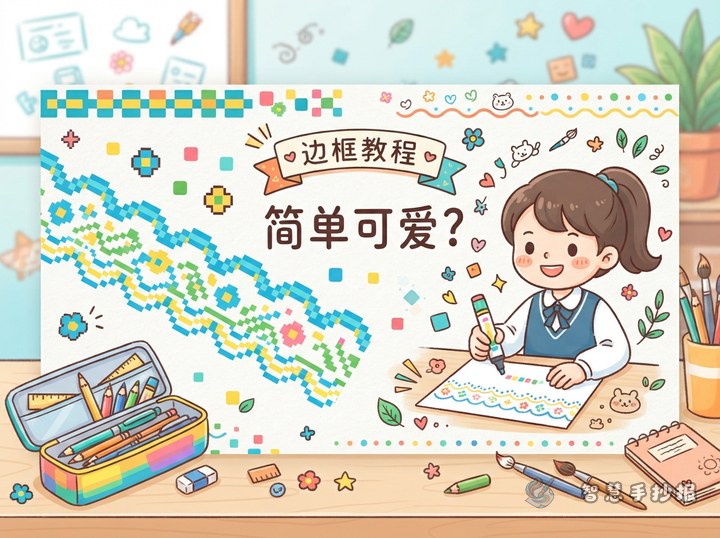
Divide the space between two lines into small squares, then color every other square. Warm colors suit holiday topics, while blue and green work well for science or environmental themes. Partially colored squares keep the page fresh and uncluttered.
Right-Angle Dividers
Add simple right-angle lines beside section headings so the frame connects like building blocks. This style fits math, technology, and hands-on learning topics while clearly separating different sections.
Match the Sections to the Topic
A versatile border should support the poster content. Useful sections include Quick Facts, What I Can Do, and Helpful Reminders. Write one short paragraph or three to five points in each section instead of filling the page with long blocks of text.
- Reading: Add a book recommendation, a lesson learned, and a daily reading plan.
- Environment: Explain ways to save water and electricity, then list practical green actions.
- Safety: Organize reminders for travel, electricity use, or activities at school.
- Holidays: Include customs, greetings, and a short reflection on a celebration.
Sentence starters such as “I learned that...,” “I will begin by...,” and “Please remember to...” make the content easier to write and keep it focused on the main theme.
Use Color Carefully and Preserve White Space
- Sketch the frame and section lines in pencil before outlining them.
- Choose one main color and one supporting color, with an optional accent for the title.
- Keep the border lighter, the title darker, and the body text consistently readable.
- Decorate only the outer edge, headings, or empty corners so the border never overlaps the writing.
- Erase extra pencil marks and check whether the spacing feels balanced.
To choose a title area, column layout, and color combination more quickly, scan the code to open the Smart Handwritten Poster WeChat Mini Program and continue creating your poster.