Show Where Paper Can Be Replaced
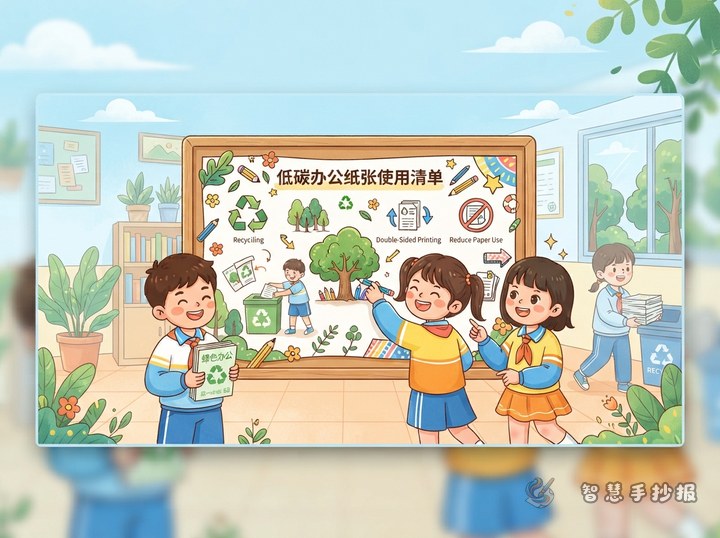
Build the poster around one clear idea: use a digital option when paper is unnecessary. A simple workflow can show how a notice is received, a document is edited, information is shared, and files are stored. Add a paper-saving choice beside each step so the topic feels practical rather than abstract.
Create Three Useful Content Zones
Share Information Digitally
- Read routine notices online instead of printing a copy for everyone.
- Share electronic documents when a printed version is not required.
- Proofread names, page numbers, and formatting on screen before printing.
Keep Records Organized
- Use a digital memo for temporary reminders.
- Name and sort files by subject and date so they do not need to be printed again.
- Record one clear summary during a group discussion instead of making duplicate copies.
Use Necessary Paper Wisely
- Check the final document carefully before pressing print.
- Choose double-sided printing or a compact page layout when appropriate.
- Save the blank side of used sheets for notes, drafts, and calculations.
Short Passages for the Poster
A paper-light office does not mean that paper is never allowed. It means that every sheet should have a real purpose. Notices can be read online, documents can be shared electronically, and corrections can be made on screen. Avoiding one unnecessary print job is a small but meaningful low-carbon action.
Paper saving also depends on good organization. Give electronic files clear names, place them in the correct folders, and keep important materials according to the rules. When printing is necessary, check the layout and use both sides whenever possible.
Turn the Page into a Digital Workflow
Place a computer or tablet in the center, then connect it with arrows to four areas: online notices, digital editing, shared reading, and organized storage. Put paper-saving tips on one side and rules for necessary printing on the other. Green, blue, and a small amount of yellow work well with simple leaf, folder, cloud, and double-sided paper symbols.
Review Before Finishing
- Make sure the title clearly presents the paper-light office theme.
- Give each suggested action a short reason.
- Keep paragraphs readable and illustrations away from important text.
- Use action-based messages instead of vague slogans.
After choosing the sections, open the Smart Hand-copied Newspaper WeChat Mini Program to arrange the text, select a layout, and continue making the poster.