Start with a Paper-Use Checklist
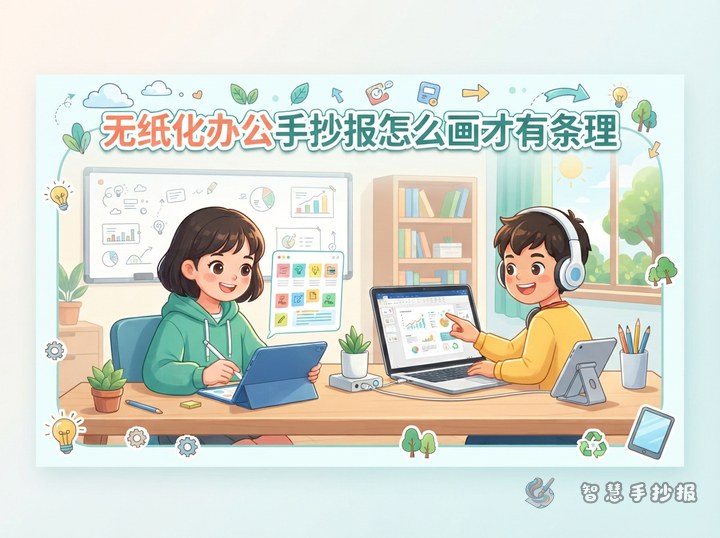
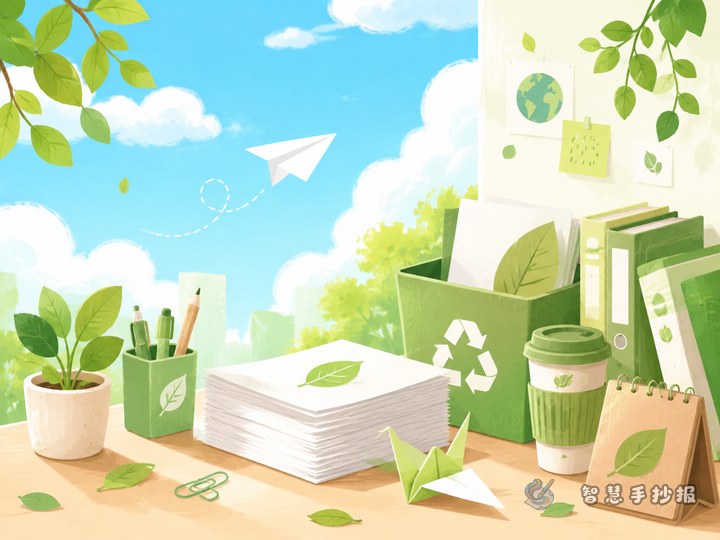
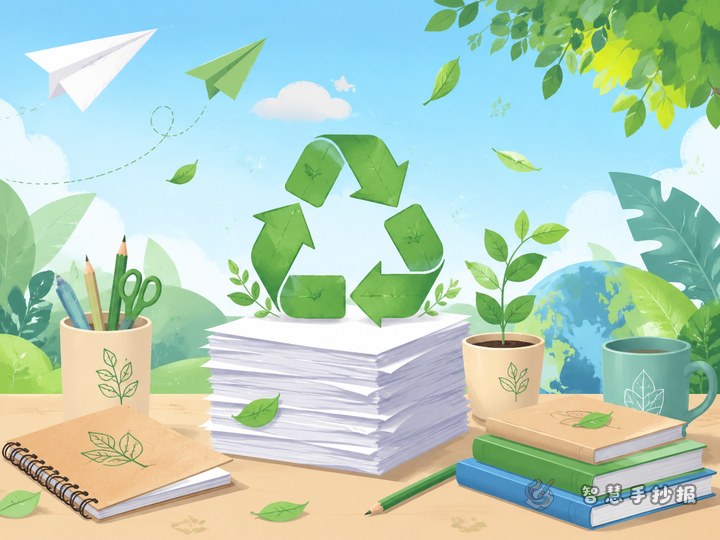
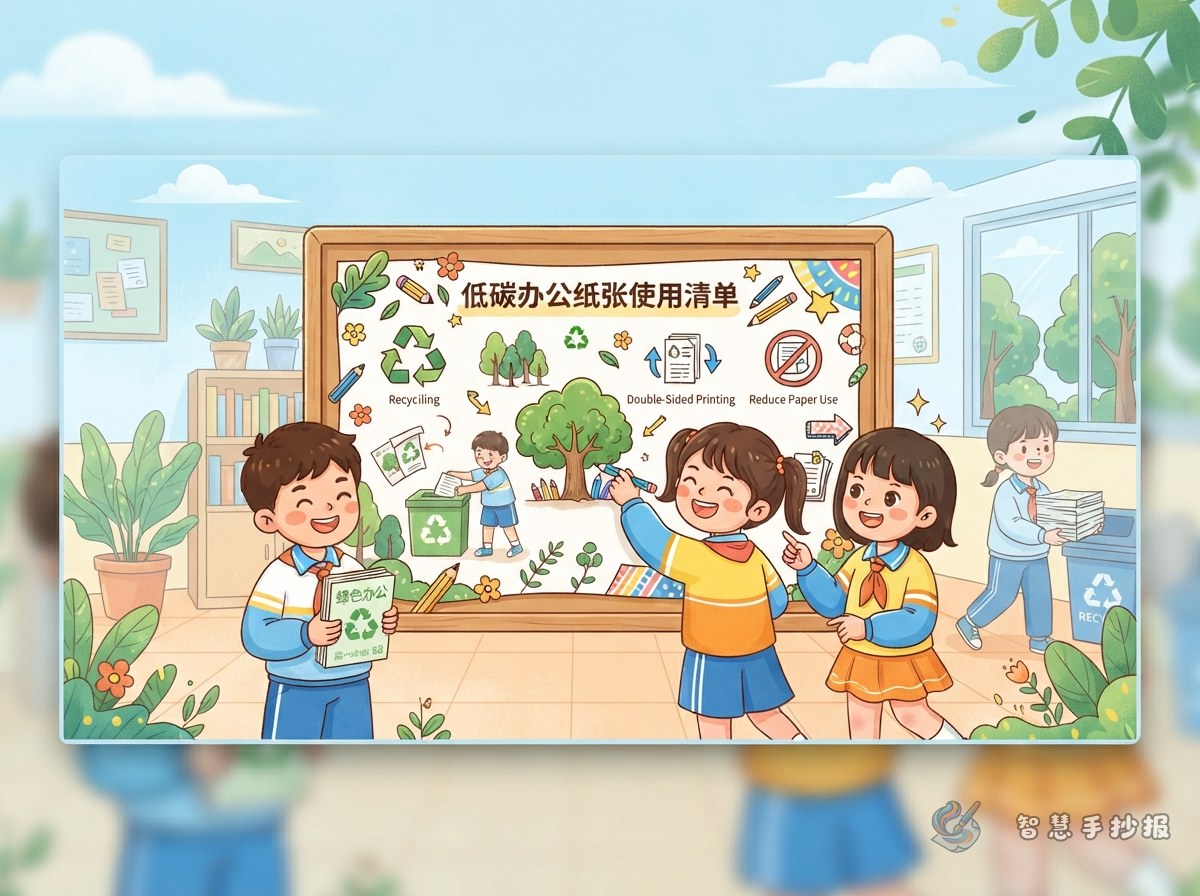
This handwritten newspaper can turn low-carbon office habits into an easy-to-read observation checklist instead of a page filled with slogans. Use “Low-Carbon Office Paper-Use Checklist” as the central theme, focusing on using fewer sheets, checking every print job, and making each sheet more useful. Folders, printers, sticky notes, paper clips, and green leaves can make the office theme immediately clear.
Begin with a short introduction: every sheet used at work goes through production, transportation, use, and disposal. Planning paper use carefully can reduce waste while making work habits cleaner and more efficient.
Divide the Message into Four Checks
Arrange the main content like a small checklist so that the practical ideas are easy for children to understand and draw.
- Before using paper: Ask whether a paper copy is necessary. Materials that can be read on a digital device do not always need to be printed.
- When printing: Check the pages, number of copies, and layout. Choose double-sided printing whenever possible, and use a suitable layout for drafts.
- After reading: Clean single-sided sheets may become scratch paper, note paper, or practice paper, but papers containing personal information must be handled carefully.
- When sorting: Keep important documents in organized folders and place unusable paper in the proper recycling collection.
Place a round check box beside each section and add short phrases such as “Think first,” “Print one less copy,” “Use both sides,” and “Sort paper.” Short text will look clearer and more eye-catching.
Text Ideas Ready for the Page
Add a section called “My Low-Carbon Office Promise” near the bottom. It can include these concise suggestions: Check before printing, avoid repeat copies, use both sides when possible, print only what is needed, handle paper with personal information carefully, and sort paper for recycling.
You can also create a small “Today I Did It” box with four choices: “Printed one fewer copy,” “Used both sides,” “Sorted used paper,” and “Shared the document digitally.” This interactive feature suits a handwritten newspaper better than a long explanation and connects the topic with everyday study and office habits.
Show the Actions as a Guided Route
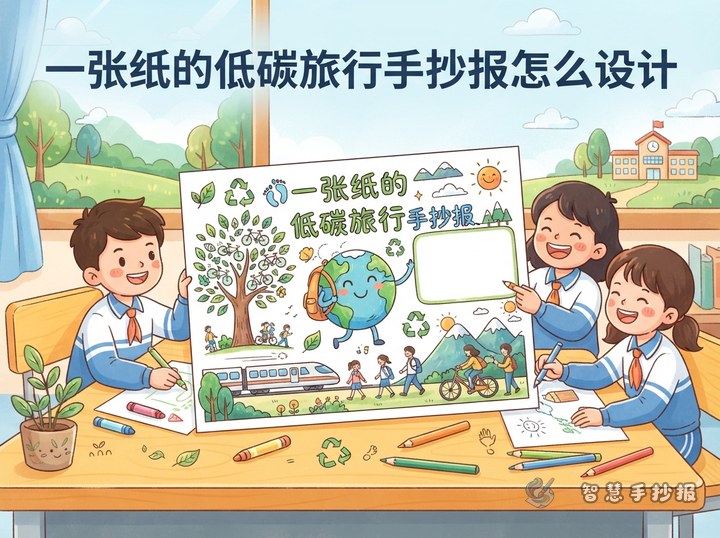
Use a left-to-right or top-to-bottom route layout. Put the title in the upper-left corner, draw a paper checklist with check marks in the center, and arrange the four sections around it: “Before Using,” “When Printing,” “After Reading,” and “When Sorting.” Thin lines, arrows, or small icons can connect the sections and show the complete paper-management process.
Try green, blue, and a small amount of yellow. Use dark green for the title, black or dark gray for the main text, and green outlines for key phrases. Do not fill every corner with decoration. A little open space will make the checklist easier to read and the page more orderly.
Small Details That Improve the Result
- Sketch the title, checklist, and four sections lightly in pencil before writing so that the content does not become crowded.
- Keep each paragraph to two or three lines, or replace long sentences with short phrases.
- Let each icon support the message: a printer can represent printing, while a folder can represent sorting.
- If you draft on reused paper, check that the back does not contain important information. Papers with names, phone numbers, or confidential content should not be reused casually.
When the plan is ready, open the Zhihui Shouchaobao WeChat mini program to continue arranging the title, sections, and layout for a finished low-carbon office handwritten newspaper.