Start with the idea: think before you print
This poster topic can focus on one simple habit: pausing before using paper. Instead of only saying that saving paper is important, students can show how a small decision before printing can reduce waste and support a greener office or classroom.
Possible main titles include Think Before You Print, One Less Page, One Greener Step, or Make Every Sheet Count. These titles are easy to understand and clearly connected to paper saving and low-carbon office habits.
Writing materials for the poster
A short paragraph
Paper is useful in study and work, but it should not be wasted. Before printing, we can check the document, use double-sided printing, and print only the pages we really need. Used paper can become draft paper, note paper, or practice paper. Saving paper begins with small actions, and these actions can help us build a low-carbon lifestyle.
Short slogans
- Preview first, print less.
- Use both sides and save more paper.
- Old paper can have a second life.
- One less printed page, one greener choice.
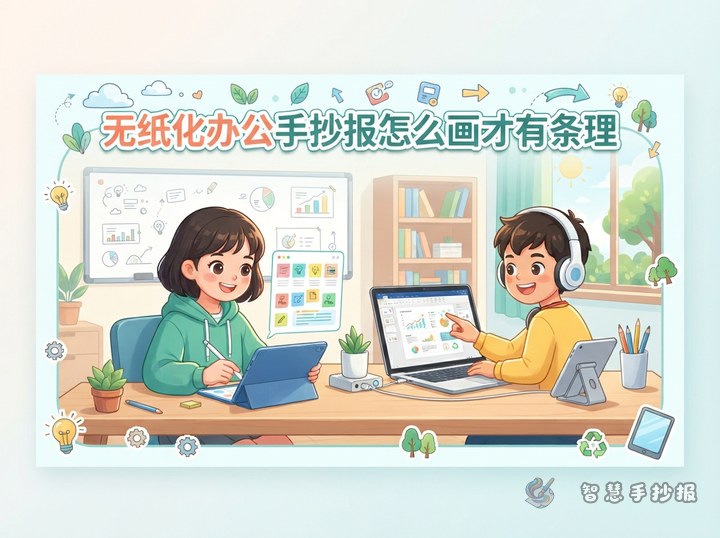
- Share files online when paper is not needed.
Turn the layout into an action checklist
The poster can be designed like a practical paper-saving checklist. This makes the content clear and useful for classmates.
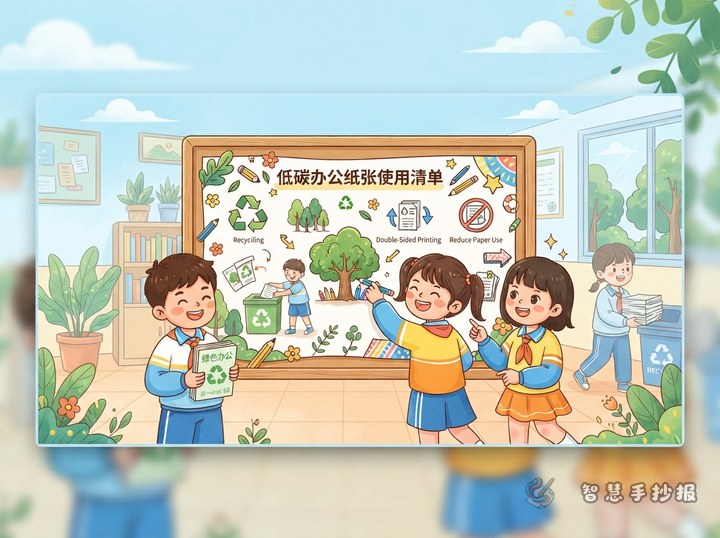
- Three questions before printing: Do I really need to print it? Have I checked the content? Can I print on both sides?
- A second life for paper: Use one-sided paper for drafts, notes, or handwriting practice.
- Low-carbon office corner: Share files digitally, turn off unused lights, and reduce disposable supplies.
- My promise: I will use paper carefully and avoid unnecessary waste.
Drawing and color ideas
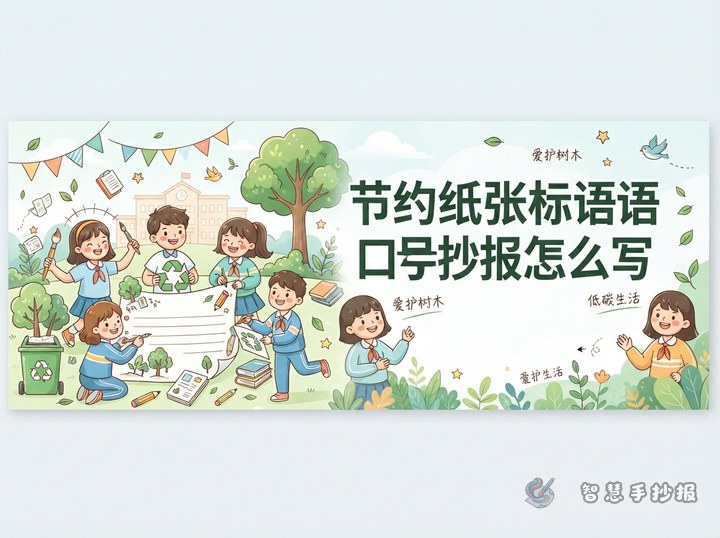
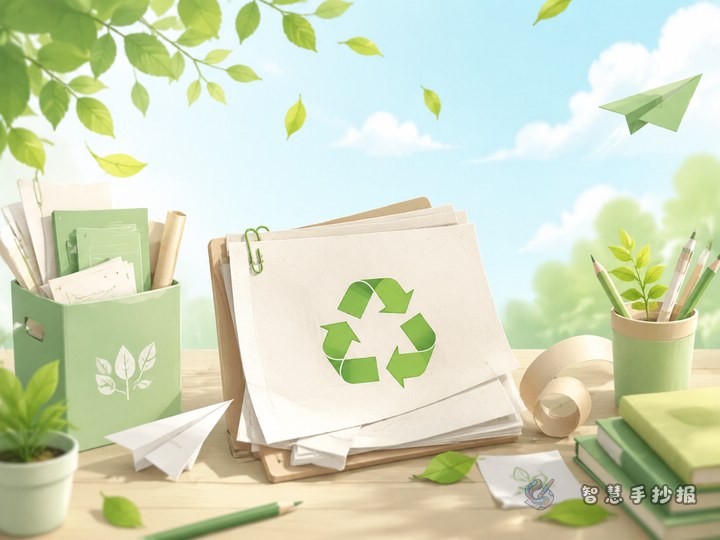
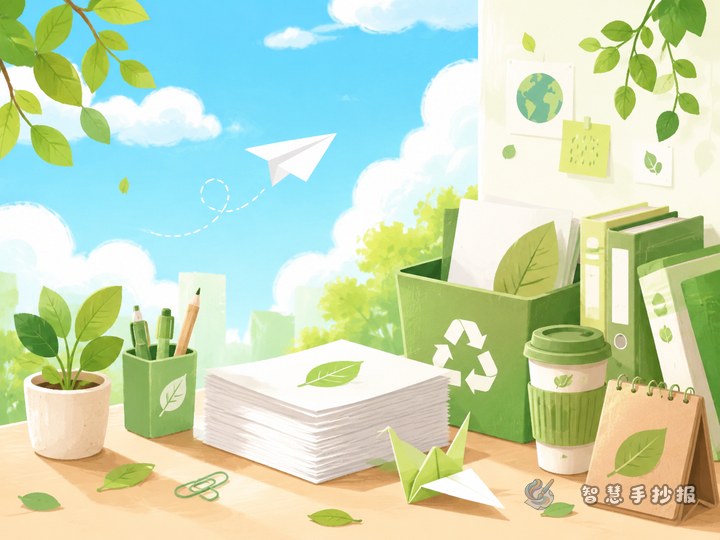
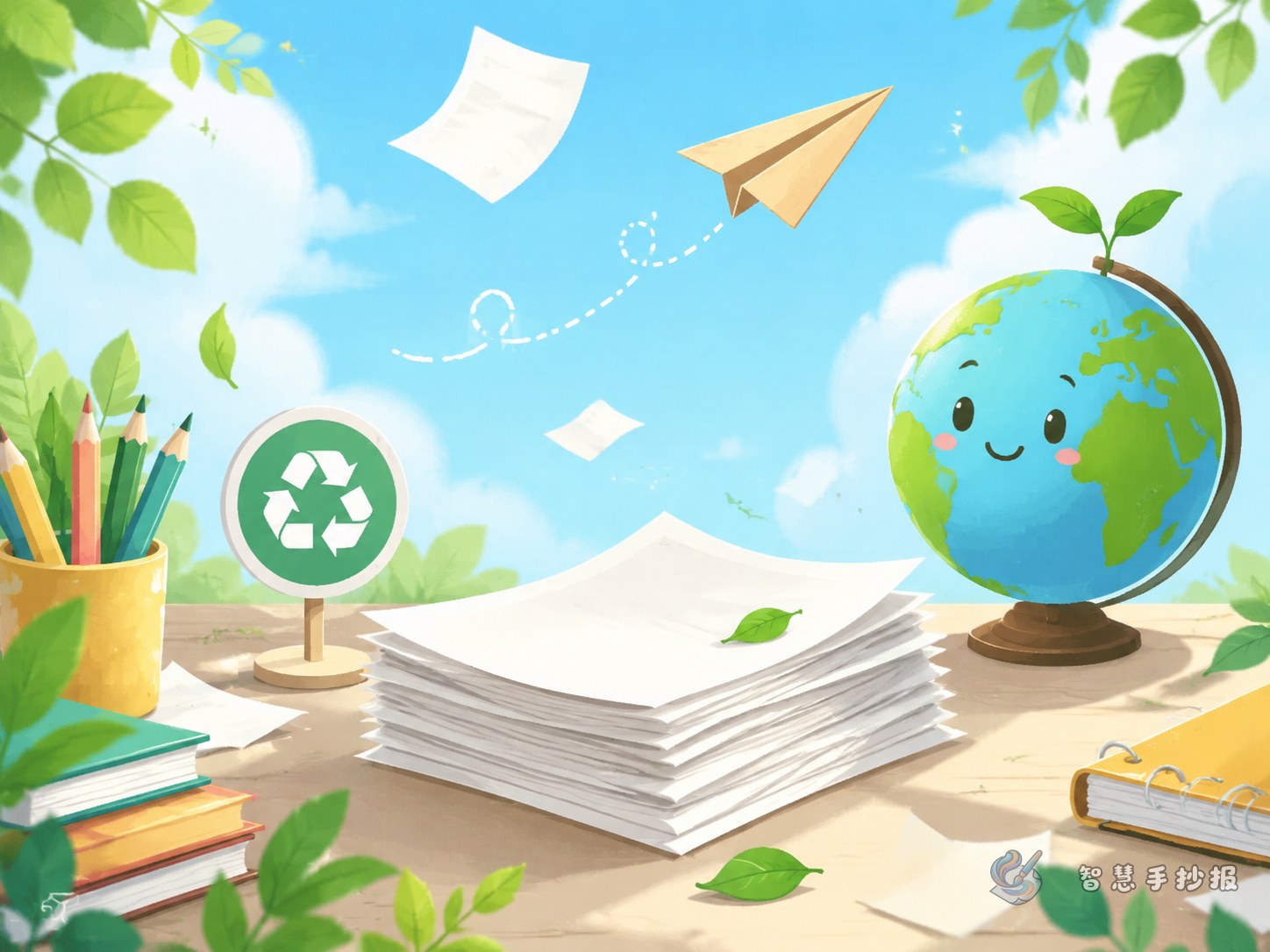
The main picture can include a printer, a stack of paper, leaves, and a small tree. These elements connect office scenes with environmental protection. Borders can be decorated with arrows, folders, pencils, sticky notes, and green leaves.
For colors, use green, light blue, and warm white to create a clean and bright look. A good layout idea is to place “wasteful printing” on one side and “smart paper use” on the other side, then use an arrow to show the change from waste to low-carbon action.
Helpful making tips
- Plan the title area, drawing area, and text boxes with pencil first.
- Use short sentences and small paragraphs so the poster is easy to read.
- Students can continue organizing layout ideas, column text, and color plans in the Zhi Hui Shou Chao Bao WeChat mini program before drawing.