Turn One Sheet of Paper into the Main Story
Instead of only saying that saving paper is important, make the poster follow the journey of one sheet of paper. Show how it comes from trees, becomes office paper, gets printed, is reused, and finally goes into recycling.
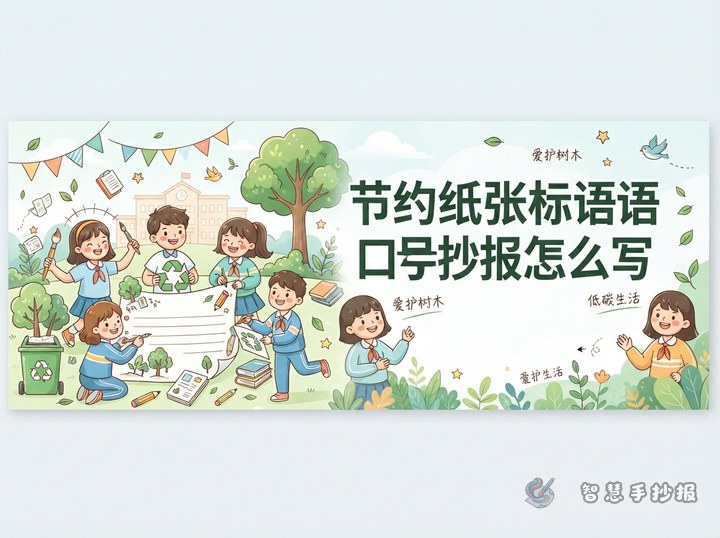
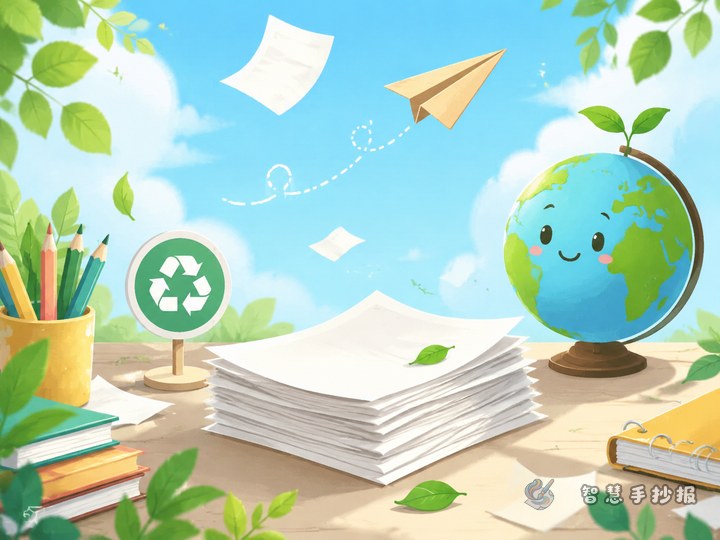
Good title ideas include Make Every Sheet Count, Print Less, Save More Green, and My Low-Carbon Office Reminder. Add a smiling sheet of paper, a small tree, and a recycling symbol to make the poster friendly for young students.
Build Sections That Feel Practical
- Where Paper Comes From: Explain that paper is connected with trees, water, and energy.
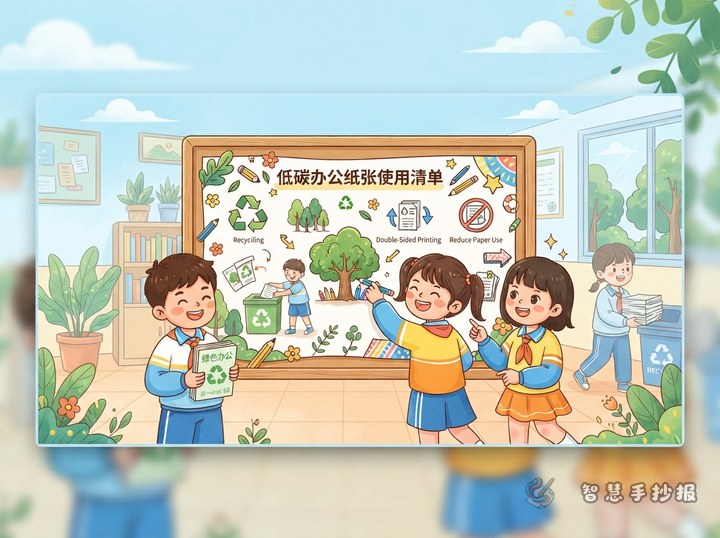
- Smart Paper-Saving Tips: Use double-sided printing, reuse draft paper, and avoid unnecessary copies.
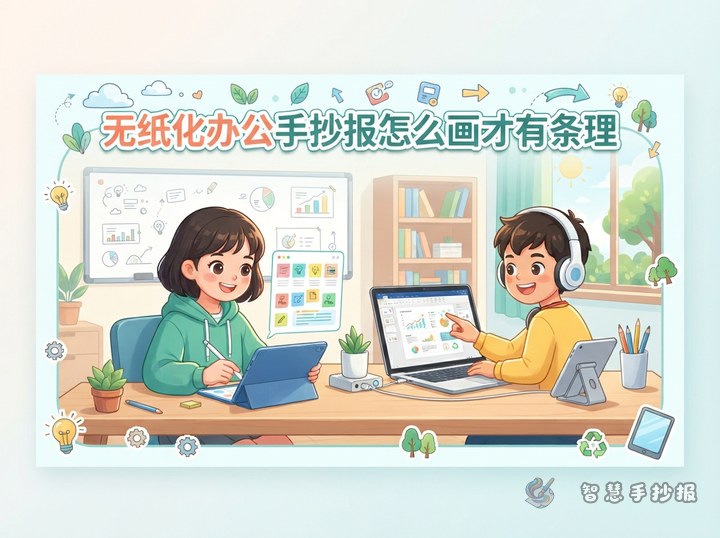
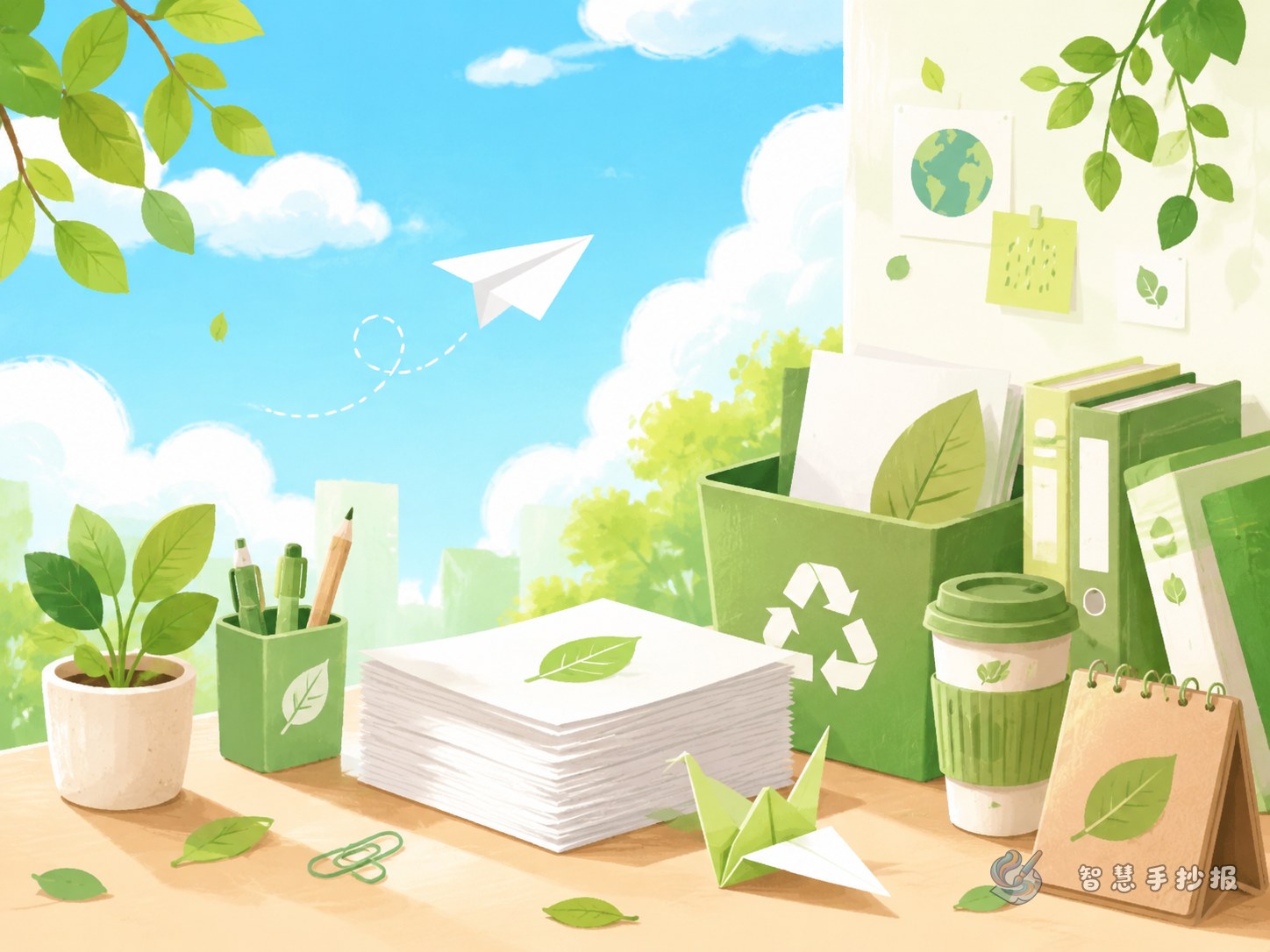
- My Green Desk: Draw a computer, folders, a recycling box, and simple office habits.
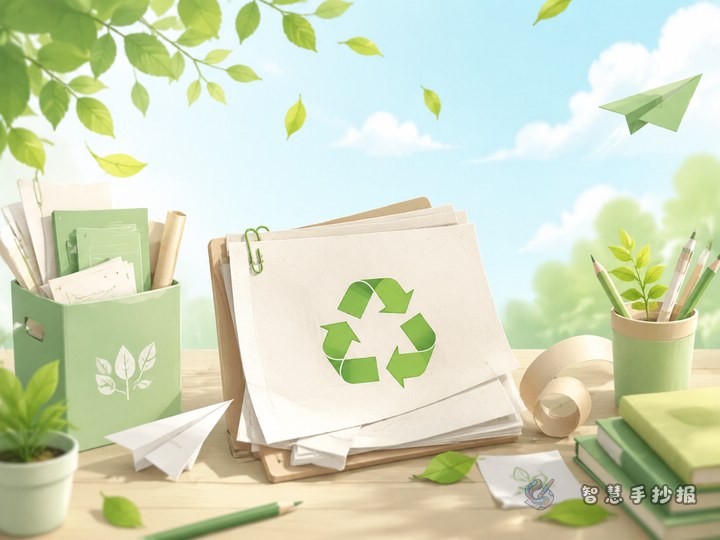
- Second Life of Scrap Paper: Turn used paper into draft sheets, memo notes, craft paper, and recycled material.
Short Writing Materials for the Poster
Mini paragraph: A sheet of paper may look light, but it carries the value of trees, water, and energy. Saving paper does not mean learning less. It means using paper more wisely. Preview before printing, choose double-sided pages when possible, share digital files, and reuse one-sided paper as draft paper. Small habits can make study and office life greener.
Slogans: Print one page less, keep one place greener. Use both sides of paper. Do not waste scrap paper. Green office habits begin with small choices.
Make the Layout Look Both Green and Office-Like
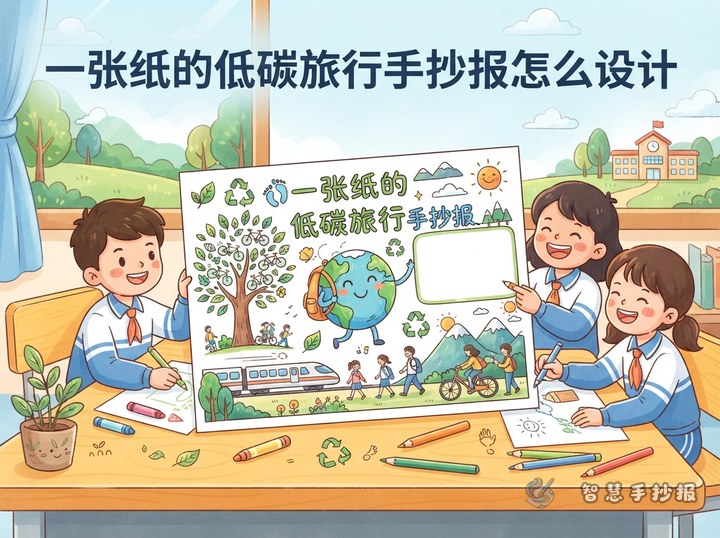
Divide the poster into two main areas. On the left, draw the journey of paper. On the right, write a low-carbon office checklist. Use green arrows between the two areas to show saving, reusing, and recycling.
Choose light green, cream white, and soft blue as the main colors. Borders can include paper clips, folders, leaves, and small paper icons, so the poster looks neat and connected to the office theme.
Add a Small Action Corner
Place a small box in the lower right corner called Did You Save Paper Today?. Add three check items: use both sides, print less, and sort waste paper. This makes the poster more interactive and connects the topic with daily school life.
For more title, color, and layout ideas, students and parents can continue making the poster in the Zhihui Shouchaobao WeChat mini program.