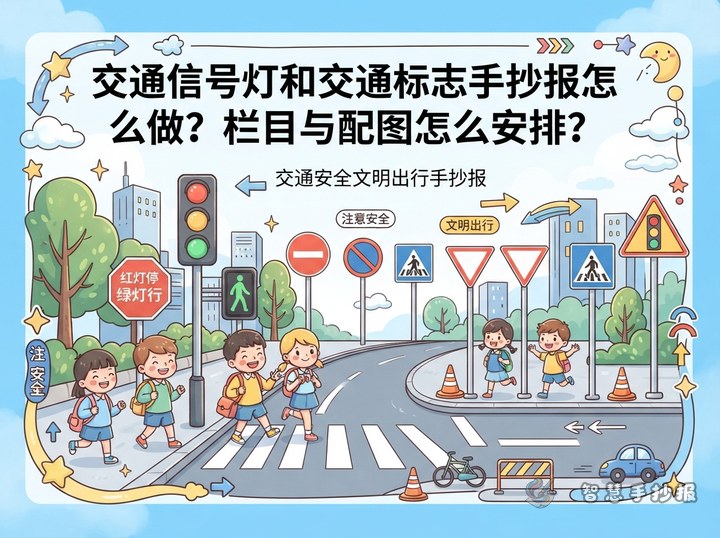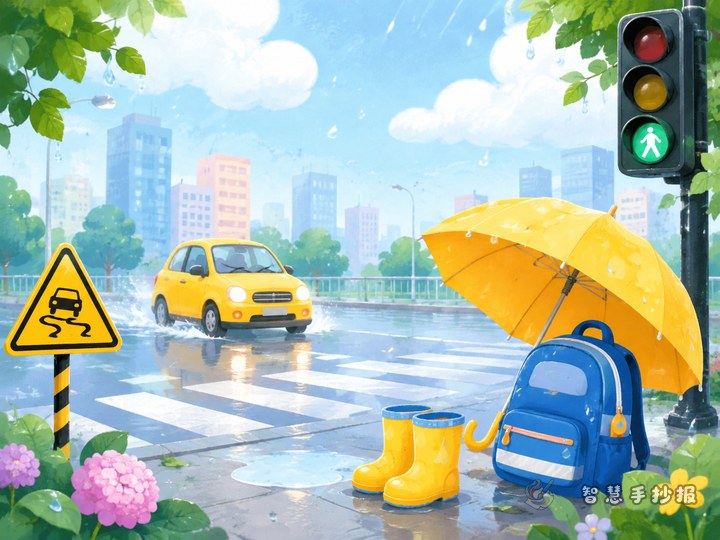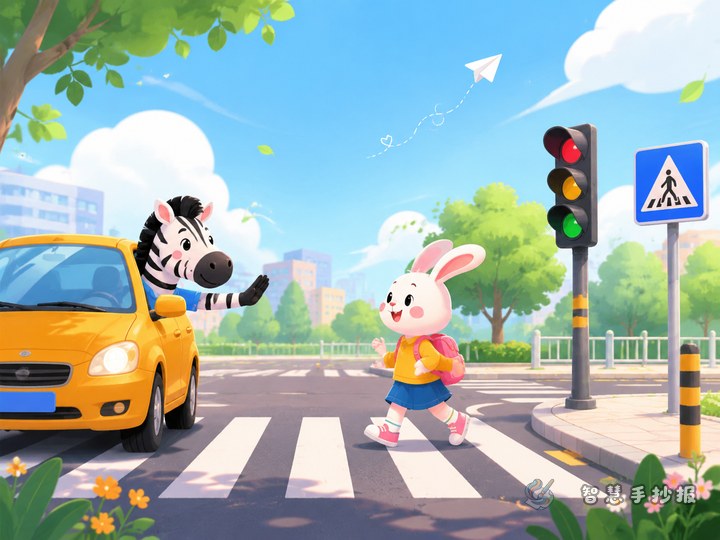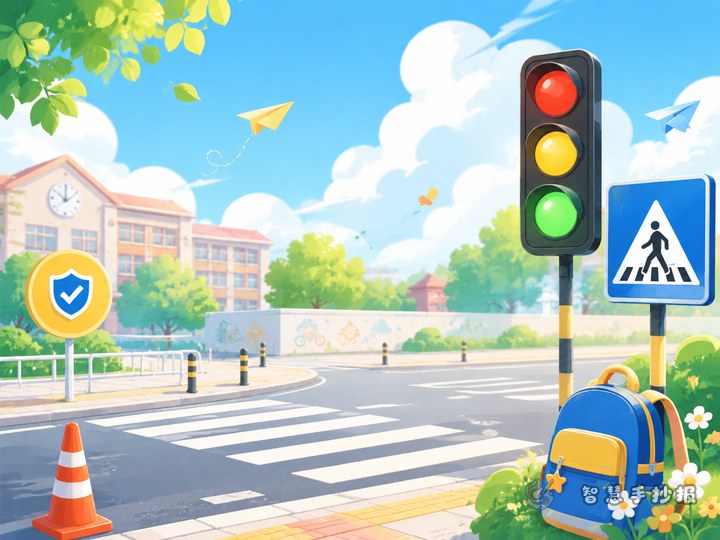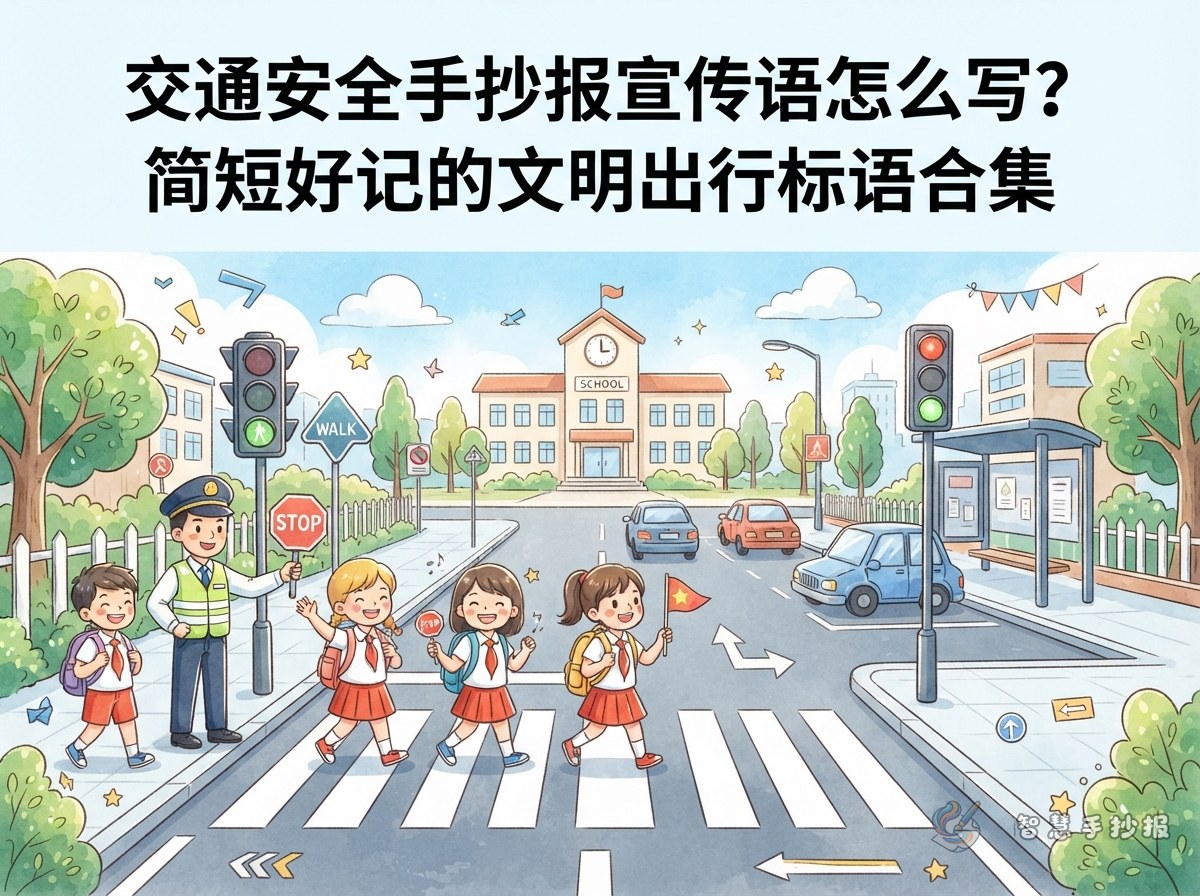
Separate the main title from the column lines before you start
A common mistake is filling the whole page with one big phrase like "traffic safety is everyone's business." The page ends up crowded but thin on content. The main title is the name of the poster: one line, placed at the top or across the centre. Column lines are short reminders above each small section. List both on scrap paper first, then draw the boxes - copying goes much faster.
Main titles can be plain, such as "A Safe Walk to School" or "Travel Kindly Every Day." Column lines should match their section: a cycling column talks about bikes, a bus column talks about boarding, so not every line repeats "stay safe."
Sort slogans by audience and the list fills itself
Slogans do not need fancy words; they need to be understood at a glance. Grouping them by who is listening gives children a clear picture and stops several lines from saying the same thing.
Lines aimed at adults driving
- Never drink and drive.
- Slow down at junctions, arrive safely.
- Give way at the zebra crossing.
- Put the phone down, keep both hands steady.
Lines aimed at students walking and cycling
- Look left, look right, then step.
- Eyes off the phone, eyes on the road.
- No running, no darting, railings are not hurdles.
- Helmet on and buckled before the e-bike moves.
Lines aimed at students waiting for and riding the bus
- Line up, let others off first.
- Stand back until the bus stops, hold the rail.
- No playing in the aisle, no arms out of the window.
Most of these fit neatly into a grid square or a small paper strip. To add a little depth, attach a reason: "Eyes off the phone, eyes on the road" is short but still carries a message.
A three-step exercise for shortening a long sentence
Students often write something like "When we cross the road we must always check for cars on both sides and never play on the phone at the same time." The idea is right, but it would take up half the poster. Try three steps.
- Remove filler: drop "when we," "must always" and similar padding.
- Keep the action: here it is crossing the road and checking both sides.
- Add a short reason: checking lets you see approaching cars, so write "Look left and right, then step."
The same method turns "children riding an e-bike should wear a helmet so their head is protected if they fall" into "Helmet on before you ride, protect your head." The meaning stays, but copying and reading become easy.
Three ways to place slogans on the page
The same lines behave differently depending on where they sit. Pick a placement that suits your paper shape and space.
- Top banner: the main title runs across the top edge, framed by small traffic lights or crossing stripes. Good for landscape paper.
- Column header: each small section opens with one short line, followed by three or four rows of text. Tidy and easy, good for portrait paper.
- Sticky-note scatter: write lines in small boxes or strips and place them in the white space, like classmates reminding each other. Livelier and more playful.
Whichever you choose, the main title should be clearly larger and darker than the column lines. Keep to no more than three slogans per column and leave some white space so readers want to keep looking.
A layout you can copy today
Short on time? Work in this order. Place the paper in portrait, draw a diagonal zebra crossing as a divider, and write the main title "A Safe Walk to School" in the top left. In the lower left, add a "three steps to cross" column with the line "Look left, then right." In the top right, draw a traffic light and add vehicle safety lines. In the lower right, create a "kind travel reminders" box with three paper strips, one slogan each. Finish by shading the crossing and edges in pale grey or blue and keeping the main title in red and black; the page suddenly has depth.
When the lines are written, have the child read them aloud and trim any that sound clumsy. For more layouts, borders and ready-to-use text blocks, open the Smart Handwritten Poster mini program in WeChat, choose the traffic safety theme and arrange your slogans and columns together, then print and use.