Start with one clear idea
This topic becomes stronger when the page has one easy message: technology can help teachers, but it cannot fully replace them. This gives the whole handwritten newspaper a clear direction and makes the writing easier for children to understand.
What teachers do and what smart tools do
Create a compare-and-contrast section. Smart tools can search for information, provide practice questions, and support lesson displays. Teachers can encourage students, answer questions face to face, manage the classroom, and guide habits and values.
- Smart tools can: support practice, organize information, and improve efficiency.
- Teachers can: communicate, care, observe, and inspire.
- Main conclusion: both can work together in learning.
Use classroom examples children know
Add familiar school scenes to make the content feel real. For example, a teacher may use digital tools to show pictures or prepare exercises, but students still need a teacher to explain difficult points, encourage teamwork, and guide discussions.
- Showing pictures or animations in class
- Giving practice based on learning level
- Helping students review after class
- Teachers answering feelings, confusion, and behavior questions
Add a small thinking corner
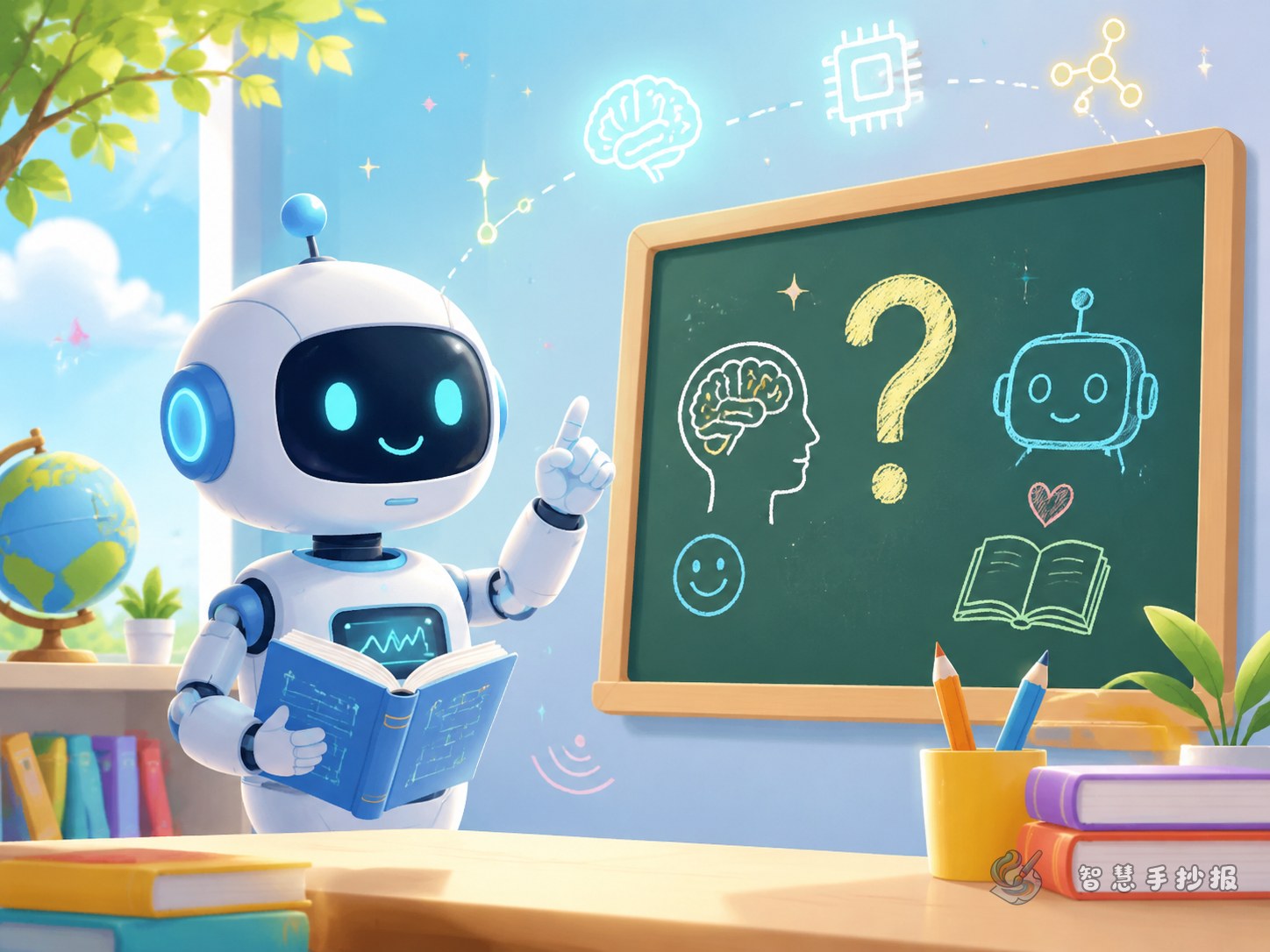
A handwritten newspaper looks more interesting when it includes simple questions. Try a “Think About It” box with prompts such as: Why do students still need teachers? Can machines understand every child’s feelings? What makes a good class warm and lively?
Layout and decoration ideas
Place the title at the top center. Use two side-by-side blocks for comparison, a speech-bubble corner for questions, and a bottom strip for safe-use reminders. Decorations can include blackboards, books, stars, robot icons, pencils, and smiling students. If you want to continue polishing the page, you can also organize the content in the WeChat mini program of Zhihui Shouchaobao for a cleaner final layout.