Choose a Clear Focus First
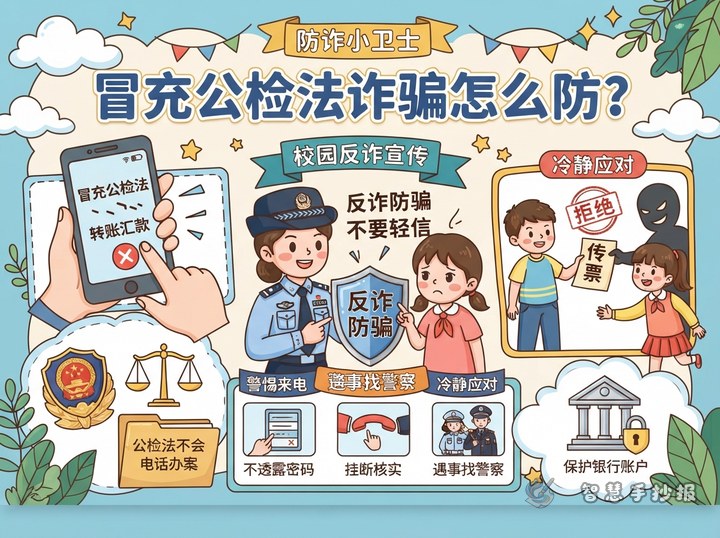
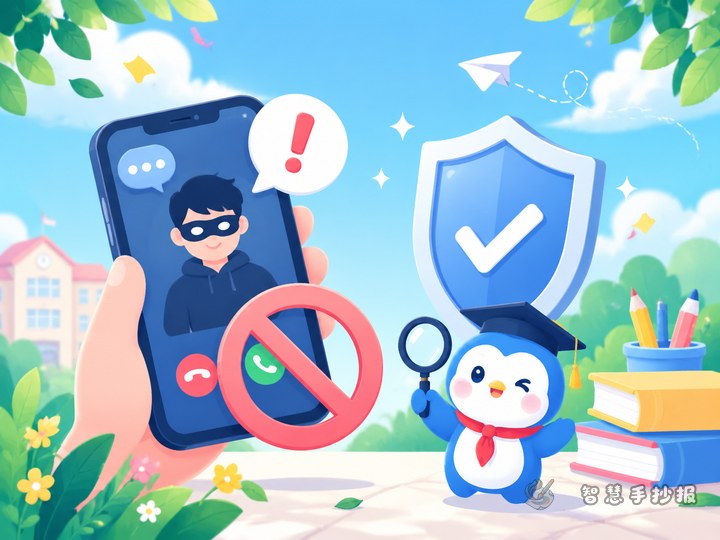
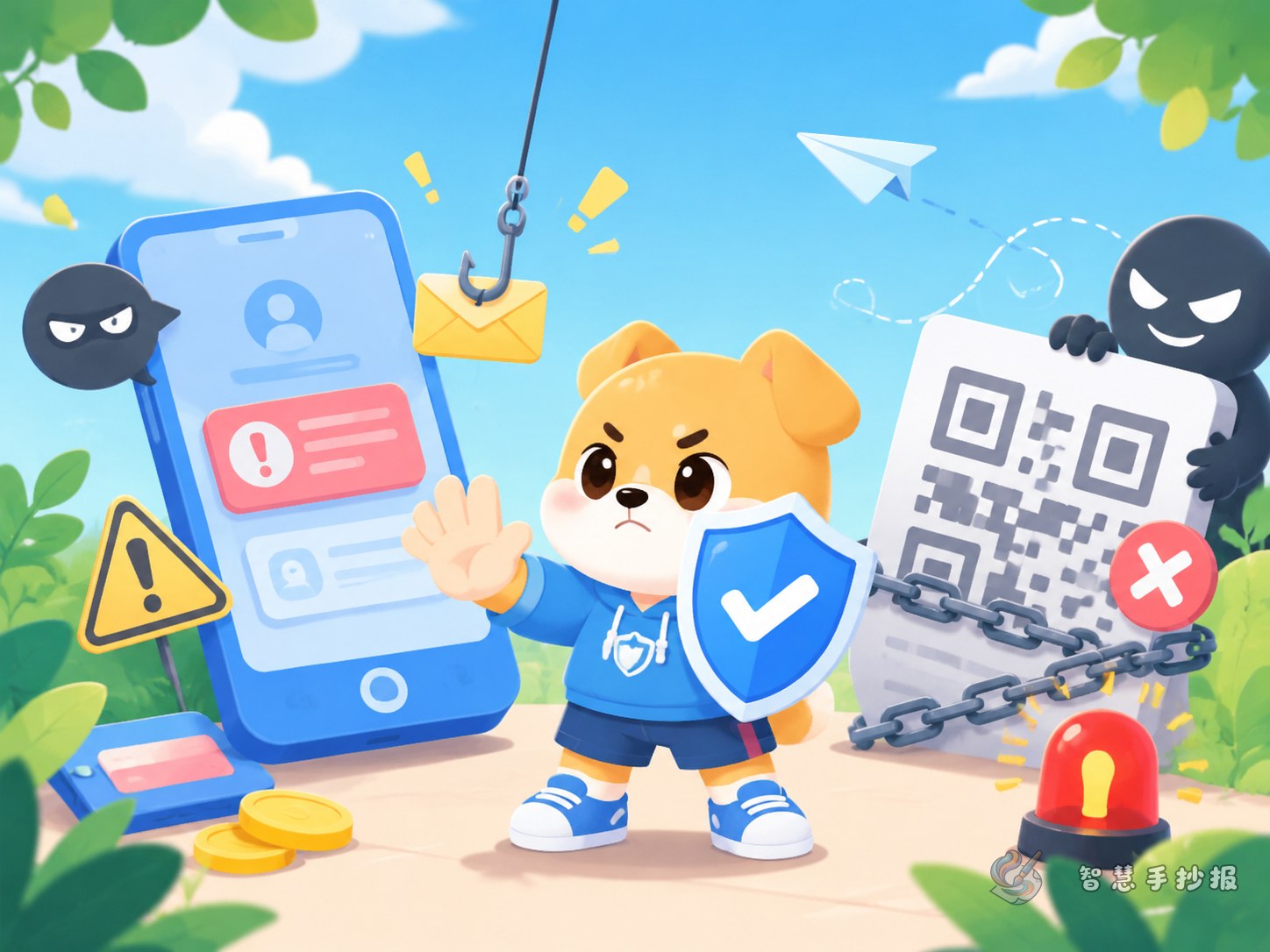
If you want your anti-fraud handwritten poster to be practical and eye-catching, focus on suspicious links, unknown QR codes, fake rewards, and impersonation scams. These are common situations students may face in daily digital life, so the message feels useful rather than too general.
Your main title can be something like “Should You Click a Strange Link?” or “Think Before You Scan.” A short subtitle such as “Protect your information by staying alert” also works well.
Helpful Sections for the Poster
You do not need too many sections. Four or five well-chosen parts are enough for a complete school poster.
- Warning Signs: list clues such as urgent transfer requests, prize claims that ask for payment first, or strangers pushing you to act immediately.
- Common Situations: include game top-up traps, fake fan group giveaways, delivery problem links, and fake requests for personal details.
- Easy Safety Rule: do not trust easily, do not share private information, do not transfer money, and always verify first.
- Self-Protection Checklist: explain what to do if a strange call, message, or QR code appears.
- Short Slogan Corner: add neat lines that are easy to copy and decorate.
Short Text Students Can Copy
- Do not trust unknown calls too quickly.
- Do not click suspicious links or scan unknown QR codes.
- Keep personal information, passwords, and codes private.
- The more urgent the message sounds, the calmer you should be.
- If someone asks for payment first, stop and check carefully.
You can also add a short paragraph: The internet is convenient, but convenience does not always mean safety. When you see prize notices, part-time job offers, or free gift messages, ask whether they are real and check with parents or teachers before taking action.
How to Arrange the Page
This topic looks best with a clear reading path and a strong warning style. You can use a top-middle-bottom structure: put the big title and slogan at the top, divide the middle into two parts for scam examples and prevention tips, and place short rules or a summary at the bottom.
Blue, red, and yellow work well for the color scheme. Blue feels calm, red gives warning, and yellow can highlight important reminders. You may draw shields, locks, phones, chat bubbles, or exclamation marks as decorations. Leave enough blank space so the handwriting stays neat.
Tips for a Better Final Poster
Keep the writing short and easy to read. Each section can have three to five lines. Make headings larger than body text, and bold important words such as verification code, transfer, suspicious link, and password. If the poster is for class display, end with a simple call to action like “Start with me and help spread anti-fraud awareness.”
If you already have a topic and draft sections, you can also continue organizing your layout and copy ideas in the Zhihui Shouchaobao WeChat mini program to make the poster faster and cleaner.