Focus on a specific scam: fake customer service refunds
This topic works best when the poster centers on a real-life situation: receiving a call or message from someone claiming to be customer service and offering a refund. A focused topic is easier for students to understand than a broad anti-fraud message.
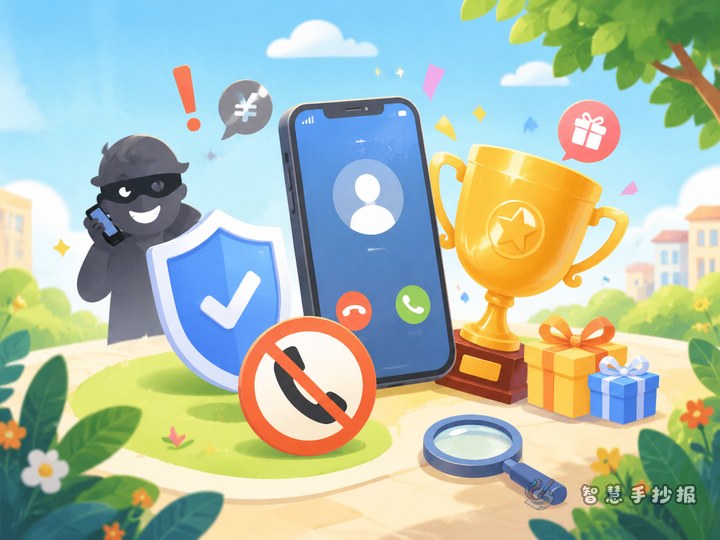
For visuals, you can use icons such as a phone, delivery box, shopping bag, warning sign, or shield. Bright blue, orange, and red can help the page look clear and attention-grabbing without becoming messy.
Useful sections to place on the poster
- What the scam looks like: Explain that scammers may pretend to be from an online shop, a delivery company, or a service platform.
- Common phrases scammers use: For example, “Your order has a problem,” “We need to process a refund,” or “Your membership will be charged automatically.”
- What to do correctly: Do not trust the call right away, do not tap unknown links, do not share verification codes, and check through official channels.
- My anti-fraud rhyme: A short memory aid helps children remember the rules.
If there is enough space, add a small quiz section and let readers judge which statements sound suspicious. This makes the poster more interactive.
Ready-to-use text for the poster
Short slogan ideas
- Check first when customer service calls.
- A fake refund can lead to real money loss.
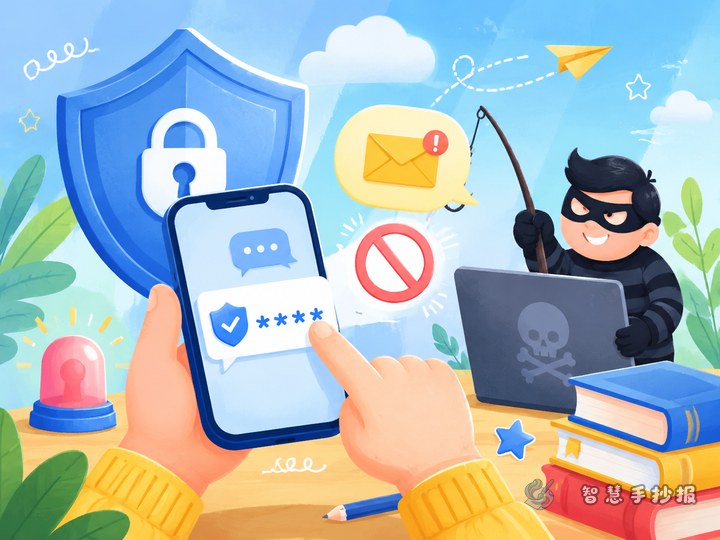
- Do not open strange links or share text-message codes.
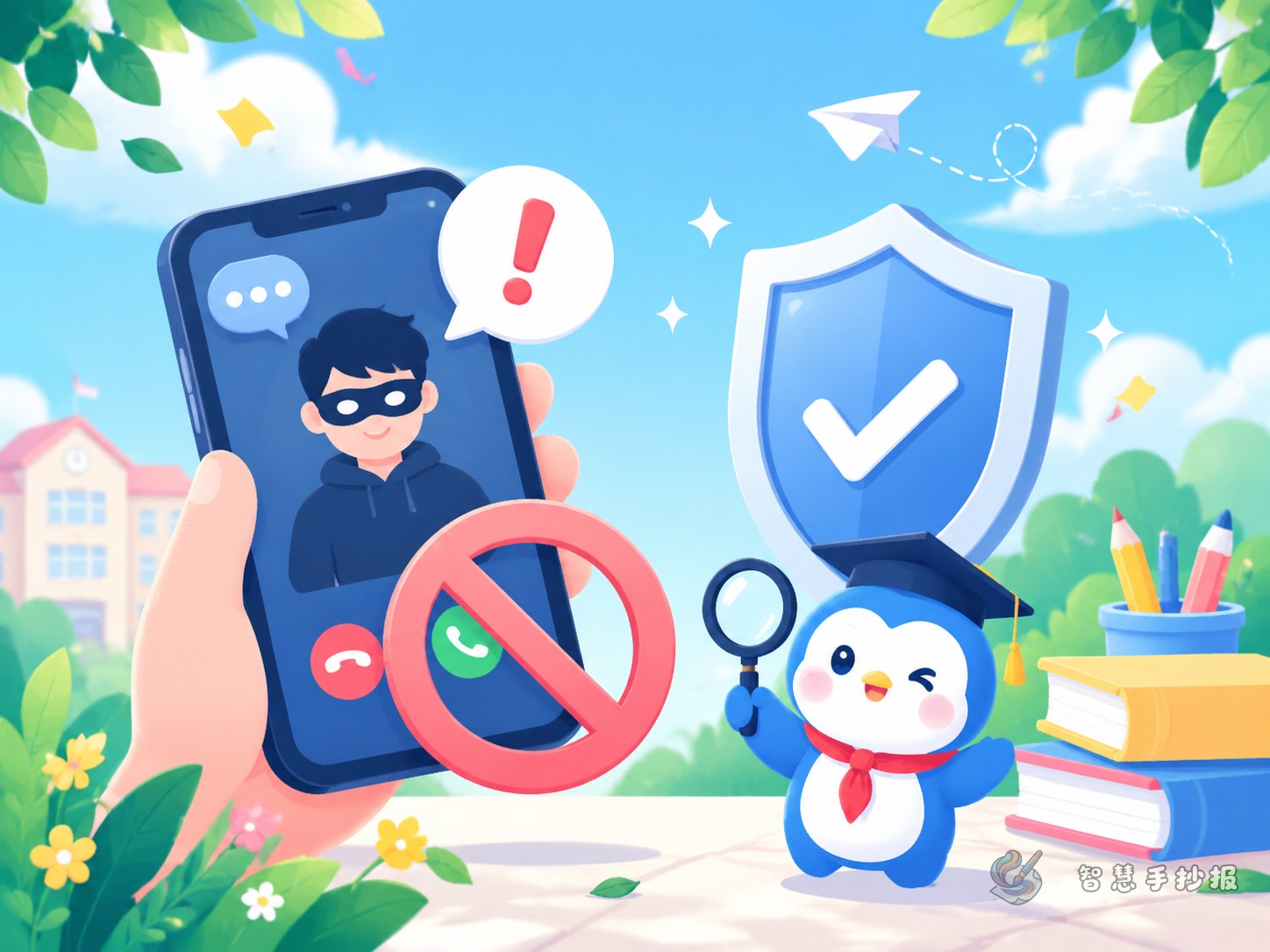
- Hang up first, verify second.
Sample paragraph
When someone claims to be customer service and says your product has a problem, your package is lost, or your membership must be canceled, do not believe it immediately. Scammers often create panic by saying things like “You must act now” or “Money will be deducted soon.” They may try to make people click links, download apps, or send money. The safe choice is to stay calm and verify the situation through the shopping platform or official phone number, with help from parents or teachers if needed.
Simple anti-fraud rhyme
Do not trust strange service calls. Do not enter refund links. Keep verification codes private. Check the official platform first.
Design details that make the poster more practical
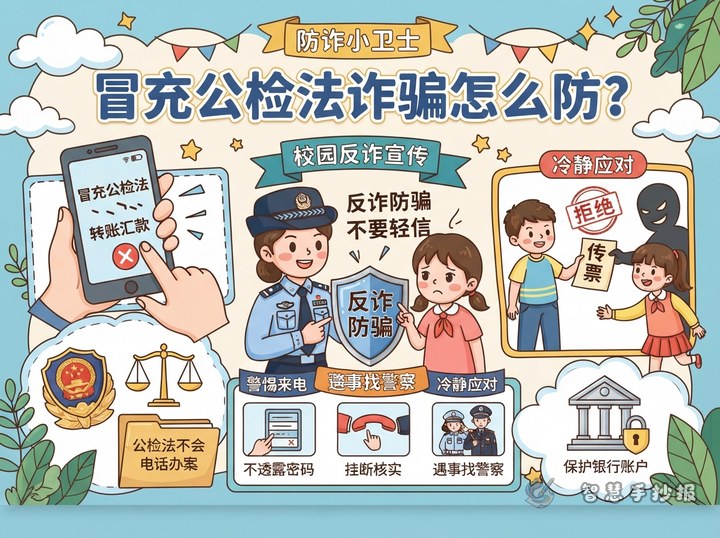
Turn key reminders into small note boxes around the page, such as “A verification code protects your wallet,” “Screen sharing is risky,” and “Verify before you act.” Even a quick glance can help readers remember the main points.
Make the title large and bold. Use speech bubbles, phone frames, or cloud shapes for subtitles. Keep paragraphs short and leave enough white space for drawings so the page looks clean and student-friendly.
A strong ending for a school poster
You can finish with a short action message: Start with yourself, talk with parents or teachers when a suspicious call appears, avoid greedy choices, and never share personal information with strangers. This gives the poster a clear educational purpose.
If you want to keep improving the title style, section wording, and overall layout, you can continue organizing your poster ideas in the Zhihui Shouchaobao WeChat mini program.