
Programming Basics and Computer Literacy Poster Topics
Need to make a Programming Basics and Computer Literacy Poster poster? Find topic options, copy references, section ideas and layout suggestions.
Topics you can use

What Is a Variable? A Coding Poster About Scores and Timers
A practical poster guide on the coding idea of variables for primary school students. It explains variables with labels and money boxes, supplies examples such as game scores, lives and countdowns, and plans four poster columns: a quick definition, naming rules, a comparison chart and common mistakes. Drawing tips, layout order and colour advice are included so parents and teachers can finish the poster together.
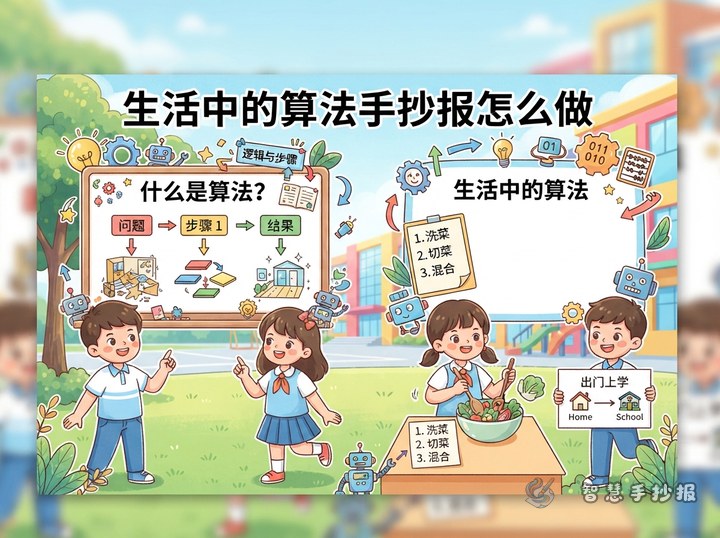
What Is an Algorithm? How to Make a Handwritten Poster About Everyday Algorithms
This poster plan explains an algorithm as a step-by-step way of doing something. It offers everyday examples such as getting ready for school, packing a school bag and guessing a number, and suggests a flow-chart layout, short sentences to copy and simple colour rules, so children can finish the poster on their own or with a parent.
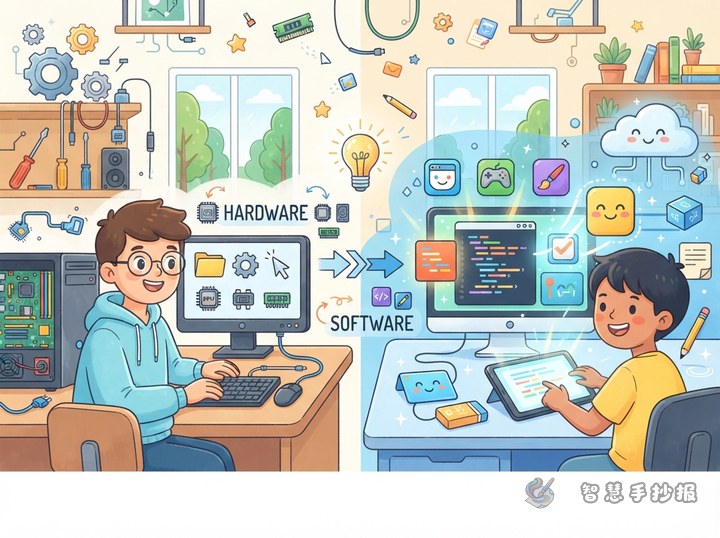
What's the Difference Between Computer Hardware and Software? A Handwritten Poster Guide
This poster guide focuses on computer hardware and software. It shows children a simple test for telling them apart, groups hardware into input, output, storage and processing parts, offers software examples with one-line explanations, and suggests a two-column layout with a computer drawn in the middle. It also includes three small interactive boxes for extra fun.
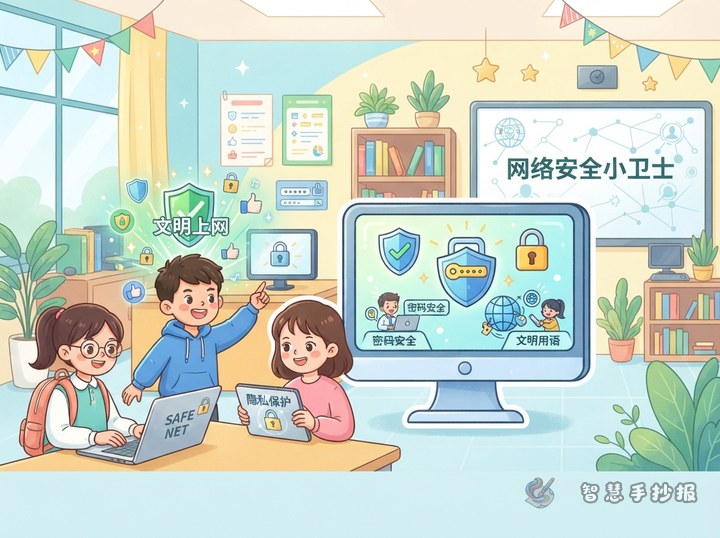
How to Make an Online Safety Poster: Password and Privacy Ideas
This online safety poster guide covers passwords, privacy, kind communication, and healthy internet habits. It provides a title, four section ideas, short copyable reminders, and a central illustration layout using shields, locks, computers, and speech bubbles.
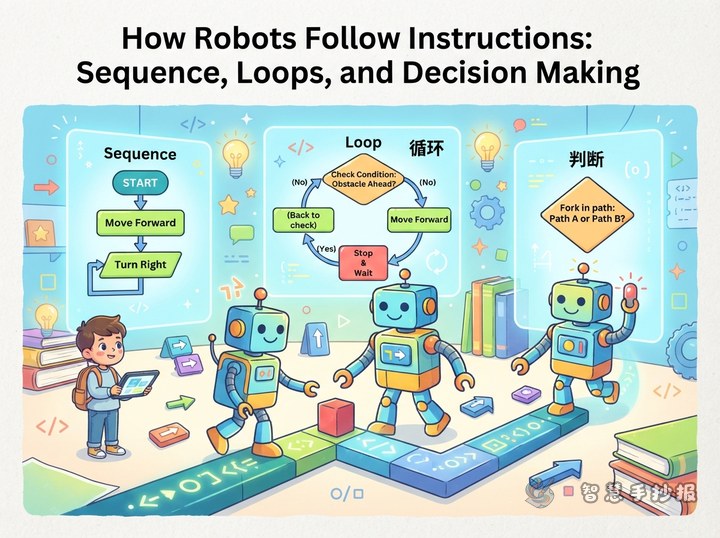
How Do Robots Follow Instructions? A Poster on Sequences, Loops, and Decisions
This poster idea uses a robot mission to explain sequence, loops, and decisions. It includes short facts, everyday examples, a route-planning challenge, and clear layout suggestions to help children create an engaging introduction to coding concepts.

How Are Computer Files Found? File Management Handwritten Newspaper Ideas
This project uses the idea of organizing a digital schoolbag to explain files, folders, file names, extensions, and backups. It also provides a clear page plan, a folder-tree illustration, an organizing checklist, and simple design advice for students.
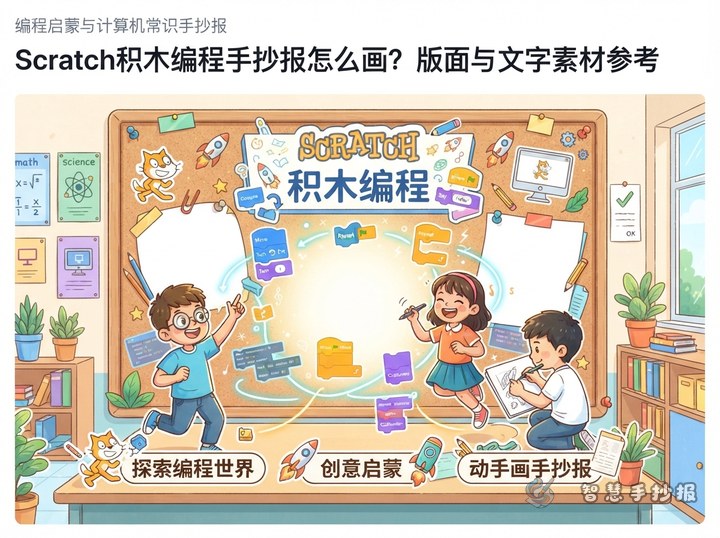
How to Make a Scratch Block-Coding Handwritten Newspaper: Layout and Text Ideas
This Scratch-themed handwritten newspaper follows a character completing a mission. It turns starts, actions, loops, and conditions into colorful blocks and an easy-to-follow path, with short text, section ideas, and layout steps for classroom or family projects.

Why Do Computers Use 0 and 1? How to Make a Binary Number Poster
This guide turns the question “Why do computers use 0 and 1?” into an engaging school poster. It includes a switch analogy, place-value cards, a simple conversion activity, short text students can copy, and a balanced layout suitable for children, parents, and teachers.
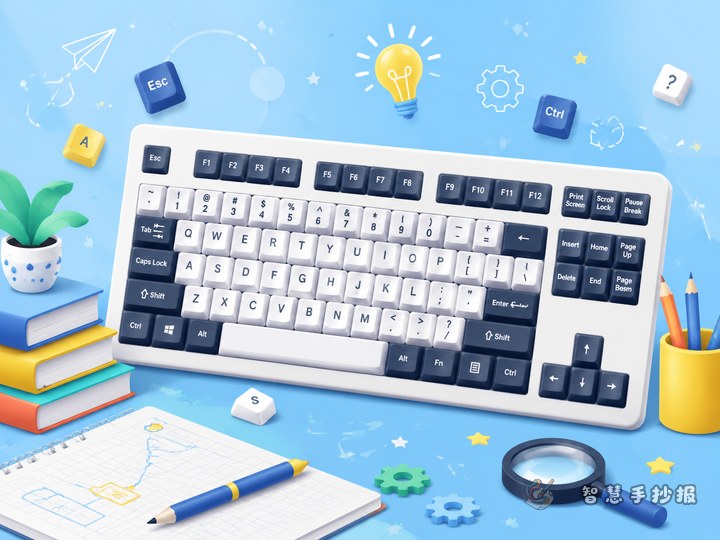
What Do Keyboard Keys Do? Handwritten Newspaper Ideas and Materials
This project uses “Meet the Keyboard” as its theme. It includes common key functions, a memory rhyme, keyboard manners, a central keyboard drawing, and a four-section layout. The plan helps elementary students turn basic computer knowledge into a clear, enjoyable, and easy-to-copy handwritten newspaper.
Want to create a poster now?
Scan with WeChat, enter this theme, and generate the layout, section copy and line art.
 Scan with WeChat