Choose a clear theme: becoming a smart and safe internet user
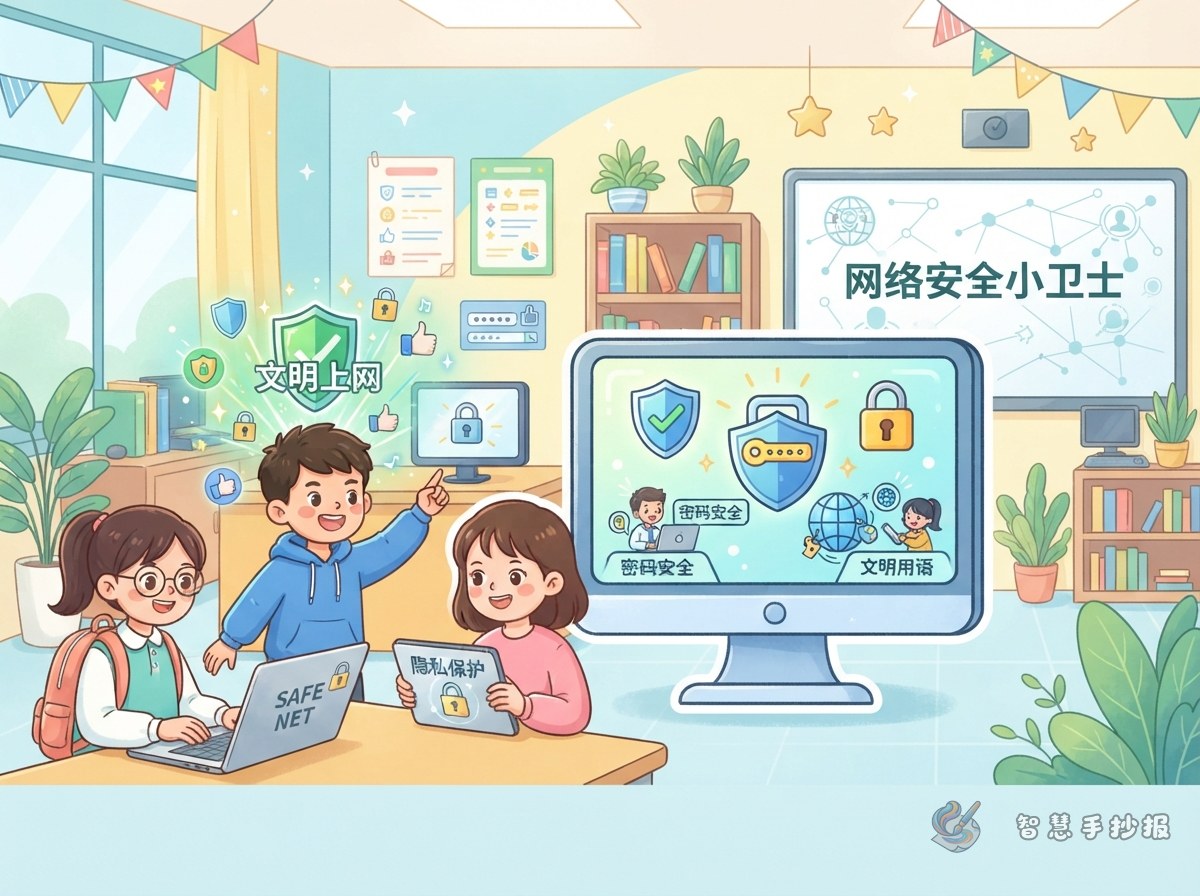
This poster can focus on the idea that the internet is useful, but it must be used safely. A strong main title is Stay Safe Online, with a subtitle such as “Protect passwords, respect privacy, and be kind online.” Draw a computer or phone, a shield, a lock, and a child in the center so the message is easy to understand.
Four sections to include
- Password protector: Never share a password with strangers, avoid easy-to-guess passwords, and use different passwords for different accounts when possible.
- Privacy station: Do not casually share your name, address, school, phone number, or photos. Ask a parent or teacher before giving personal information to anyone online.
- Kindness online: Do not post hurtful words or spread unconfirmed messages. Leave uncomfortable or unsafe content and ask a trusted adult for help.
- Good online habits: Use your own account, log out when you leave a computer, ask before downloading, and manage screen time sensibly.
Short phrases children can copy
Turn long explanations into colorful notes or speech bubbles. Useful phrases include: “Do not click unknown links or share private information,” “Keep passwords private and protect your accounts,” “Use kind words online and ask an adult when something feels wrong,” and “Think before sharing; check before forwarding.” These short sentences are easy to remember and fit well beside small drawings.
A layout that is easy to read
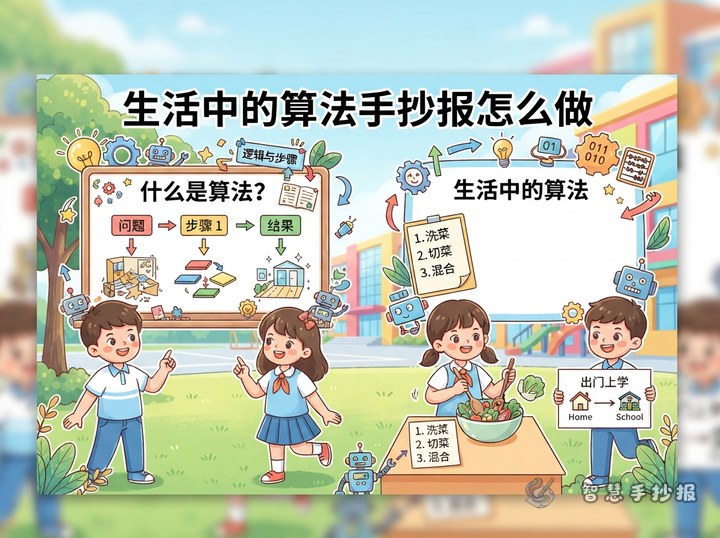
Try a central illustration with four sections around it. Put the main title at the top, then draw a shield around a computer or phone in the middle. Place passwords and privacy on the left, kindness and good habits on the right, and add a “My Safety Promise” strip at the bottom. The promise could say, “I will protect my personal information and ask an adult before responding to unfamiliar messages.” Blue, green, and yellow create a bright, calm color scheme.
Final checks before finishing
Make sure the title stands out, each section is easy to find, and the writing is not too crowded. Parents and teachers can help check the facts while leaving the child’s own drawing and layout ideas in the poster. If you need help organizing the sections, you can continue designing in the Zhihui Handwritten Newspaper WeChat mini program and adjust the layout to fit your paper.