Why Traffic-Light Colors Suit a Safety Poster
Children already know the traffic light: red means stop, yellow means wait and think, green means you may go. Putting anti-drug, anti-scam and self-protection messages into those three colors gives the poster a structure instead of a pile of sentences. A reader can tell from the color alone which part warns about danger and which part teaches a method.
The zoning also helps before writing begins. When a child decides which color a sentence belongs to, they naturally separate things not to do from things they can do, so the content is less likely to repeat itself.
The Red Zone: Things We Never Try
This is the most eye-catching part of the page. Use short, firm lines, and draw a circle with a slash in front of each one.
- Never accept candy, drinks or cigarettes offered by a stranger.
- Never try unknown pills or mystery energy sweets.
- Never hold or carry a package for someone you do not know.
- Never go into internet cafes or other places that are not meant for children.
- Never give your home address or class name to someone you met online.
Keep each line to about seven to ten characters so it reads with force and is easy to copy neatly.
The Yellow Zone: Pause Three Seconds Before Deciding
The yellow zone covers situations that look attractive but need a second look. You can split it into two small columns: online and nearby.
Tempting situations online
- You have won a prize, but must pay a fee first.
- A free game skin is offered if you scan a code or share a password.
- A group chat advertises easy part-time work that pays for a few clicks.
Tempting situations nearby
- A stranger says your parent asked them to pick you up.
- Someone borrows your smartwatch and does not give it back.
- A person on the street asks you to help find a lost dog or car key.
In one corner of this block, write three words: stop, ask, tell. Stop first, ask a parent or teacher, then tell an adult exactly what happened.
The Green Zone: What I Can Do Myself
Red and yellow warn about danger. Green should show a child that they also have ways to act.
- Memorize a parent's phone number, plus 110 and 120.
- Tell your family where you are going, with whom, and when you will be back.
- Walk on busy main streets instead of narrow lanes or empty stairwells.
- If someone follows you, run into a shop, a guard booth or a bank lobby and call for help loudly.
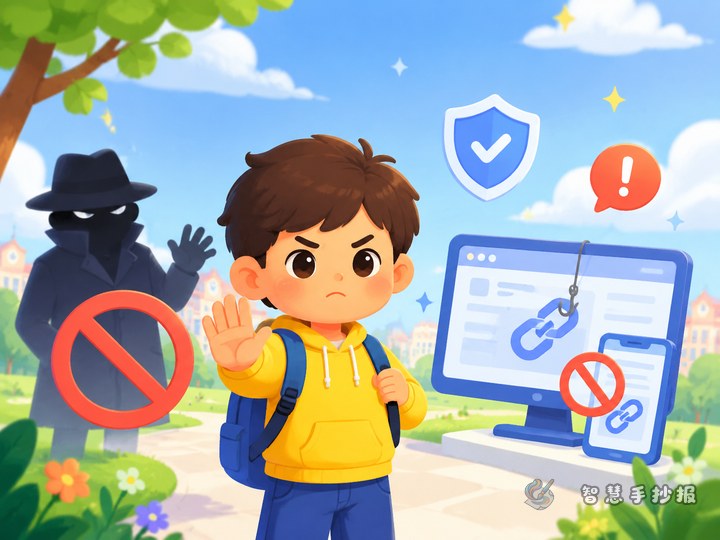
- Do not tap unknown links or fill in your name and address on a phone or tablet.
- If a classmate is pulled into a strange group chat, tell the teacher.
Laying Out the Three Color Blocks
The three-color layout is not about painting the whole page. It is about making the layers visible.
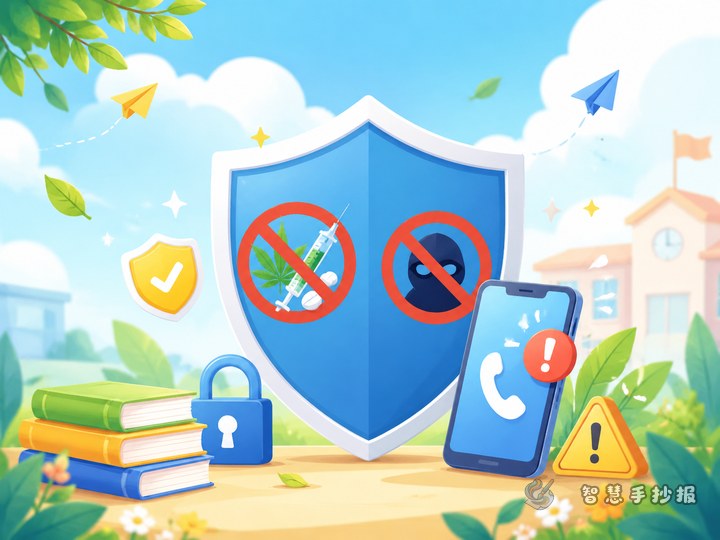
- Dividing the page: three horizontal bands on a portrait sheet, or three doors, three windows, or one large shield cut into three parts.
- Using color: red, yellow and green only for small heading blocks and borders. Write the body in black pen and keep the title text dark so the page does not become noisy.
- Space and spacing: leave a finger-width margin around each block, and rule light pencil lines before copying text.
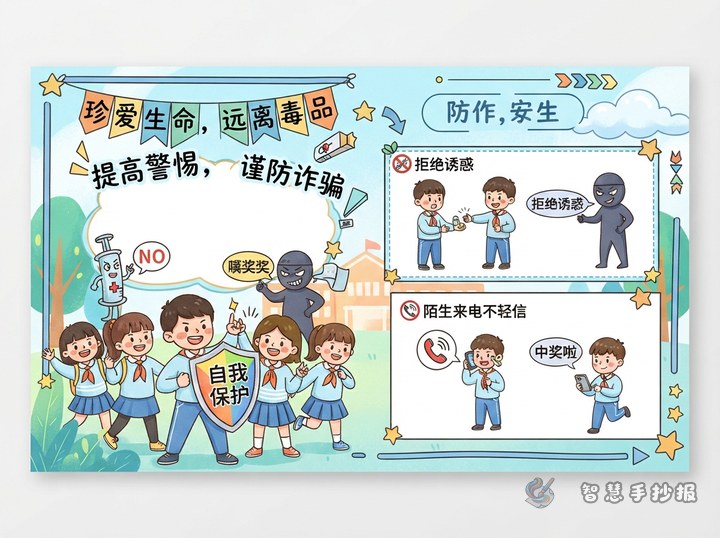
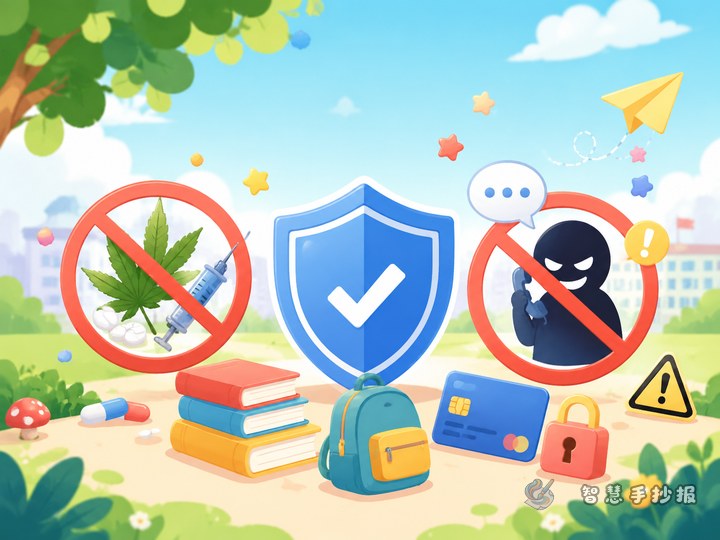
- Icons: a no-entry sign, a question mark, a telephone and a traffic light are enough. Four or five small drawings will do.
- Order of work: sketch the blocks in pencil, write the title, copy the short lines, then color last so the paint does not smudge the writing.
One Last Box for the Child to Fill
Leave a small empty frame under the three color blocks and ask the child to write “places near my home where I can ask for help,” such as a convenience store, a guard booth or a community service desk. When children fill that box themselves, they are more willing to read the whole poster again.
Before handing it in, check three things: does the title name the topic clearly, are the three colors used consistently, and is there at least one green-zone action the child could take tomorrow? If drafting the layout takes too long, the WeChat mini program “Smart Handwritten Newspaper” offers ready-made safety layouts that you can fill with these three blocks and then copy onto paper.