Build the poster around one clear rule
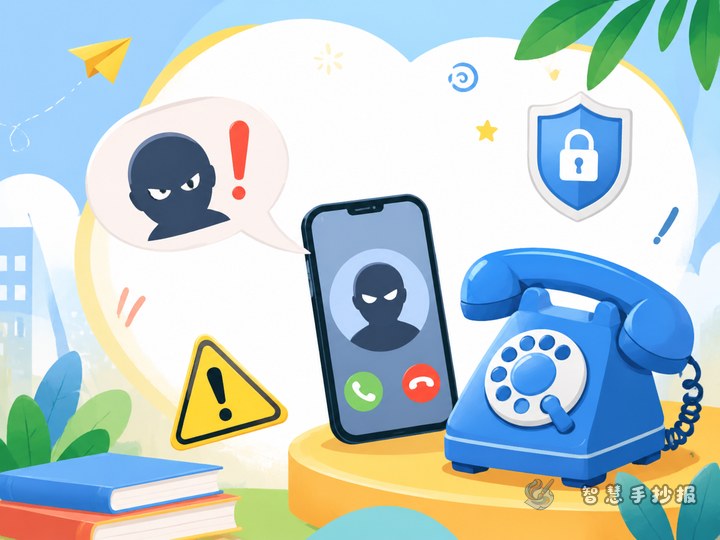
This poster can focus on a simple safety message: Pause before paying, verify before transferring, and ask for help when something feels wrong. The goal is not to list every type of scam. It is to show students how to slow down when someone creates fear, urgency, or excitement. A large question mark, a phone screen, and a hand pressing a pause symbol can make the main idea clear at a glance.
Turn fraud prevention into three actions
- Pause: Do not rush because someone says “pay now,” “keep this secret,” or “your account will be closed.” Do not confirm a payment or share a verification code.
- Verify: Check the person’s identity through a familiar contact method, an official channel, or a face-to-face conversation. Do not trust only a profile picture, username, or voice message.
- Ask for help: Tell a parent, teacher, or another trusted adult when you are unsure. If money or personal information has already been sent, explain what happened and seek help quickly.
These three steps can be shown as a left-to-right arrow path or as three bright sections with simple icons such as a pause button, a magnifying glass, and a helping hand.
Useful words and reminders to include
The main slogan could be “One more question can prevent one more risk,” “Verify unfamiliar requests before paying,” or “When information is uncertain, ask an adult first.” A warning box can list common danger signs: pressure to keep a secret, urgent payment requests, demands for passwords or verification codes, promises of easy money, and requests to install an unknown app.
A short safety rhyme
Messages may look real, but identities need checking. Do not panic when someone rushes you. Protect your password and verification code. Ask a parent or teacher when a request seems unusual.
Plan a layout that is easy to scan
Use a “main slogan plus three actions” composition. Place the title and a warning symbol at the top, a phone or a paused hand in the center, and three sections labeled “Pause,” “Verify,” and “Ask for help” along the bottom. A side panel can show warning signs, while another can answer the question “What would I do?” Use yellow and red for warnings, and blue or green for help and safe choices. This keeps the page lively without making it confusing.
Finishing tips for a neat poster
Make the title large and keep the key slogan short. Each section only needs two or three important sentences. Let the drawings support the words instead of filling every empty space. Shields, locks, speech bubbles, and magnifying glasses can create a consistent visual style. Check the poster from a distance to make sure the title stands out, then check the lettering up close. To organize the sections and continue making the poster, use the Smart Handwritten Newspaper WeChat mini program and adjust the result for the student’s grade and drawing style.