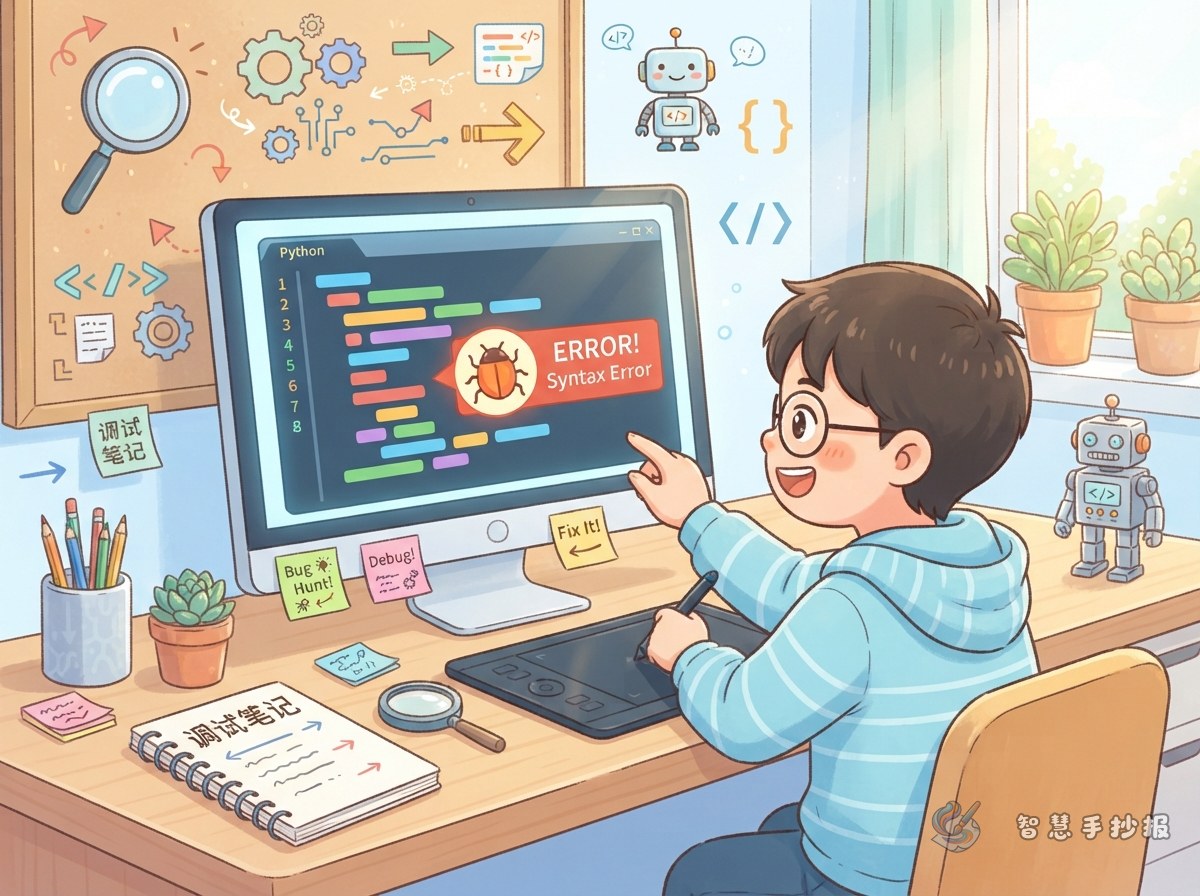
Start with the Title: Bugs Are Little Mistakes
In the world of computing, a small mistake inside a program is often called a bug. On a poster, there is no need to make bugs sound scary. Compare them with a wrong character in your homework, a misspelled word, or one block placed crookedly in a tower. A mistake is not a failure; it is a clue.
Choose a lively main title, such as “The Little Bug in My Code,” “Found You, Bug!” or “What Happens When a Program Goes Wrong.”
What to Write in the “Error Scene” Section
Four common kinds of mistakes
- Spelling and symbol mistakes: one wrong letter or one missing mark can make a program confused.
- Wrong order: socks before shoes feels natural; steps in a program follow the same idea.
- A reversed condition: “over 10 points to pass” becomes “under 10 points to pass,” and everything flips.
- A loop that never stops: tell a robot to keep turning but forget to say when to stop, and it will spin forever.
Add one everyday example to each item. Readers remember stories far better than plain definitions.
The Main Column: Four Steps of Debugging
Debugging means finding mistakes and fixing them. Give it a large space and explain it in four steps:
- Repeat the problem: try again and notice exactly when it goes wrong.
- Narrow it down: test the program in small parts to see which part is causing trouble.
- Guess and check: make one guess, change one thing, then try again.
- Check the whole thing: run it from the beginning to make sure the fix really works.
Draw the four steps as footprints or small boxes joined by an arrow, so they read like a little quest.
Page Layout: Give the Little Bug a Corner
Divide the page into three areas and leave space for the title in the middle or at the top:
- Left side, “Error Scenes”: four common mistakes, each in its own small frame.
- Middle, “Four Steps of Debugging”: a path of arrows from one step to the next.
- Right side, “Bug Corner”: a friendly little bug with the words “Found you!”
- Bottom line: one encouraging sentence for classmates, such as “Mistakes are fine; finding them is clever.”
Use blue and green as the base colours and orange for highlights. Keep the writing inside frames or on guide lines, and leave enough space between lines so the page stays tidy.
Short Lines You Can Copy
- A program does not fear mistakes; it fears being left unchecked.
- Look at the small places first, then the big problem.
- Change one thing, test once, and never change too much at a time.
- Good checkers become great young coders.
If you would like more layout styles and text ideas, open the 智慧手抄报 WeChat mini program to browse borders, columns and copy-ready lines, then finish your Bug and debugging poster there.