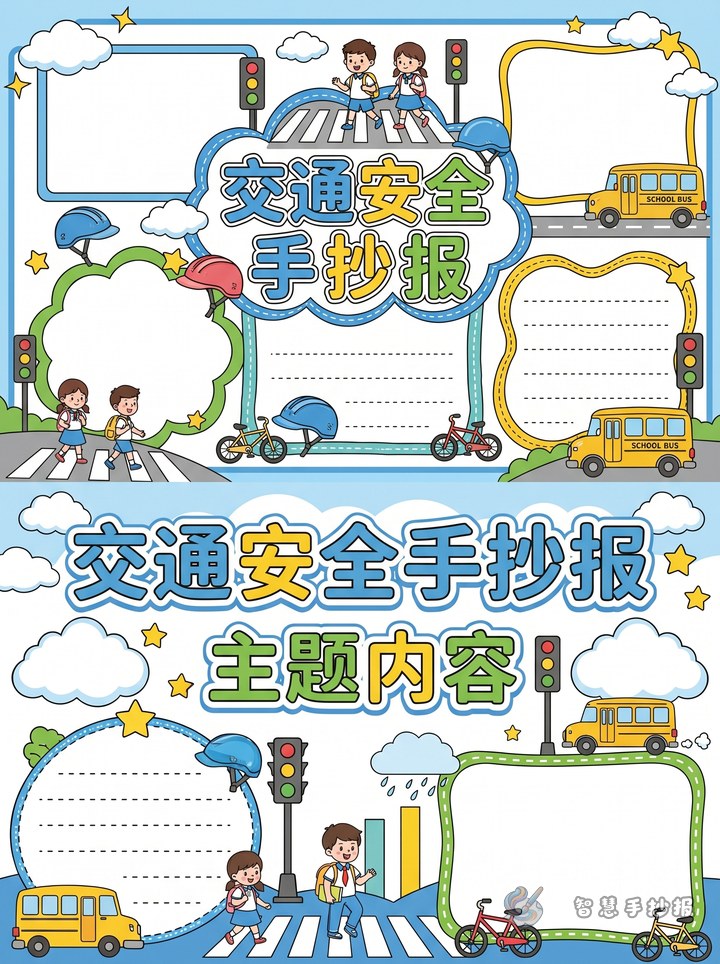
Why choose internet safety for this poster
If you want a safety education poster that feels fresh and useful, internet safety is a strong choice. It connects directly to daily life, including phones, tablets, online classes, games, and messaging. The topic is practical for children and easy to turn into a clear handwritten newspaper layout.
Instead of writing broad safety slogans, focus on situations children really meet online. That makes the poster more understandable and more helpful for classmates, parents, and teachers.
Best sections to include on the page
1. What internet safety means
Use one short paragraph: internet safety means protecting personal information, avoiding online scams, using devices properly, and building good online habits. This works well as the opening section.
2. Simple rules for students
- Do not click unknown links
- Do not share your real name, address, or phone number casually
- Do not trust strangers online too quickly
- Take breaks and do not spend too much time online
- Ask parents or teachers for help when something feels wrong
3. Common online traps
You can list fake prize messages, free game rewards, strange QR codes, fake friend accounts, and suspicious requests. Keep each warning short so the poster stays neat.
4. Civilized internet use
Add reminders such as speaking politely online, not spreading rumors, not posting other people's photos without permission, and using the internet for learning in a healthy way.
Text materials students can copy
Short introduction: The internet makes study and life more convenient, but it also has risks. We should learn to protect ourselves, stay away from scams and harmful content, and build safe and polite online habits from an early age.
Safety reminder: Keep passwords private, do not open strange links, protect personal information, and ask adults for help when needed.
Slogan idea: Safe online habits help children grow well.
Rhyme idea: Strange links, do not press; private details, never guess. If a message feels untrue, ask a teacher what to do.
How to arrange the layout
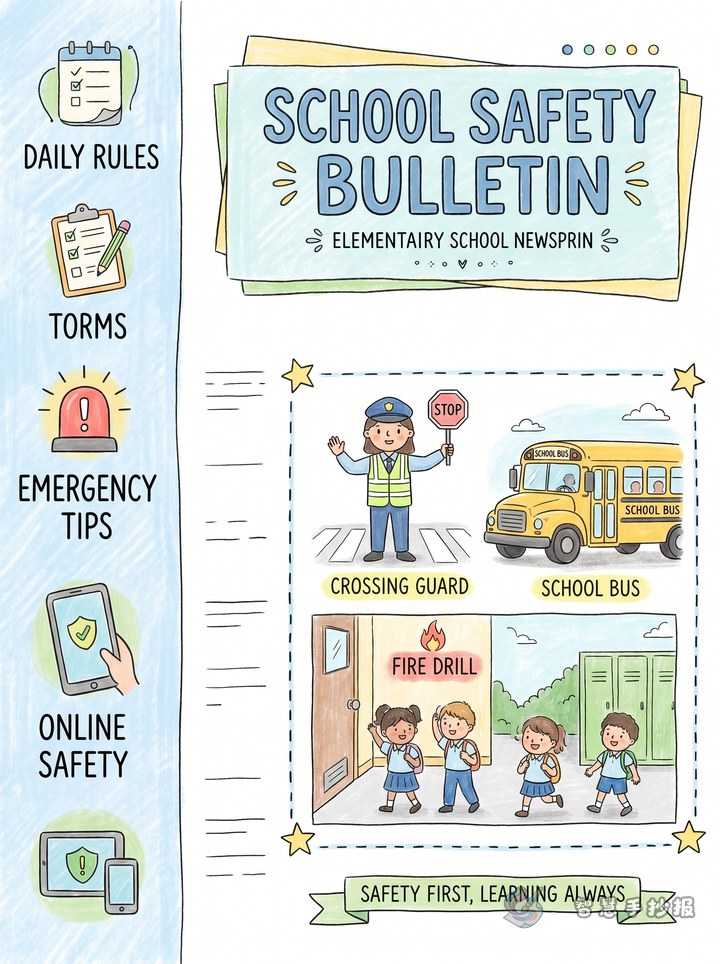
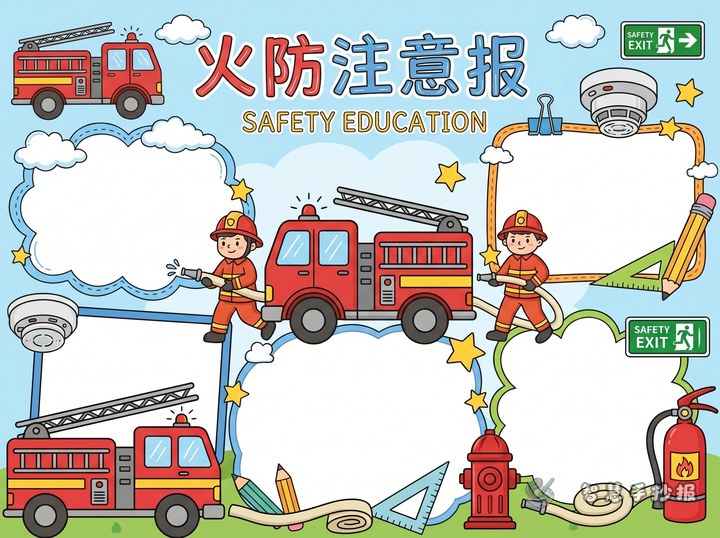
A practical layout is a center title with four sections around it. Put the main title in the middle, such as “Internet Safety for Students” or “Be Safe and Smart Online.” Then place four content blocks around it.
- Top left: What internet safety is
- Top right: Rules for safe online use
- Bottom left: Common traps
- Bottom right: Civilized internet habits
For decoration, draw simple icons like a shield, lock, computer, Wi-Fi sign, speech bubbles, or a globe. Blue and green are good main colors because they look clean and safe.
Ways to make the poster look better
A good safety poster does not need too many words. The key is a clear topic, short sections, and readable handwriting. Each block can stay within three to five sentences. Important words like “password,” “privacy,” and “strange link” can be highlighted for emphasis.
If you want to improve the design further, you can also add a small section called “What I will do,” such as refusing unknown links, not meeting online strangers, and not forwarding rumors. For more layout ideas and ready-to-organize materials, you can continue in the Zhihui Shouchaobao WeChat mini program.