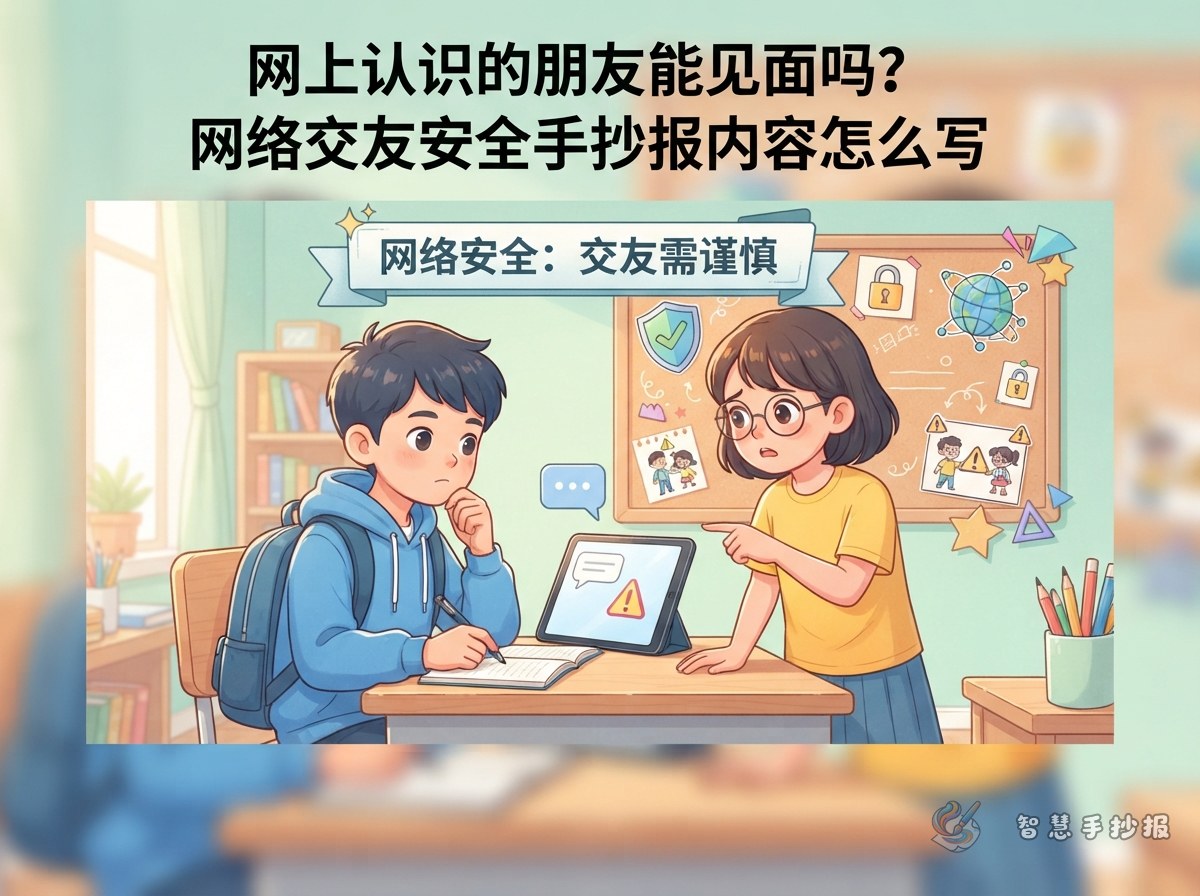
Why Online Friend Safety Works Well as a Handwritten Newspaper Topic
Many students now chat through smart watches, tablets, or computers. They may also meet new people in games or study groups. Online friend safety is a close-to-life topic that is easy to explain on a handwritten newspaper. The goal is not to make the internet sound scary, but to help classmates understand one key idea: you can chat politely online, but you should not share your real identity or make meeting plans with a stranger.
A good newspaper should include both "what not to do" and "what you can do." Adding a "who can help" section makes the content feel complete.
Choose a Clear Title and Simple Columns
Use a question or a reminder as the main title, such as "Can You Meet an Online Friend in Person?" or "What Should I Do If a Net Friend Asks to Meet?" A subtitle like "Online Friend Safety Tips" makes the topic clear. This is more specific than just writing "Internet Safety."
- The Three Don'ts: Do not fully trust. Do not share private information. Do not meet alone.
- What Not to Share: Your name, school, class, address, phone number, photos, and family details.
- If You Get an Invitation: Do not reply "yes." Tell a parent or teacher first.
- Polite Chat Rules: Do not insult others, do not join bullying, and do not forward private messages.
- Where to Find Real Friends: Class activities, school clubs, and interest groups.
Short Text You Can Copy into the Newspaper
Put the "Three Don'ts" in the center of the page. Write each one as a short sentence so it is easy to read and decorate with a small icon.
- Do not fully trust: People online may hide who they really are. Even kind words may not be true.
- Do not share private information: Your name, school, class, home address, phone number, and photos should not be sent to a net friend.
- Do not meet alone: No matter how friendly the person seems, never go to a meeting by yourself or hide it from your parents.
You can add one more line: "Keep the chat record, and tell a parent or teacher at once if you feel scared." This makes the newspaper more helpful in real life.
Add "What to Do If" Boxes
If the page only says "don't," it looks like a warning sign. Add "what to do if" boxes to make it a practical safety guide.
- If someone asks to meet: Take a screenshot or note the time, tell a parent, and do not reply "yes."
- If someone asks for photos or family information: Say no politely, leave the chat, and stop talking to that person.
- If someone threatens or scares you: Do not deal with it alone. Do not delete the messages. Ask a parent or teacher for help.
- If you want to make friends: Join school clubs or class activities and get to know people in real life.
Layout and Color Ideas for a Clear Message
Use light blue, green, and a little yellow. The page will look fresh and calm. Put the "Three Don'ts" in the center or on the right side. Use three round icons for "Do not fully trust," "Do not share," and "Do not meet alone." Write the main title in large letters, keep the text in short lines, and draw borders with computers, phones, speech bubbles, and shield shapes.
- Center: A large title with three warning cards.
- Top left: A short note on "What is online friendship?"
- Bottom right: "Polite Chat Rules."
- Bottom: A short box called "My Message to Classmates."
Keep the Writing Short and Build It Step by Step
Do not copy long paragraphs onto a handwritten newspaper. First divide the page with a pencil, then write the main title, then add short sentences, and finally draw borders and decorations. Keep each paragraph to one or two sentences. Use a thicker pen or a colored outline for the most important line. After finishing the draft, you can open the WeChat mini program "Smart Handwritten Newspaper" to choose a cyber safety template, adjust the title, columns, and decorations, and then print it or copy the layout by hand.