Make Time Management Visible with Check-In Boxes
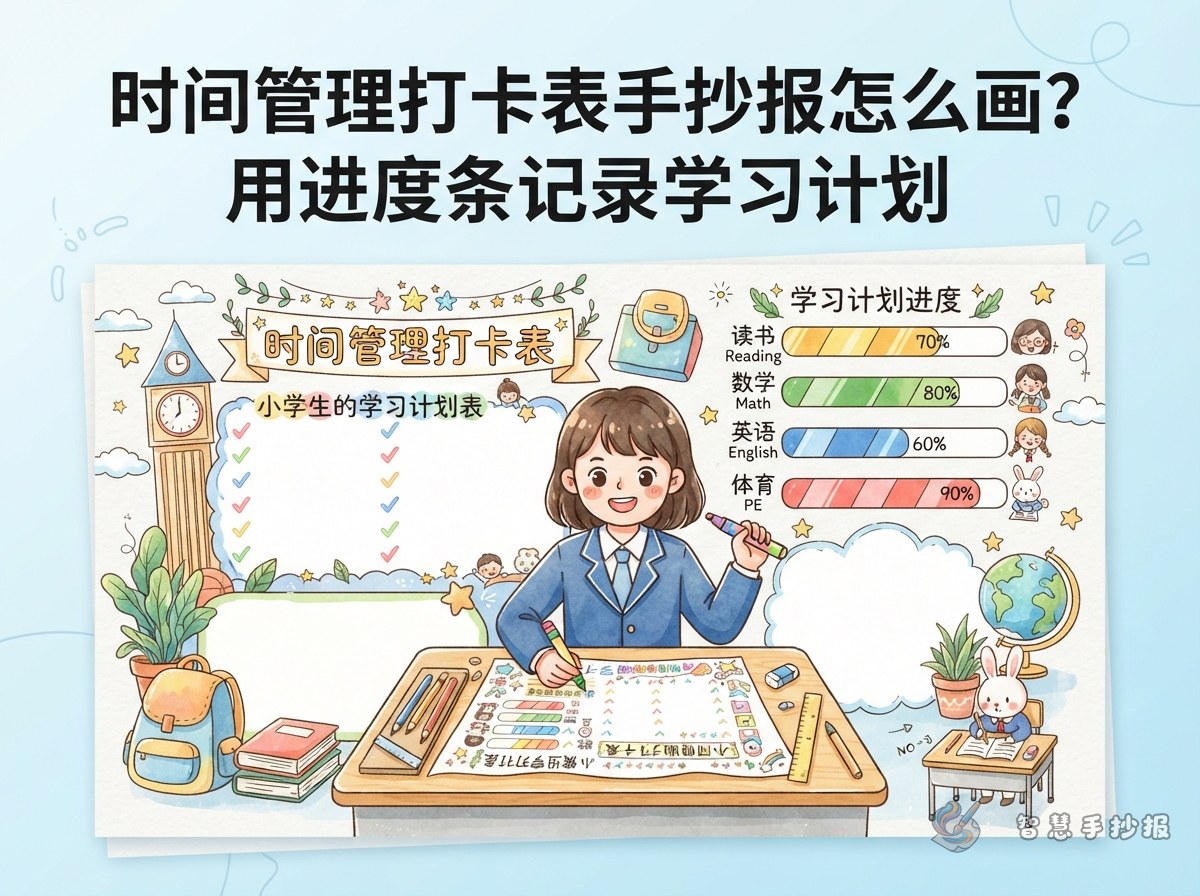
A time management poster can easily become a crowded timetable that children finish and forget. A check-in chart poster works differently: every time a study task is completed, the child marks a box, colors a dot, or adds a small star. The poster then becomes both a display and a daily action record.
For younger students, the focus should be on what they finished today, not on filling every minute. Consistency matters more than a perfectly packed schedule.
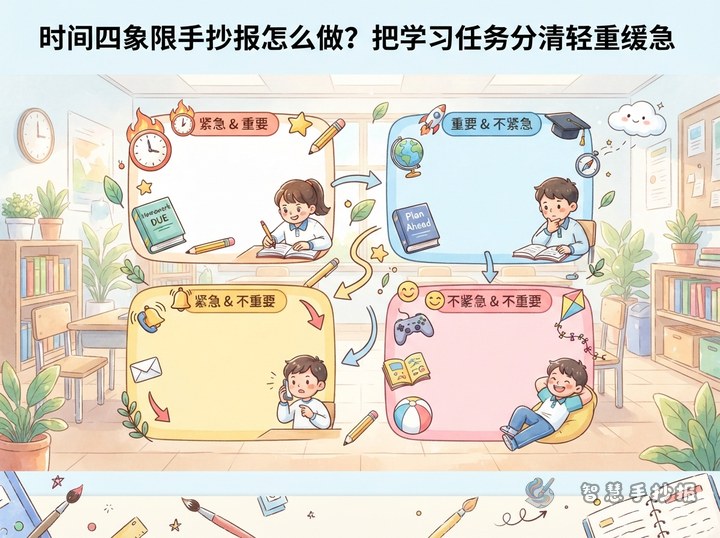
Four Practical Sections for the Layout
Lightly divide the paper into areas before drawing the title and decorations. These four sections are easy to write and draw:
- Today's task check-in: List three to five items such as morning reading, mental math, reading, handwriting, or review, with a row of small boxes after each one.
- Weekly progress bars: Draw seven bars, one for each day, and color one section for each completed day.
- Time bank: Record saved time as time coins that can be exchanged for free play or a family activity.
- Next week's adjustment: Add a short note about the hardest task and what to finish first next week.
Title Ideas, Short Lines, and Simple Drawings
Instead of using only the words time management, choose a title that sounds like an action:
- Did You Check In Today?
- My Study Check-In Map
- Put Time into Little Boxes
- My One-Week Keep-Going Plan
Short lines can include: Do the important thing first, then the fun thing. Finish today's work today. A little progress every day still counts. A check-in is not a race; it is a promise to yourself. Simple drawings can include clocks, hourglasses, calendars, books, pencils, stars, flags, and progress bars. They do not need to be complicated; they only need to match the meaning of each section.
Tips for Drawing Check-In Boxes and Progress Bars
- Draw the outer border with a pencil and ruler first, then use a compass or bottle cap for round check-in dots.
- Keep all check-in boxes the same size and line them up so the chart stays neat.
- Use a dark and a light color for progress bars. A filled part means finished, and the blank part means still to do.
- Leave plenty of space for the check-in area, and place decorative patterns near the corners and title.
- Limit the color scheme to about three colors, such as blue, yellow, and green, so the poster is bright and easy to read.
Younger children can write less and draw more boxes, with a parent helping to write task names. Older students can add estimated time and actual time columns to make the poster closer to a real time management exercise.
Use the Poster After It Is Finished
When the poster is complete, place it near the desk, on the fridge, or on the bedroom door. Check in once a day after finishing a task. After one week, go back and add a short review: Which task felt easiest? Which one needed a reminder? This review helps the next study plan become more realistic.
If you want more layout styles, section borders, and text ideas, you can use the 智慧手抄报 WeChat mini program to continue with a time management theme and place your check-in sections directly into a new poster.