Open with a Message That Feels Wrong
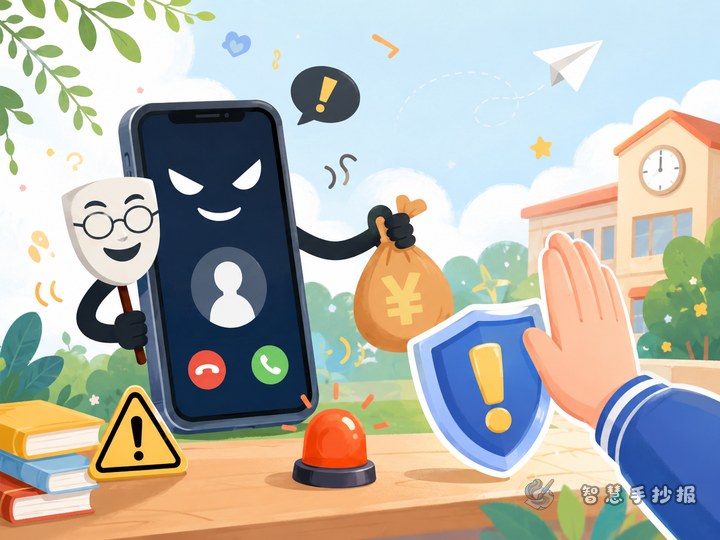
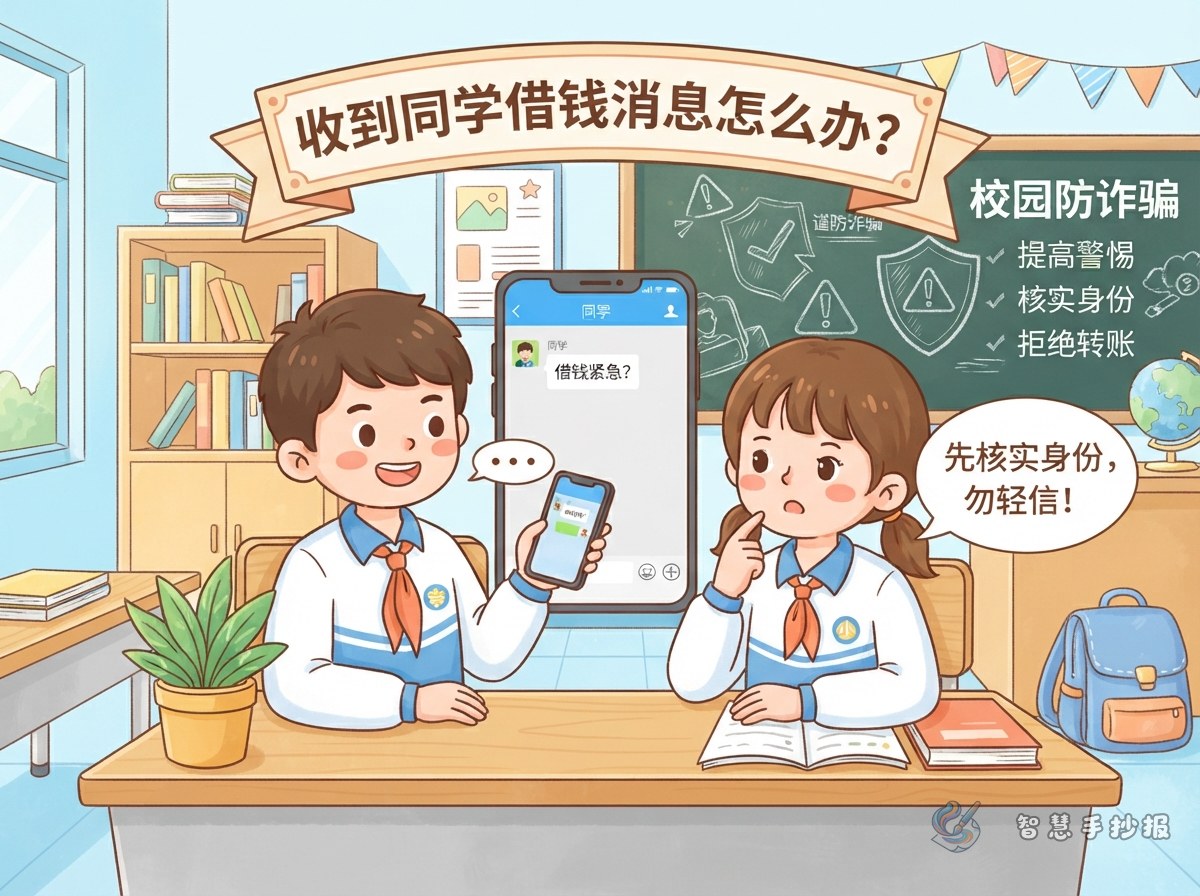
Start the handwritten newspaper with a familiar situation: a classmate's account suddenly says there is an emergency and asks for money immediately. The sender may also insist that nobody else should be told. Add arrows around the chat to identify warning signs such as sudden urgency, repeated pressure, secrecy, and an unfamiliar payment account.
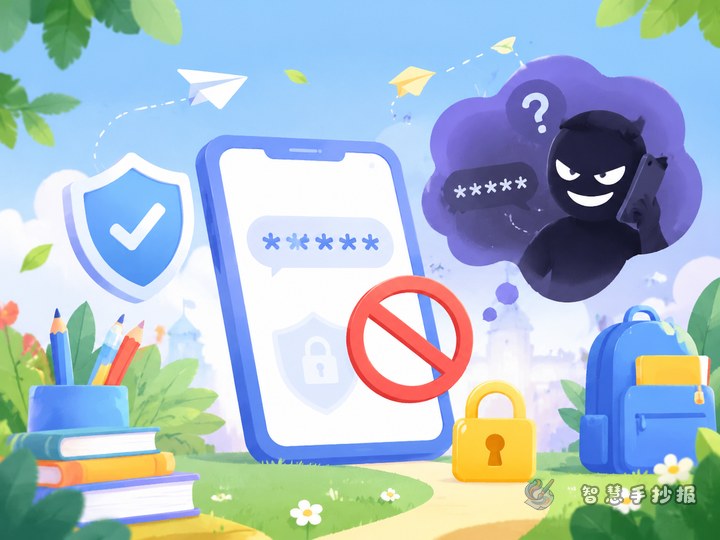
Place one clear reminder below the scene: A familiar profile photo and username do not prove that the sender is really your classmate. An account may have been stolen, or a scammer may be copying the student's writing style.
Turn Identity Checking into a Safety Route
- Pause first: Do not pay immediately and do not open a payment link sent in the chat.
- Use another contact method: Ask the classmate in person or call a number you already had saved.
- Bring in a trusted adult: Show the conversation to a parent or teacher before doing anything involving money.
- Respond to warning signs: Keep the messages and payment details, alert the real account owner, and let an adult help with the next steps.
Short Safety Lines for the Page
- A familiar account is not always a familiar person.
- The more urgent the demand sounds, the more carefully you should check.
- Verify first, and never send money through a suspicious link.
- Tell a parent or teacher when an online request feels unusual.
- Move to another contact channel when checking someone's identity.
Build the Layout Around Three Traffic Lights
Divide the page into three easy-to-follow zones. The red zone lists danger signals and can include small drawings of a phone, an exclamation mark, and an unknown payment code. The yellow zone explains how to pause and verify. The green zone names trusted adults and shows the correct response steps.
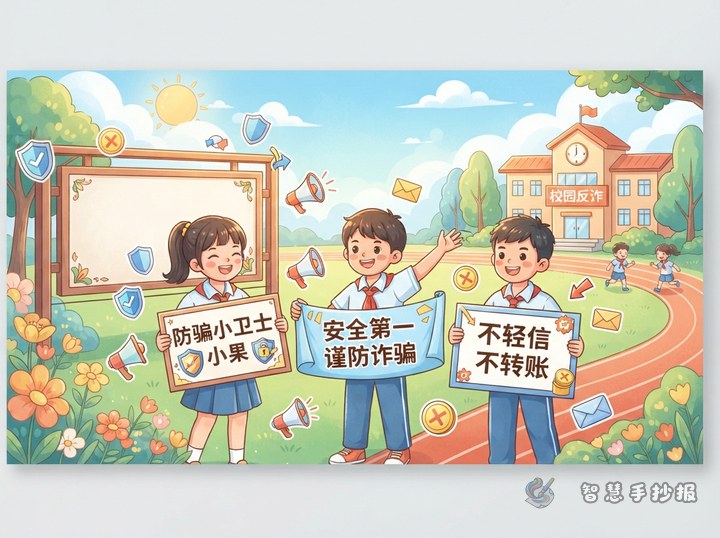
Use a large title and keep each paragraph to a few lines. Red or orange can emphasize danger words, while blue and green can support the remaining sections. Chat bubbles make a useful border, but decoration should never cover the writing.
Run a Final Scam-Safety Check
- Does the page explain that a friend's account may be compromised?
- Does it give at least two ways to verify identity?
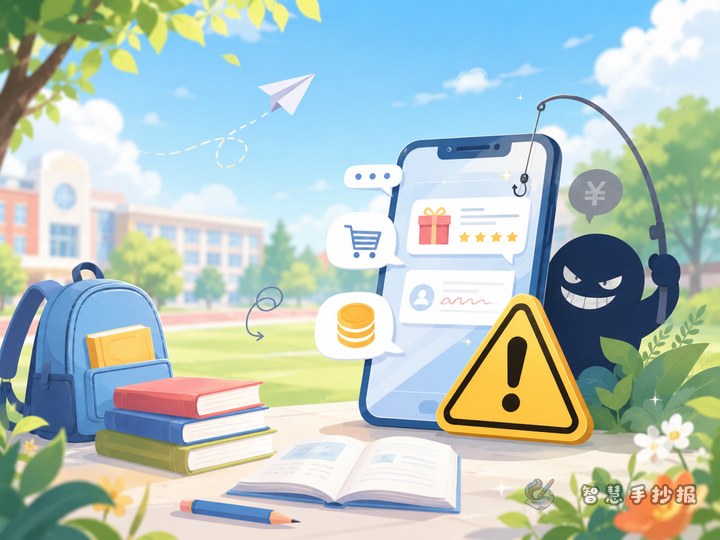
- Does it warn against payment links and unfamiliar accounts?
- Does it tell students to involve a parent or teacher?
After checking the information, students can open the Smart Handwritten Newspaper WeChat Mini Program to continue arranging the title, columns, and page layout so every safety message is easy to notice.