Why this question makes a strong poster topic
Many people imagine AI as a super brain that knows everything. In fact, it is more like a helper that is good at finding patterns. The more examples it sees, the more often it gets things right; but when it meets something new, it can still get things wrong. A poster asking whether AI ever makes mistakes feels close to daily life and gives children room to share their own thinking.
Four everyday mistakes to draw and describe
A voice assistant hears the wrong words
You say turn on the lamp, and it hears turn on the television. It is not being naughty. The room may be noisy, your pronunciation may be unclear, or it may never have learned that phrase.
A camera recognises the wrong thing
An orange cat becomes a little tiger, and a loaf of bread becomes a stone. If it has not seen enough pictures, or the angle is strange, it can easily misread the scene.
A suggestion does not match your taste
After one craft video, it keeps sending more of the same. It thinks you love them, but you only clicked once by chance.
A translation turns funny
A simple sentence may come out with a different meaning, and an idiom may sound very odd. Language jokes are often hard for it to catch.
Three poster sections that keep the layout clear
There is no need to squeeze everything onto one page. Three blocks keep the design tidy:
- Why it goes wrong: explain in three short lines, such as too few examples, too little experience and a noisy setting.
- What I will do: write check again, ask an adult, and think for myself.
- What people can do better: list caring, guessing and changing plans quickly, which are still hard for a machine.
Give the sections catchy names such as Even Smart Helpers Doze Off or It Is Not Always Right.
Short lines you can copy straight onto the poster
- AI is useful, but it is not perfect.
- The more it learns, the smarter it may seem, yet people still need to judge what it has not seen.
- When it gives a wrong answer, do not just laugh. Ask why it went wrong.
- Caring about other people's feelings is one lesson it finds hardest to learn.
- Use it wisely, and always check it.
Colours, layout and finishing touches
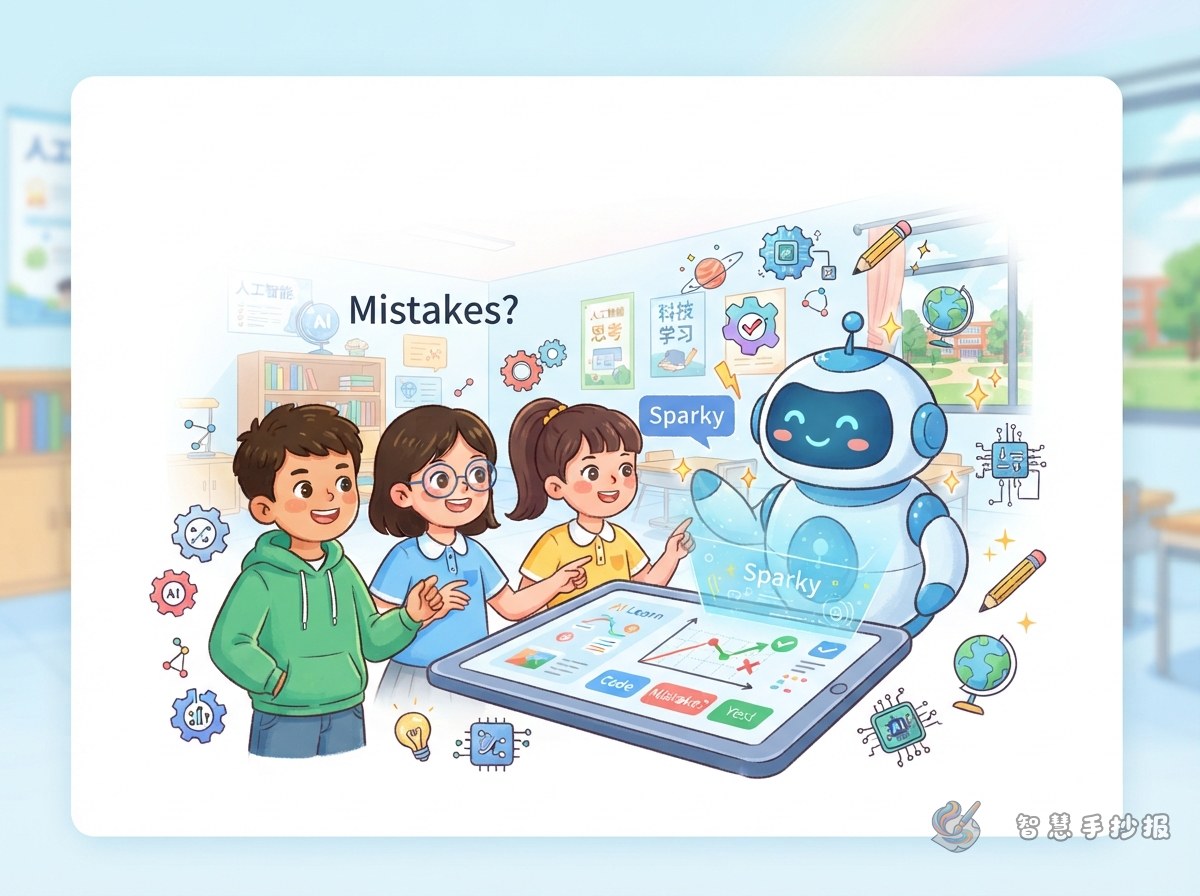
Blue, white and pale yellow give a bright technology feel without looking cold. Draw a small robot or voice assistant on one side and place text boxes on the other. Put a large question mark in the middle, write Will it make mistakes inside it, and use small arrows to point to the four examples. Gears, squares and wavy lines make good borders, helping the page look neither too empty nor too crowded.
If you want a neater layout, search for Zhi Hui Shou Chao Bao in the WeChat mini program, choose a suitable template, add your own text and borders, and print it out ready to write on.