Build the Poster Around a Screen-Time Journey
Organize the handwritten poster into three moments: before turning on a device, while using it, and after putting it away. This creates a clear sequence of actions instead of a collection of unrelated slogans. A short line under the title could read: Use screens wisely and give your eyes time to rest.
Get Ready Before Using a Screen
- Check the lighting: Avoid using a screen in a very dark place or under strong glare. Keep the screen and the room at comfortable brightness levels.
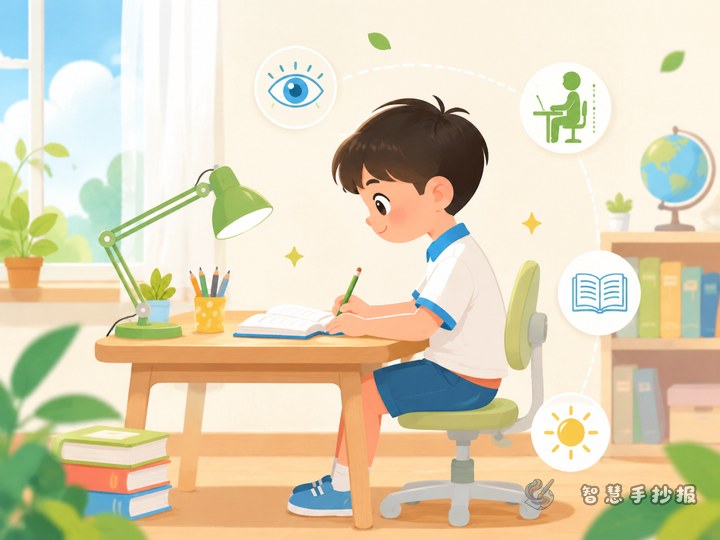
- Position the device: Place the phone, tablet, or computer on a stable surface and keep a comfortable viewing distance. Do not watch while lying down, walking, or holding the screen too close.
- Set a purpose: Decide what you need to study or find before you begin, so aimless browsing does not stretch into a long session.
Write Practical Rules for Screen Use
Create a section called “Smart Screen Rules.” Use short, actionable lines: sit upright; keep your face away from the screen; pause regularly to look into the distance or close your eyes; tell a parent or teacher when your eyes feel dry, sore, or unusually tired; and avoid extending study time with unnecessary videos or games.
You may also include the 20-20-20 reminder: after about 20 minutes of close screen work, look at something about 20 feet away for at least 20 seconds. Pair the reminder with a window, distant hills, or a simple resting-eye illustration so the idea is easy to understand.
Help Your Eyes Rest After Screen Time
- Look through a window at distant objects to relax from prolonged near work.
- Spend time outdoors with suitable activities such as walking, skipping rope, or playing ball games.
- Keep a regular sleep routine and do not continue using a phone in the dark before bed.
- Tell an adult if blurred vision or noticeable discomfort continues, and seek a professional eye examination when needed.
Turn the Page into a Device and Rest Station
Draw a simple tablet or computer screen in the center and place the “during use” tips inside it. Put “before use” on the left and “after use” on the right, then create an outdoor rest station along the bottom. Green and blue can be the main colors, with yellow used to flag poor habits. Leave enough open space around each text block.
Small Visual Details That Support the Message
- Use a battery symbol to represent eye energy and the need to recharge through rest.
- Use check marks and crosses to compare healthy posture with poor posture.
- Add small clocks, windows, distant hills, and skipping ropes around the edges without covering the text.
Do a Final Clarity Check
Make sure the title is easy to notice, the three stages follow a logical order, and every section gives an action readers can follow. Remove repeated slogans if the page feels crowded. After planning the content, open the Smart Handwritten Poster WeChat Mini Program to choose a layout, arrange the sections, and continue creating the poster.