Choose a clear angle: protect personal information online
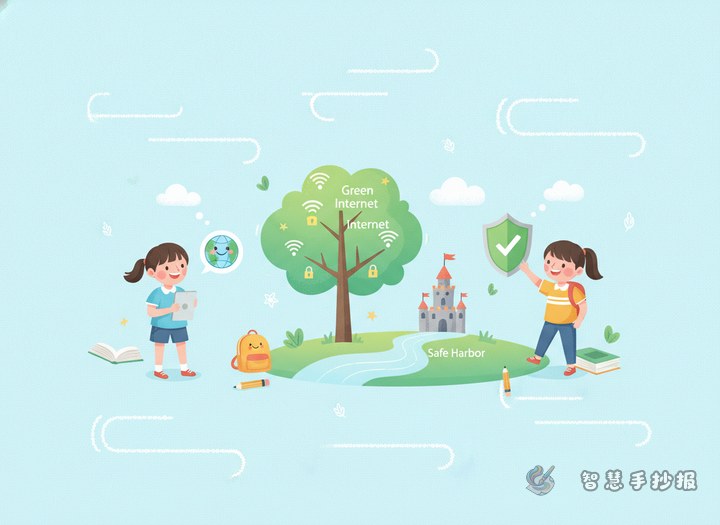
This kind of handwritten newspaper works best when it focuses on personal information protection. Instead of explaining difficult technology, the page should tell children what details they need to protect in daily internet use. A simple theme such as “Protect Personal Information, Be a Safe Internet User” is easy to understand and closely matches cyber safety and responsible online behavior.
The opening can explain that names, phone numbers, home addresses, school details, photos, verification codes, account names, and passwords should not be shared casually with strangers or posted on unsafe websites and group chats.
Simple sections that make the page easy to read
Section 1: What counts as personal information
- Name, class, and home address
- Phone number and family contact details
- Photos, location, and travel information
- Accounts, passwords, and verification codes
Section 2: Risky online behaviors
- Clicking unknown links
- Filling in real information on games or social apps
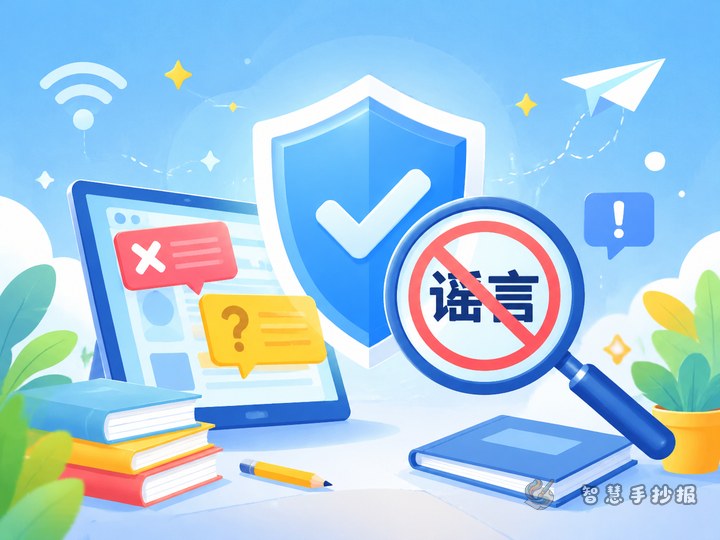
- Sharing verification codes with others
- Posting tickets, IDs, or address details online
- Using unknown public networks carelessly
Section 3: What students can do to stay safe
- Do not send personal details to strangers
- Use nicknames when possible
- Create stronger passwords and change them when needed
- Leave suspicious pages and ask parents or teachers for help
- Download apps only from proper sources
Short lines students can copy into the newspaper
Line 1: Personal information is like a small key, so protect it well.
Line 2: The internet is exciting, but privacy protection must not be forgotten.
Line 3: Do not click blindly, do not share carelessly, and do not trust strangers easily.
Line 4: Keep verification codes to yourself and avoid unknown links.
Line 5: Be polite online, share carefully, and protect private information.
If a longer paragraph is needed, students can write that they should not casually fill in real addresses, phone numbers, or private details online. When they see suspicious links, fake prizes, or strange pop-ups, they should stay calm and ask adults for help. Responsible internet use is not only about polite words, but also about protecting personal and other people's information.
Try a “shield and information cards” layout
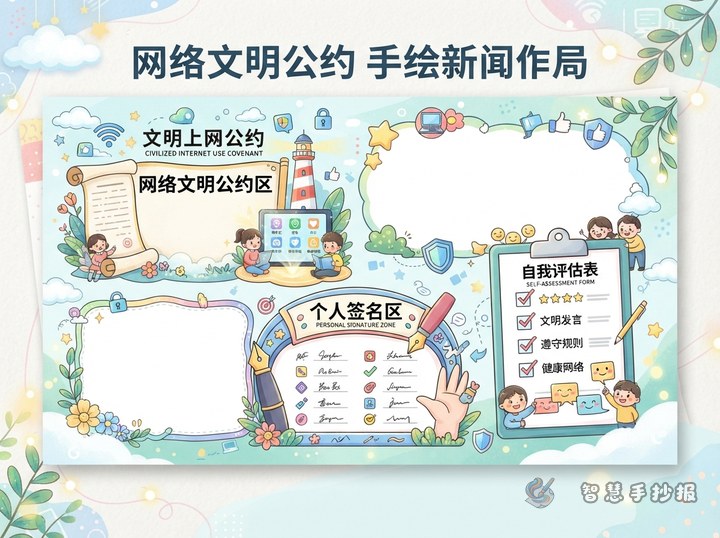
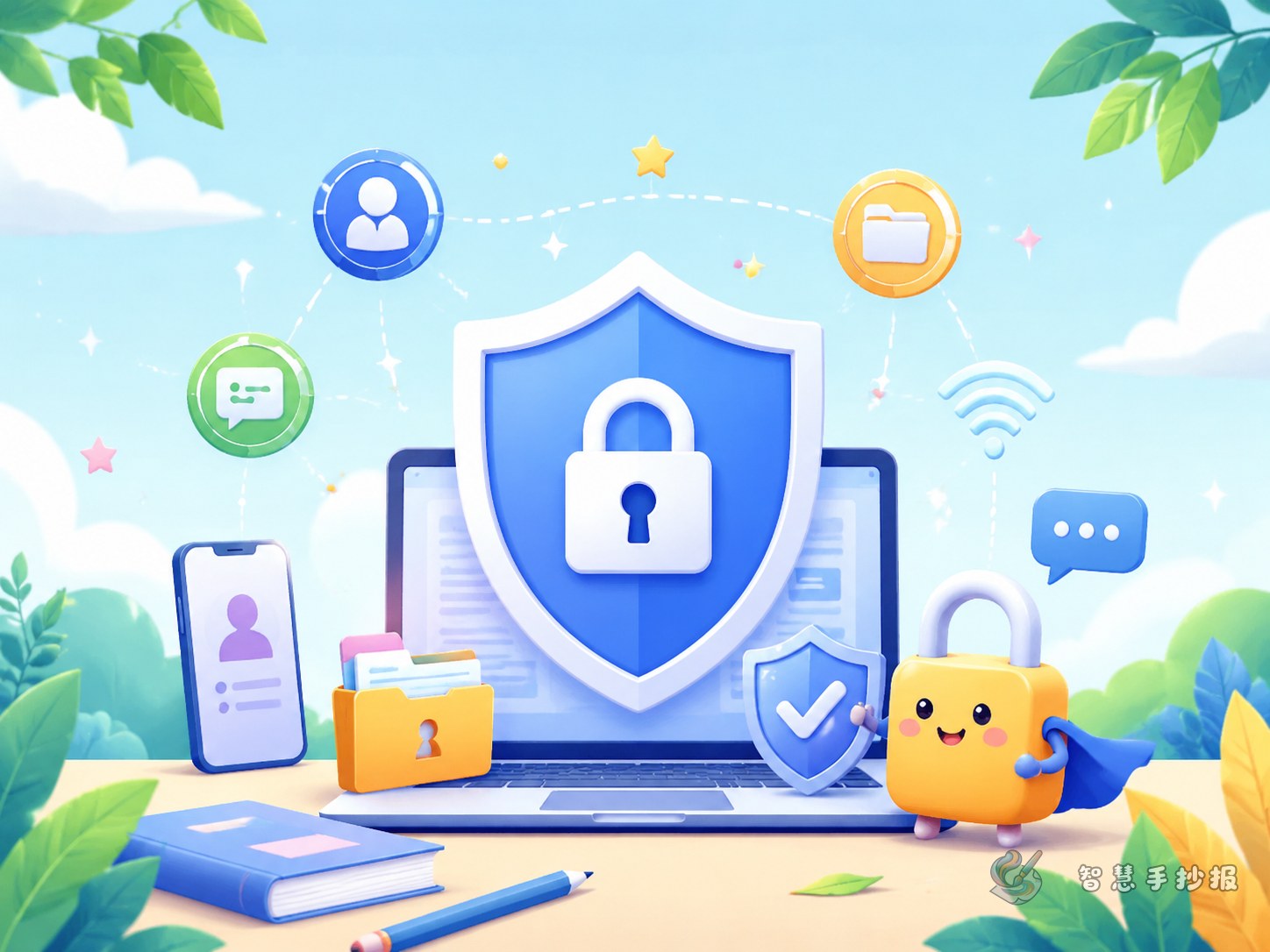
A strong layout is to place the main title in the center and divide the page into four parts around it. Draw a shield or lock in the middle with the words “Personal Information Protection.” The four corners can be “What is personal information,” “Risky behaviors,” “Safe actions,” and “Responsible internet reminders.” This arrangement is clear and easy for children to organize.
Blue, green, and yellow work well for the color scheme because they look fresh and safe. Small decorations can include a computer, phone, key, safety guard, message box, or warning sign. Important words such as “password,” “verification code,” and “unknown link” can be highlighted.
How to finish the page neatly
The ending can use a short call to action: protect personal information, avoid careless sharing, ask for help when facing online risks, and become a responsible and safe young internet user. This gives the handwritten newspaper a complete and meaningful ending.
If you want to keep improving the title style, section frames, and overall page design, you can continue your work in the Zhihui Shouchao Bao WeChat mini program and explore a layout that fits school projects better.