Why choose password safety as the main angle
Internet safety is a broad topic. If a handwritten newspaper tries to include everything, the page can look crowded. Focusing on password safety makes the theme clearer and more practical for students, because passwords are used in study apps, social platforms, and games.
A title like “Protect Your Account, Start with Your Password” or “Safe Passwords, Civilized Internet Use” keeps the page focused and easy to organize.
Section ideas that work well on the page
Section 1: Password Basics
- Use a mix of letters, numbers, and symbols
- Do not use birthdays or simple numbers as passwords
- Try not to use the same password for every account
- Never share your password with others casually
Section 2: Risky Online Habits
- Do not click unknown links
- Do not enter passwords on suspicious websites
- Be careful with fake prize or gift messages
- Log out after using a shared device
Section 3: Rules for Responsible Internet Use
- Speak politely online
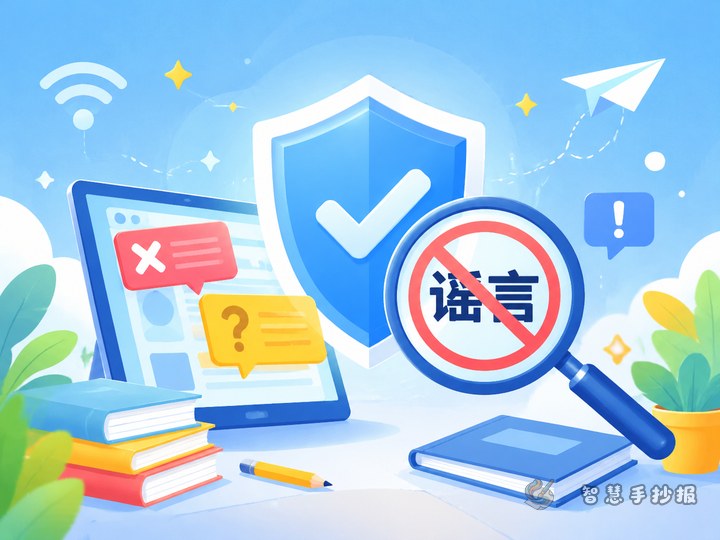
- Do not spread rumors or unchecked information
- Use the internet with self-control
- Tell parents or teachers about harmful content
Section 4: My Safety Checklist
Students can write short first-person promises such as “I will protect my password” or “I will not share verification codes with others.” This makes the newspaper feel personal and useful.
Short text materials to copy
Safety lines: A password is the key to your account. Do not click unknown links. Do not share personal information freely. Stay polite online and think before posting.
Useful short phrases: One account, one strong password. Verification codes are private. Safe online habits begin with me. Responsible speech makes the internet better.
Closing idea: Protecting passwords is the first step in online safety, and using the internet politely is an important part of digital responsibility.
Simple layout tips for a neat result
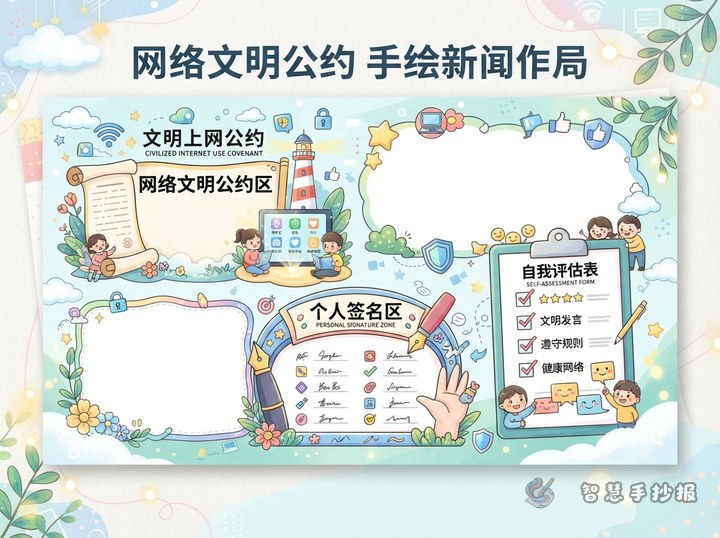
A good layout is a big title in the center with four smaller sections around it. Keep each paragraph short and leave some open space so the page looks bright and clear.
- Blue and green can create a clean and safe feeling
- Use colored labels for section titles
- Highlight words like password, account, and unknown link
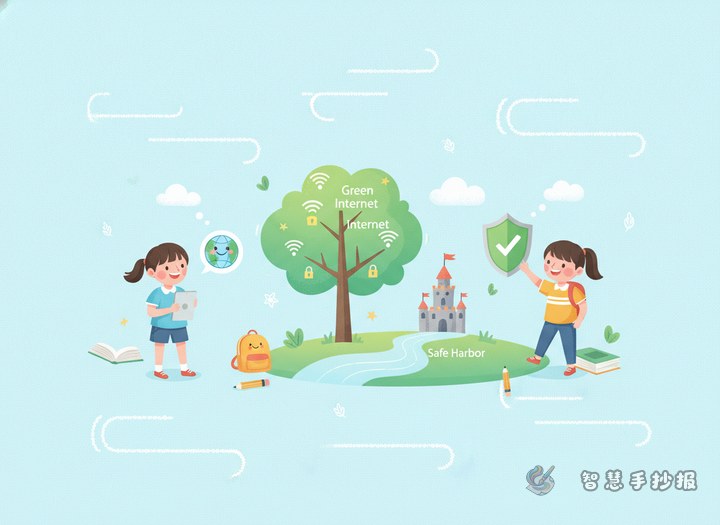
- Add simple decorations such as locks, shields, or computer icons
Helpful advice for parents and teachers
For younger students, short points work better than long paragraphs. Parents and teachers can help children decide on four sections first, then choose two to four key points for each section. This makes the handwritten newspaper organized and easy to complete.
After drafting, check whether the page includes both online safety knowledge and responsible internet behavior. If you want to continue with layout ideas, title styles, or more materials, you can keep creating in the Zhihui Handwritten Newspaper WeChat mini program.