Choose a Clear Theme Focus
A youth green internet handwritten newspaper should show both safety and good online behavior. Instead of writing many general slogans, build the page around a few useful ideas: using the internet in a healthy way, speaking politely online, avoiding harmful content, and protecting yourself while browsing.
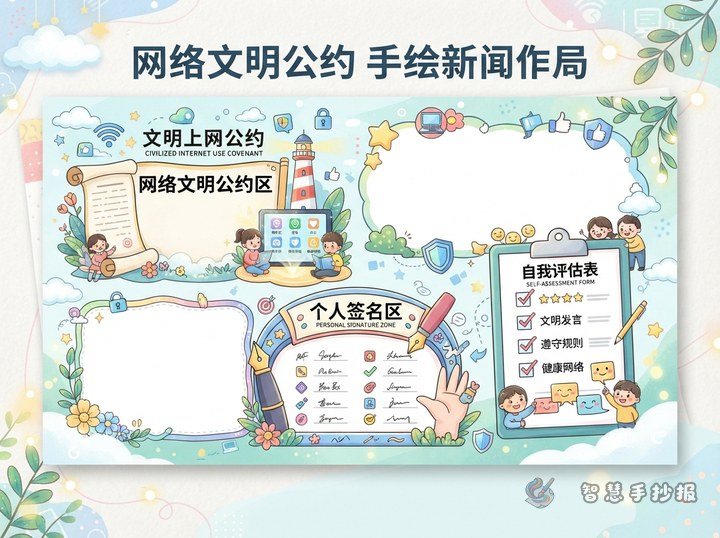
A simple title area in the center or top can help the theme stand out. Around it, place several small sections with short and easy language that primary school students can understand and copy.
Suggested Sections for the Page
What Green Internet Use Means
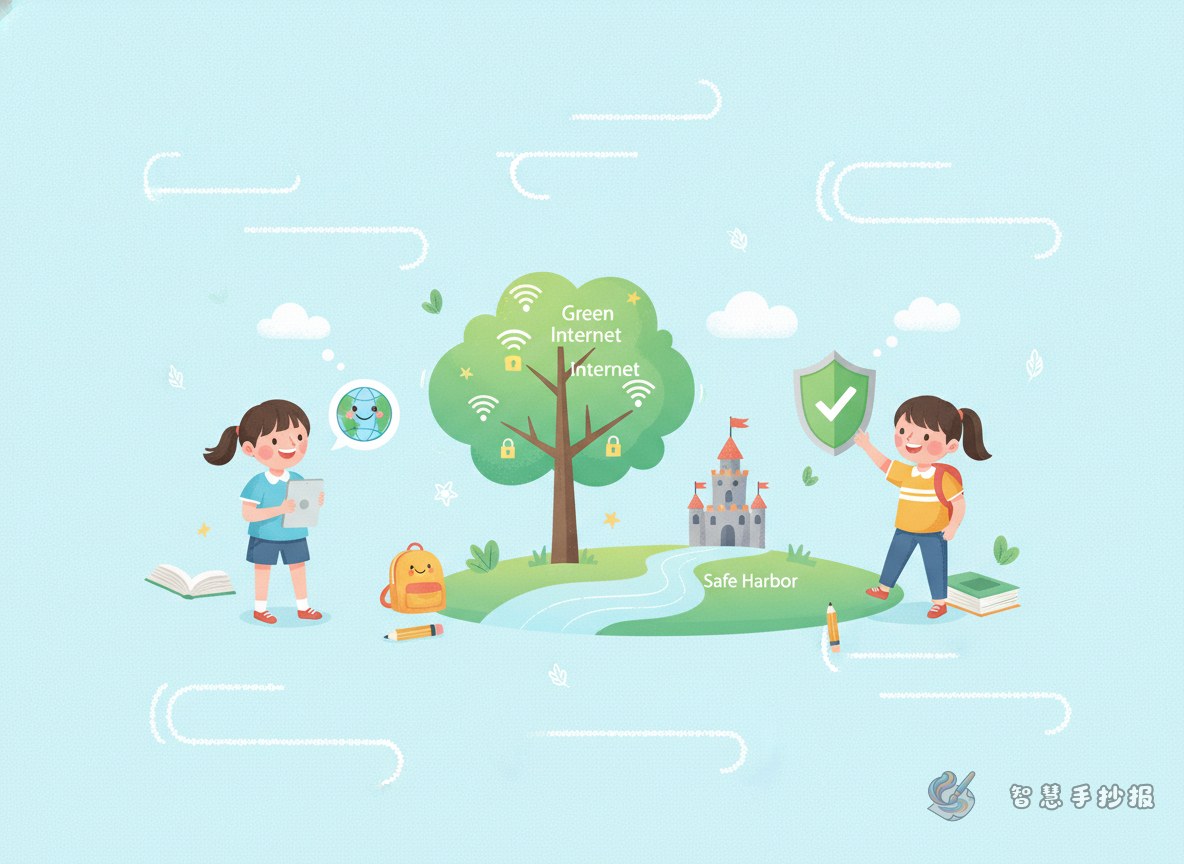
Explain that green internet use is about going online in a healthy, polite, and safe way. Students can write that good internet habits help learning, communication, and self-discipline.
Polite Online Communication
- Speak kindly in chats and comments.
- Do not insult, mock, or spread anger.
- Respect others even when opinions differ.
Healthy Internet Habits
- Use devices at the right time.
- Do not spend too long online.
- Balance study, exercise, and rest.
What to Do About Harmful Content
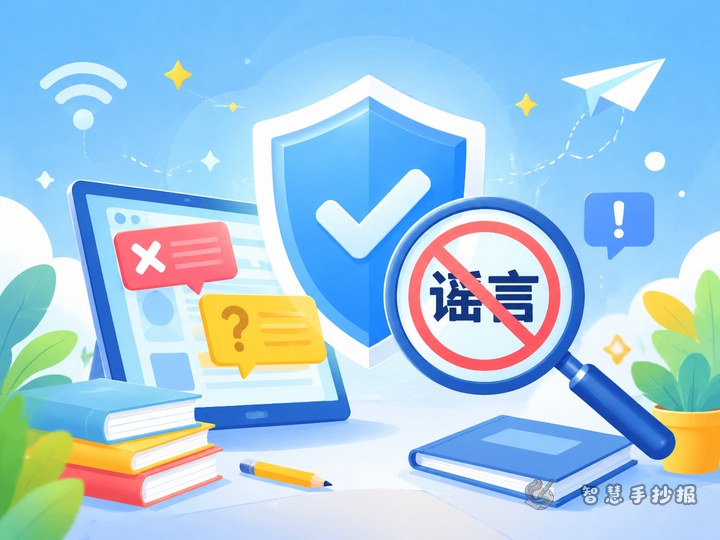
- Do not click suspicious pages casually.
- Leave harmful content quickly.
- Ask parents or teachers for help if needed.
Short Text Materials You Can Use
Students can copy short sentences like these into the handwritten newspaper:
- Go online with manners and use the web with care.
- Be a civilized netizen and a safe young browser.
- Use the internet for learning, not for harm.
- Healthy internet habits start with self-discipline.
You can also add short reminders, such as using the internet with rules, thinking before posting, and staying away from bad information.
Layout Ideas That Look Neat
A practical layout is a main title in the middle with four surrounding content blocks. Another option is a left-to-right reading style with section cards. Keep each block balanced in size so the page feels organized.
Use green and blue as the main colors. Add small drawings such as a computer, a shield, a smiling speech bubble, a globe, or leaves. These details can make the page feel fresh and positive without adding too much text.
Tips for Finishing the Handwritten Newspaper
- Write the title first and decide the main message.
- Pick four to five sections and keep each one brief.
- Use larger text for key slogans and smaller text for explanations.
- Leave enough blank space so the page does not look crowded.
- After drafting on paper, you can continue refining the layout in the Smart Handwritten Newspaper WeChat mini program.