Start with a clear message
This topic works best when the page has one strong idea: do not believe rumors, do not spread rumors, and use the internet responsibly. A clear main title helps readers understand the theme right away, and a short subtitle can mention checking facts or being a careful online citizen.
If students are not sure how to begin, they can first choose one central sentence, such as: Check before sharing, stay calm before reacting. Then every section of the page can support that message.
Useful text sections to write
What is an online rumor
An online rumor is information shared on the internet without proof, or content that is exaggerated, misleading, or made up on purpose. It can spread quickly and cause confusion or panic.
Common signs of a rumor
- The headline sounds shocking or exaggerated
- There is no clear or trustworthy source
- The message asks people to forward it immediately
- The picture or video does not match the text well
- It tries to attract attention by using hot topics
What to do when you see suspicious information
- Pause and do not forward it at once
- Check whether the source is clear
- Compare it with reliable information
- Do not join in spreading it in comments or chats
- Report it if it is clearly false
A short responsible internet pledge
I will think carefully before sharing, speak politely online, avoid spreading false information, and help keep the internet clean and safe.
Small details that make the page more lively
A handwritten newspaper looks better when it includes short and memorable phrases. These can be placed in side boxes, corners, or near the title.
- Slogan: Rumors stop with wise readers.
- Reminder: Verify first, share later.
- Mini tip: Check the source, compare the facts, then decide.
- Section names: Spot the Clues, Think Before You Share, Safe Internet Corner.
These short lines add rhythm to the page and make the message easier to remember.
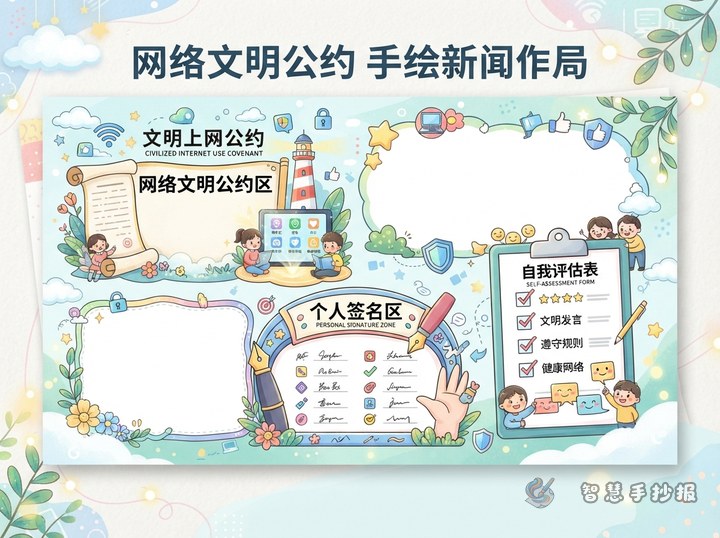
A simple four-part layout works well
This topic does not need a complicated design. Place the main title in the center or at the top, then divide the page into four content blocks.
- Top left: What online rumors are
- Top right: Common signs
- Bottom left: What to do
- Bottom right: Responsible internet pledge and slogans
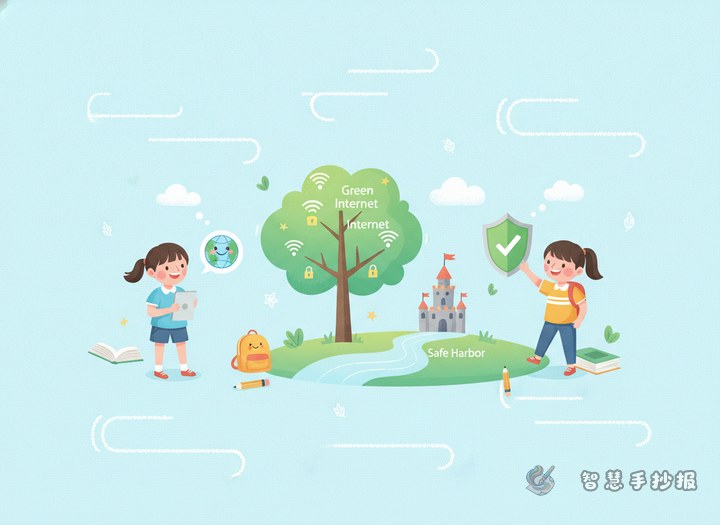
Decorations can include a magnifying glass, speech bubbles, a small shield, a computer, or a globe. Blue, green, and orange are good color choices because they look clean, bright, and suitable for a cyber safety theme.
Final making tips
Do not fill every space with text. A little blank space makes the page look neater. Write the title larger than the body text, and highlight key words such as verify, do not forward, stay calm, report. Drawings should support the message rather than take over the whole page.
If you want to keep improving the layout, colors, or wording, you can continue making your handwritten newspaper in the Smart Handwritten Newspaper WeChat mini program.