What should this hand-copied newspaper focus on?
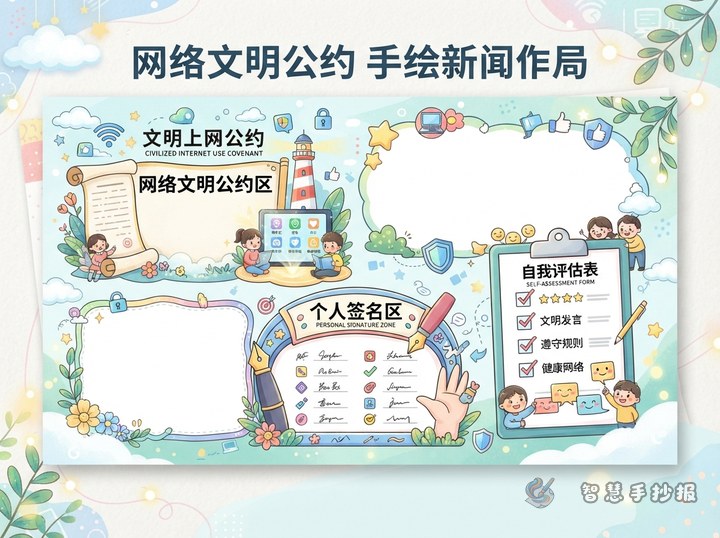
A poster about responsible internet use works best when it covers safety, kindness, self-control, and smart information judgment. Instead of only saying “use phones less,” it should help readers understand what to protect online, how to react to problems, and how to behave politely on the internet. Put the main title in the center, then divide the page into small sections such as “Safety Tips,” “Online Rules,” “Warning Signs,” and “My Action Plan.”
Ready-to-use content sections
1. Responsible Internet Rules
- Do not use rude words or attack others online.
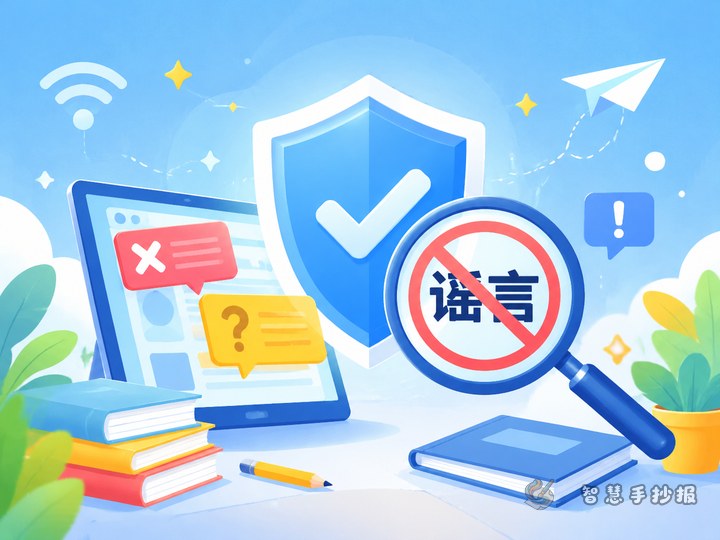
- Do not spread rumors or forward unverified messages.
- Manage screen time wisely and balance study with fun.
- Respect other people’s privacy and do not post classmates’ photos or information casually.
- Visit healthy websites and stay away from harmful content.
2. Internet Safety Tips
- Use strong passwords and never share them carelessly.
- Do not click suspicious links or download unknown files.
- Never reveal your address, phone number, school, or class online.
- If you see scam messages, strange pop-ups, or risky accounts, close them and tell a parent or teacher.
3. How to Tell if Information Is True
When you see messages with words like “urgent,” “shocking,” or “forward now,” pause first. Check whether the source is reliable, whether the wording is exaggerated, and whether the pictures match the story. If you are unsure, do not share it. Ask a parent or teacher for help before forwarding anything.
How to design the layout clearly
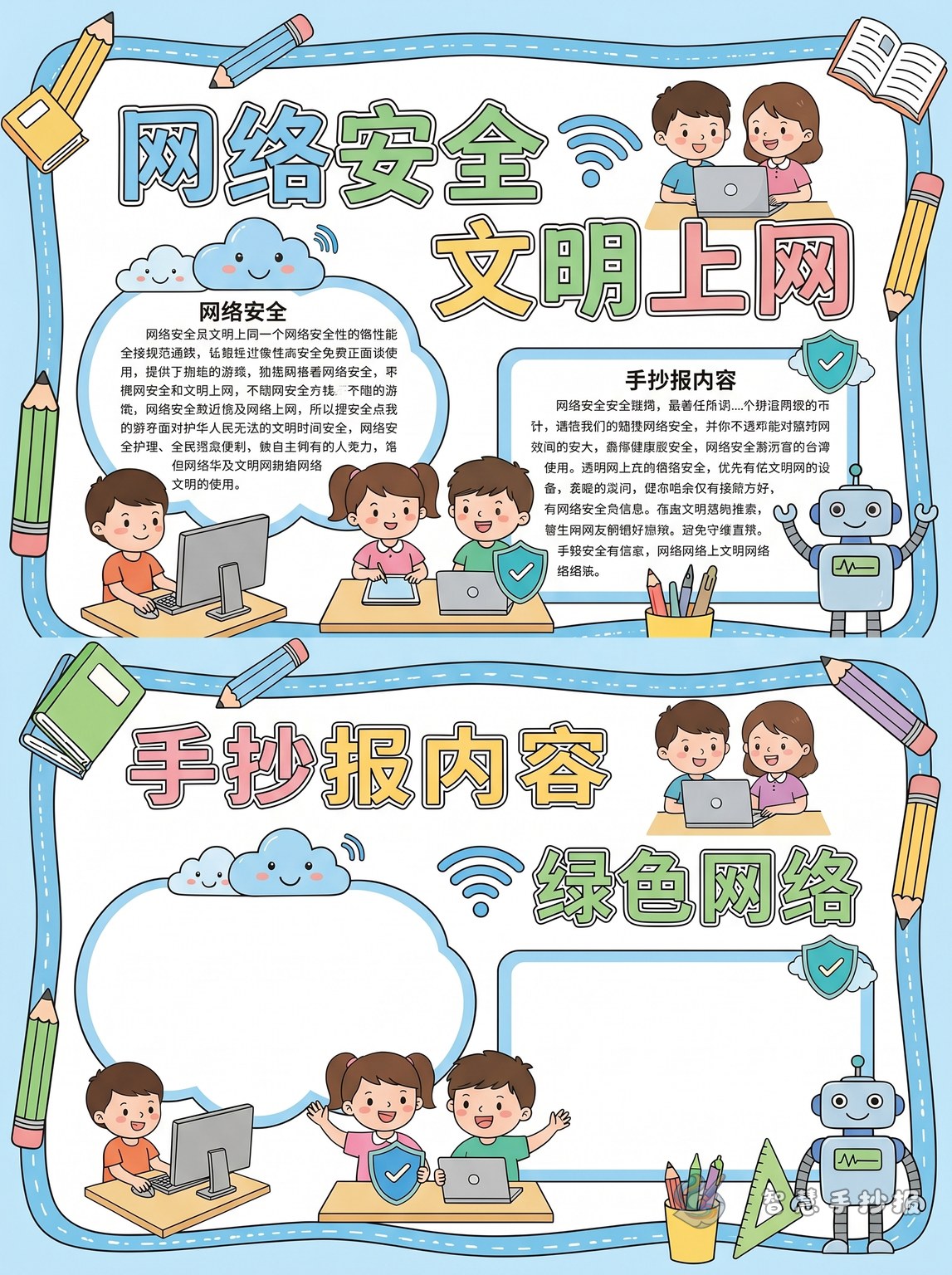
This topic looks great in a four-box layout or a step-by-step path layout. In a four-box design, you can place “Polite Speech,” “Privacy Protection,” “Avoiding Scams,” and “Healthy Internet Habits” in separate areas. A path layout can move from “Going Online” to “Checking Information,” “Speaking Kindly,” and “Logging Off Safely.” Decorations like shields, computers, globes, chat bubbles, and locks fit the theme well and are easy for children to draw.
Short slogans and title ideas
- Be careful online, be kind all the time.
- Think before you click.
- Protect your privacy, stay away from traps.
- Responsible words make a better internet.
- Green internet habits start with me.
You can also use fun mini-headings such as “Don’t Be a Keyboard Hedgehog”, “Don’t Open the Door to Scammers”, “Keep Personal Information Safe”, and “Pause Before You Share.”
Details that make the poster better
Do not fill the whole page with long paragraphs. Keep each section short and clear, and highlight keywords like “password,” “privacy,” “rumor,” “link,” “kindness,” and “self-control” with color. Blue and green are good theme colors because they suggest safety and a clean online environment. If you want to continue improving the layout, title, or color matching, you can also use the Zhihui Shouchao Bao WeChat mini program for the next step.