Choose a “Class on Stage” Theme First
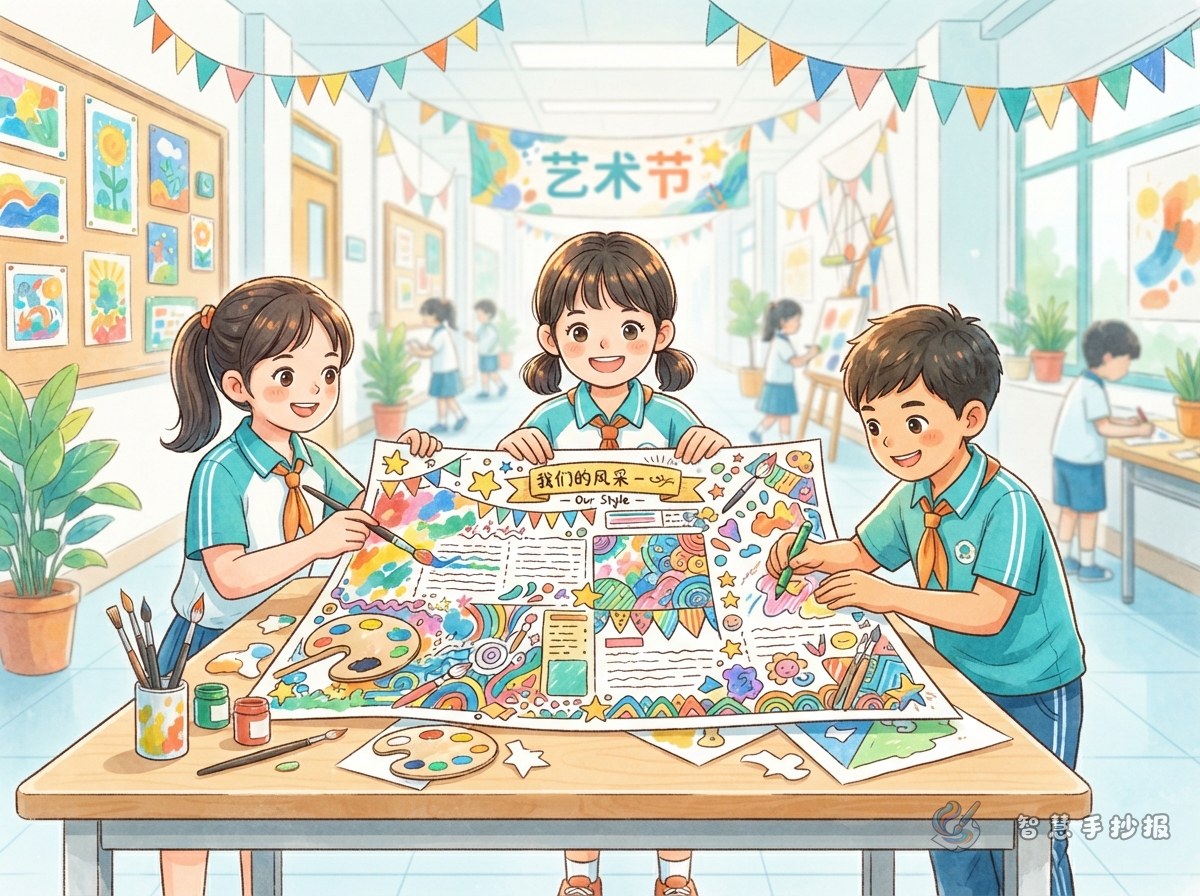
A campus art festival newspaper should not look like a plain event notice. Give it a theme such as Class on Stage. Put the festival name and your class name in the main title, then add a short subtitle or class slogan, for example, “Our show, our applause.” This keeps the page connected to both the event and your class.
If your teacher gives a required title, keep it on the first line and add your class subtitle below, such as “Campus Art Festival — Class 3, Grade 5 on Stage.”
Columns That Show the Festival and Class Spirit
Event Preview
Use three or four lines to explain the festival date, place, participants, and main activities. Avoid a dry list. Add one sentence about what your class has prepared.
Our Class Program List
The program list is the heart of this newspaper. Include program names, performers, types of performances, and one short recommendation for each. If there are many programs, use vertical cards or a small table. If there are only a few, add a simple icon beside each one.
Backstage Moments and Cheer Messages
Write about rehearsal stories, prop making, or moments when classmates helped each other. For cheer messages, ask each student to write one short sentence, then choose five or six to copy onto the page. This makes the newspaper feel real and inclusive.
Easy Art Facts
Add a short fact about stage performance, music, dance, or drawing. For example, how to relax before going on stage, how to watch the conductor in a choir, or a simple color matching tip for posters. Keep it brief and interesting.
Layout Ideas with a Stage Feeling
- Place the main title across the top center like a stage banner, with a curtain border below.
- Put the program list in the visual center as vertical cards or a stepped arrangement.
- Use speech bubbles and star frames for backstage stories and messages on both sides.
- Leave a class signature wall or group photo spot at the bottom so everyone can join in.
The layout does not have to be perfectly symmetrical. Keep the reading order clear: title first, programs next, then stories and messages.
Color, Lettering, and Decoration Tips
- Choose one or two main colors such as warm yellow, orange red, lake blue, or purple, and leave plenty of white space.
- Make the title two or three times larger than the body text. Use outline letters, shadow letters, or colored title blocks.
- Do not overdo decorations. Pick three or four motifs, such as music notes, paintbrushes, stars, curtains, microphones, or ribbons, and repeat them.
- Use black or dark blue for body text. Avoid light text on dark backgrounds, which is hard to read.
Step-by-Step from Draft to Final Page
- On a piece of paper the same size as your newspaper, draw the border and mark four areas: title, program list, backstage stories, and messages.
- Organize the text for each column and remove sentences that are too long or confusing.
- Lightly draw the column boxes in pencil. After checking the positions, write the title and body text.
- Add decorations and color last, and leave space for the signature wall.
- Check the class name, time, and program names. Then hand it in or display it in the classroom.
Ways to Involve the Whole Class
Set up a material collection corner where classmates can write program names, cheers, or rehearsal feelings on sticky notes. You can also divide the work: some students write, some draw borders, and some handle colors. This way, the newspaper becomes a shared class stage, not a solo project.
If you want to save time on layout, you can choose a school activity template in the WeChat mini program Smart Handwritten Newspaper, then replace it with your own class program list and messages to finish an art festival newspaper with class character.