Start by deciding who this page is trying to protect
An anti-fraud safety handwritten newspaper works best when it answers two simple questions: what might happen to me and what should I do. For primary school students, the goal is not complexity but clarity. A short opening sentence under the title can say that safety starts with recognizing scams and protecting personal information.
Four useful sections to place on the page
Scam warning radar
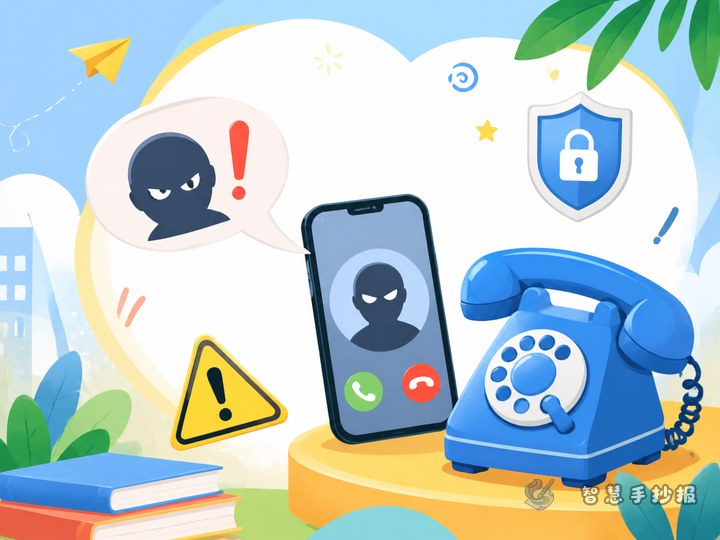
- A stranger calls and says you won a prize
- A message asks you to click a link and fill in details
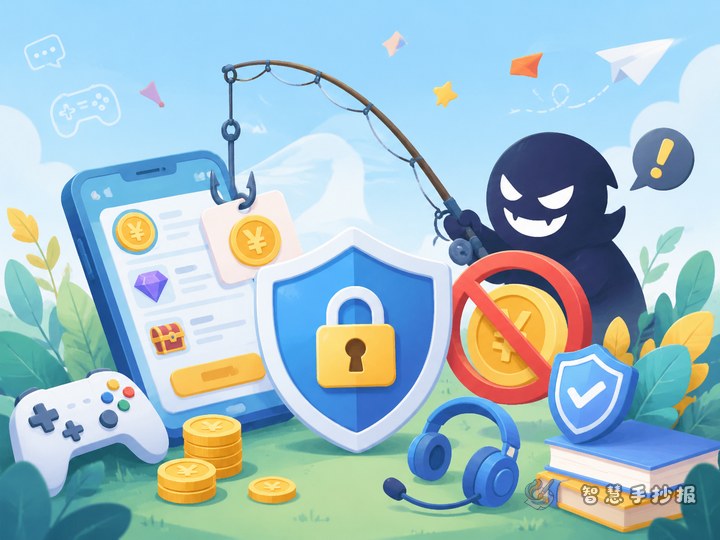
- A game offer promises free skins or equipment
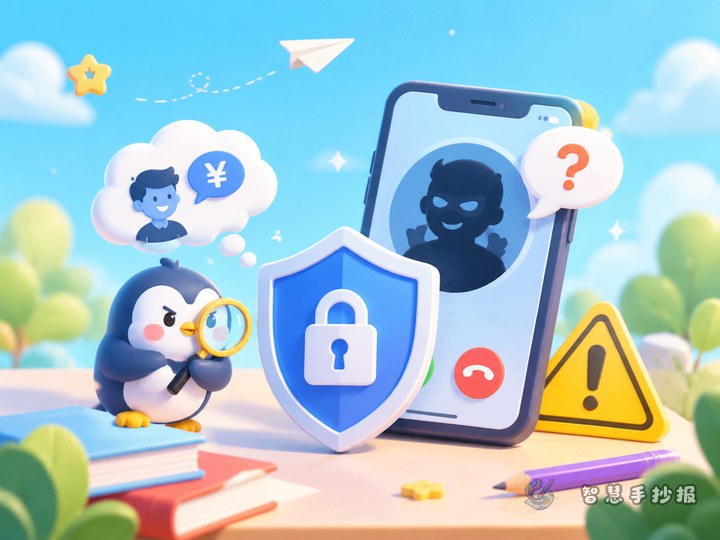
- Someone pretends to be a friend and asks for money or a code
- A QR code claims to give gifts or cash rewards
Short anti-fraud slogans
- Check strange calls before believing them
- Do not click unknown links
- Keep personal information private
- Never share a verification code
- Tell parents or teachers before taking action
What to do when something feels suspicious
- Do not reply, click, or transfer money
- Keep a screenshot or record of the message
- Tell a parent, teacher, or another trusted adult
- Ask an adult to help verify the situation
Information I must protect
This small section can list name, home address, school, parent phone number, bank details, verification codes, and passwords. The key message is simple: never share private information with strangers.
Short text materials that are easy to copy
If the page still looks empty, add short lines and situation-based sentences. For example: If I receive a prize message, I ask my parents first. If someone asks me to scan a code, I stop and think. If someone asks for money in a hurry, I check carefully before trusting them.
You can also add a reminder paragraph: scam methods may change, but safety rules stay clear. Stay calm with strange messages, be careful with any money request, and ask for help when you are unsure.
Layout ideas that make the page more attractive
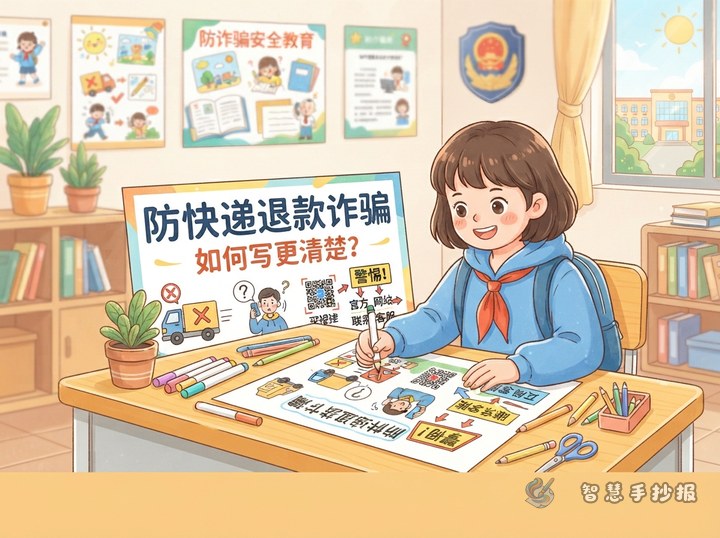
This topic works well with a center title and surrounding sections. Put the theme in the middle and place four topic blocks around it: scam types, slogans, mini situations, and help steps. A clean two-column layout also works if you want the page to look neat and easy to read.
- Use blue, green, and orange for a bright but clear warning feel
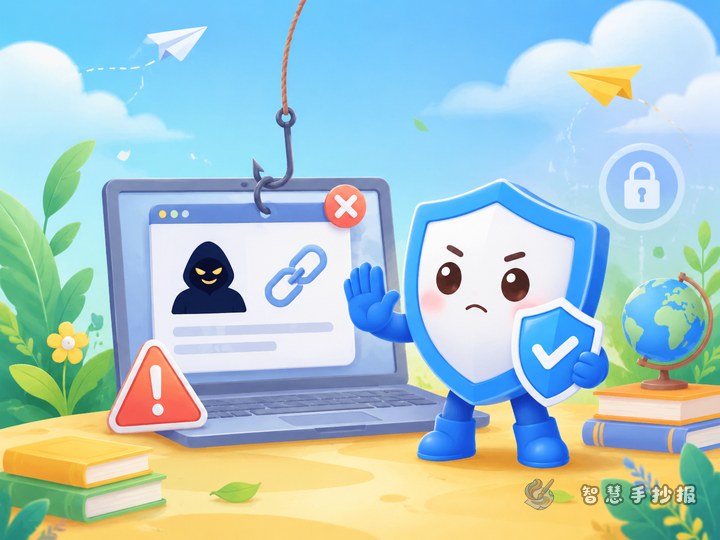
- Decorate with shields, locks, phones, or exclamation marks
- Bold important phrases like do not trust, do not transfer, and check first
- Keep each section to three to five points
Interactive mini scenes for students
Add a section called “What would I do?” to make the page more engaging.
- If someone offers free game items, I will not believe it and will tell my parents.
- If a caller says my family is in trouble, I will contact family members first and verify it.
- If someone asks for a verification code, I will refuse to share it.
This kind of section makes the handwritten newspaper more lively and easier to remember than a list of facts alone.
Final checks and next-step production ideas
Before finishing, check whether the theme is clear, whether the advice is specific, and whether the page is easy to read. You can make the title more eye-catching with outlined letters and add warning icons beside key sentences. After sorting out the topic, text, and layout, you can continue designing in the WeChat mini program to complete a cleaner final version.