Build the Poster Around One Clear Idea
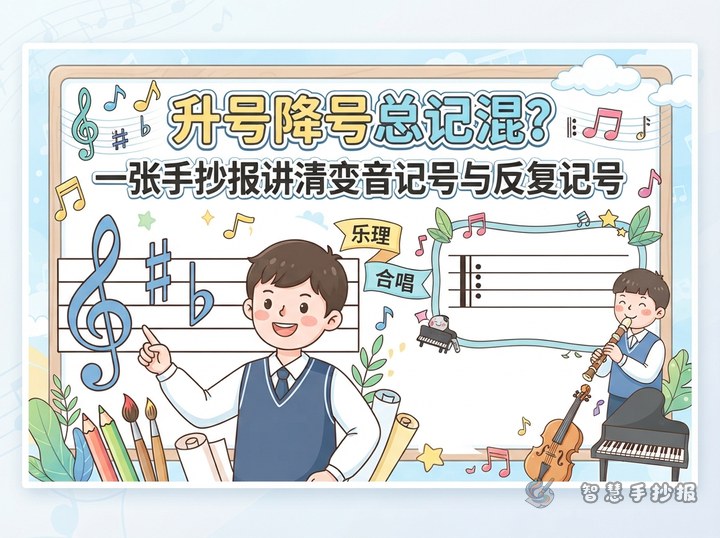
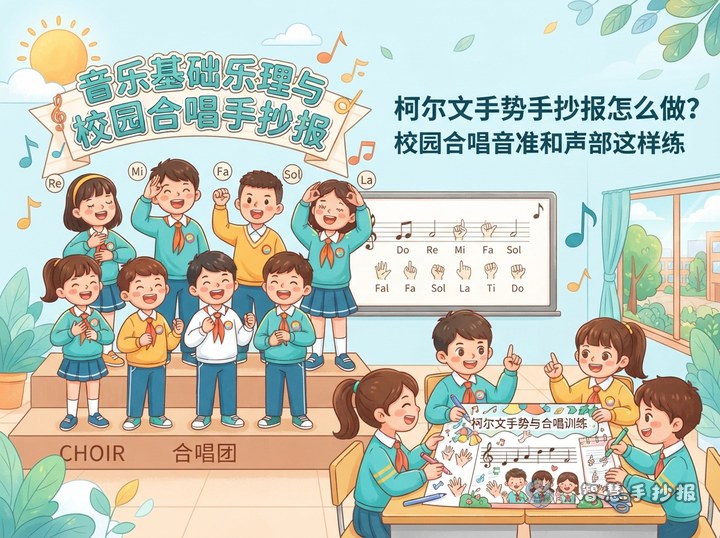
Use “One Beat, One Team” as the central message of the handwritten poster. Place the title at the top or in the center, then add a few simple musical notes, a conductor’s baton, and a choir formation so the topic is clear at first glance.
Turn Music Theory into Easy Reading
Feel the Beat
Beat is the steady pulse that moves music forward. In 2/4 time, each measure has two beats; in 4/4 time, each measure has four. Choir members can tap softly to feel the pattern while keeping a steady tempo.
Recognize Notes and Rests
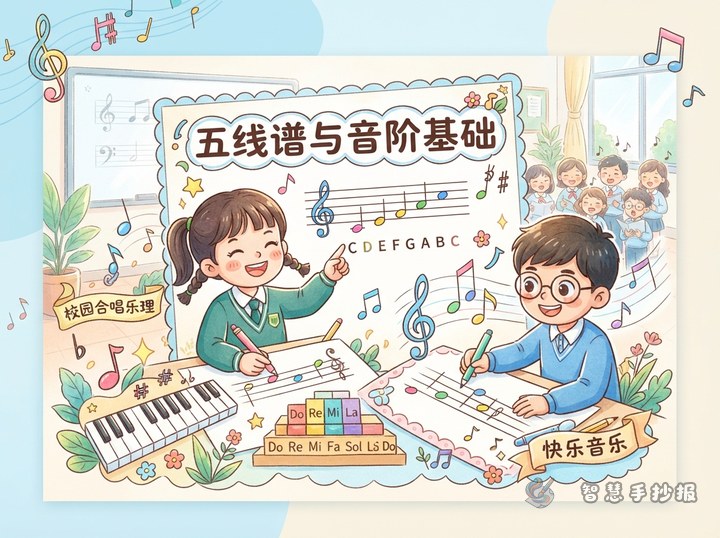
A whole note usually lasts four beats, a half note lasts two, and a quarter note lasts one. A rest tells singers when to remain silent. That silence is still an important part of the music.
Understand Choir Parts
Choir members do not always sing the same melody. Different sections may sing different pitches or melodic lines. Listening to nearby singers helps the separate parts blend into one balanced sound.
Short Choir Tips to Write on the Poster
- Posture: Stand tall while keeping the shoulders relaxed.
- Breathing: Breathe quietly and plan breaths around musical phrases.
- Pitch: Listen to the starting note before singing it softly and accurately.
- Teamwork: Watch the conductor for tempo, dynamics, entrances, and endings.
- Stage manners: Enter and leave in order, then acknowledge the audience together.
Give the Page a Musical Rhythm
Try a three-column layout. Use the left column for beats and notes, the center for a school choir drawing, and the right for rehearsal tips and a closing message. Short staff lines can frame headings, but they should not run behind the writing.
Bright yellow, fresh green, and small red accents create a lively school theme. Make the main title largest, section headings medium-sized, and body text neat and consistent. Keep musical decorations in open spaces so every paragraph remains easy to read.
Finish with a Choir Message
End with a line such as, “Each voice has its own color, and together our voices sing of unity and growth.” After preparing the text, open the Smart Handwritten Poster WeChat Mini Program to choose a layout and continue adjusting the sections, title style, and colors.