Build the Poster Around Three Sound Groups
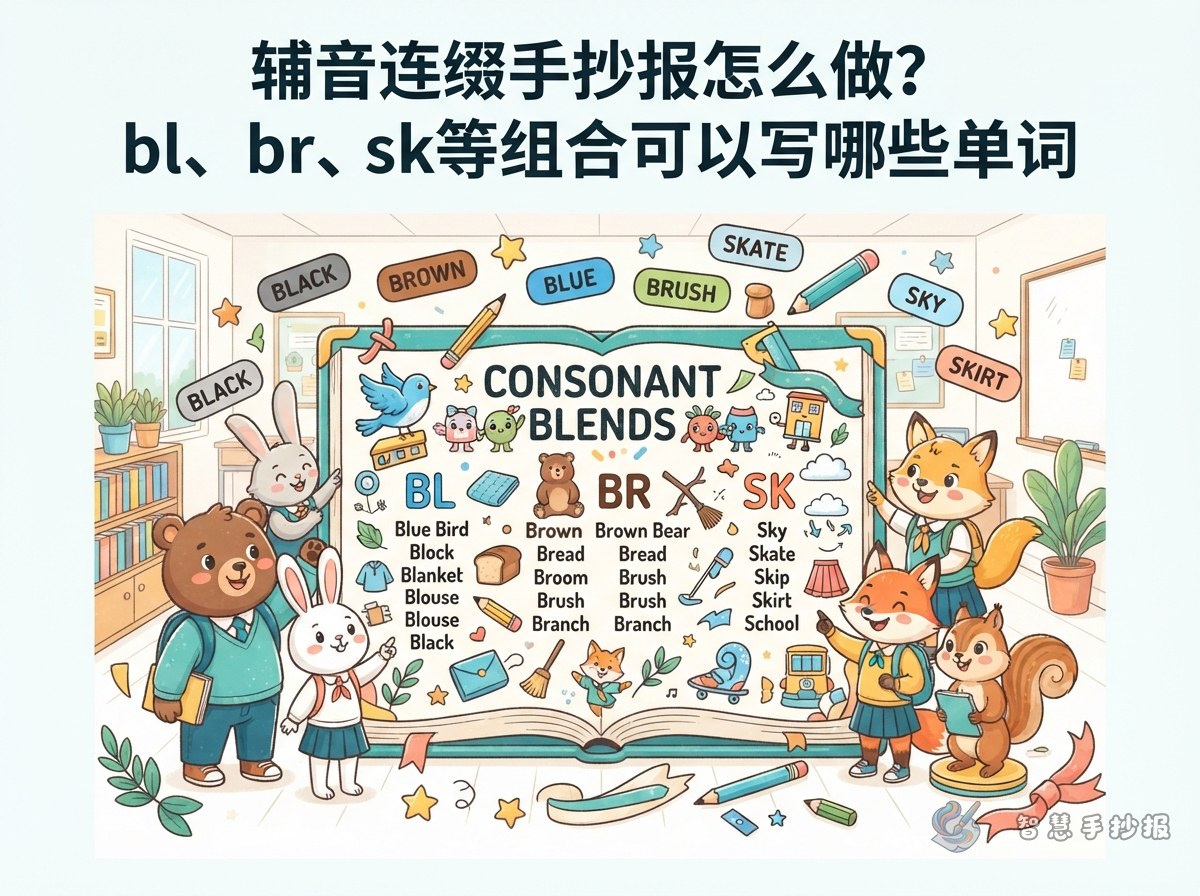
Keep the handwritten poster focused on consonant blends at the beginning of words. In a blend, both consonant sounds can still be heard, although they are spoken closely together. Three compact groups make the pattern easier for young learners to compare.
- L blends: bl, cl, and fl, as in black, clock, and flag.
- R blends: br, cr, and gr, as in bread, crab, and green.
- S blends: sk, sl, and sn, as in skate, sleep, and snake.
Make Two Audible Sounds the Main Idea
In the center, draw a large ear or two linked letter boxes and add the question “Can you hear two sounds?” Show simple blending steps such as b + l → bl, c + r → cr, and s + n → sn. This makes it clear that neither consonant sound disappears.
Add one short reminder: Say the two sounds slowly, bring them together, and then blend the whole word. For example, say c and r, join them as cr, and finish with crab. Detailed phonetic symbols are unnecessary for a primary-school poster.
Create a Nine-Word Blending Station
Words with L Blends
Use black, clock, and flag. A black crayon, a clock, and a small flag can serve as quick visual clues.
Words with R Blends
Add bread, crab, and green. Illustrate them with a slice of bread, a crab, and a green leaf.
Words with S Blends
Choose skate, sleep, and snake. Ice skates, a moon, and a curved snake make the meanings easy to remember.
Add a Sort-the-Words Challenge
Draw three small houses labeled L, R, and S in one corner. Ask readers to sort blue, frog, slide, glass, brush, and smile by the second consonant in each opening blend. Place the answer key in small print along the bottom: blue and glass belong to L, frog and brush to R, and slide and smile to S.
Plan a Clear Reading Path
- Place the main title across the top and outline key letters in different colors.
- Give the L, R, and S groups equal columns so they are easy to compare.
- Put the blending steps near the center or bottom, followed by the sorting activity.
- Use only one small picture for each word and leave enough blank space around every spelling.
After planning the sections, open the Smart Handwritten Poster WeChat Mini Program to choose a template, arrange the content, and continue making the poster.