Start with a clear opening statement
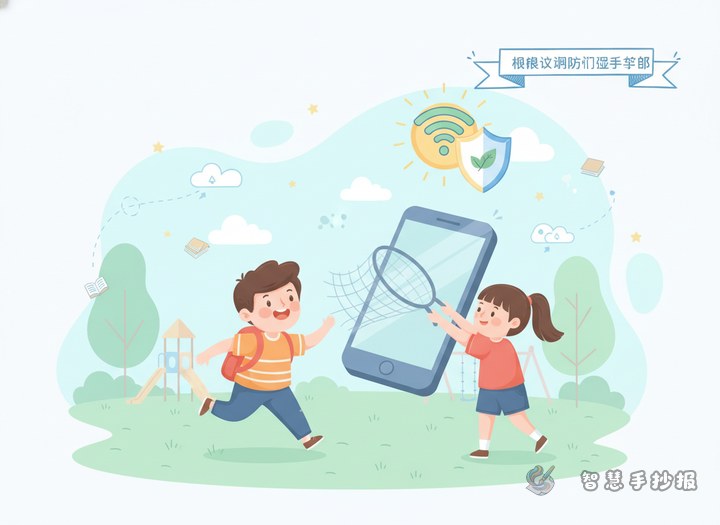
For a handwritten newspaper about online civility and avoiding internet addiction, the introduction should be short, easy to understand, and suitable for young students. The key idea is simple: the internet is useful, but it should be used politely, safely, and with self-control.
Sample opening: The internet brings us knowledge and convenience, but too much screen time can affect study, sleep, and health. We should use the internet in a civilized way, manage our time well, and grow up happily and responsibly.
Build the content around four simple parts
Online civility
- Speak politely online
- Do not spread rumors or rude words
- Respect others in chats and comments
- Stay away from harmful content
Anti-addiction tips
- Set a daily time limit for screen use
- Do homework first, entertainment later
- Take breaks and protect your eyes
- Do not let games or videos affect sleep
Online safety
- Do not share personal information casually
- Avoid unknown links and risky messages
- Do not trust online strangers easily
- Ask parents or teachers for help when needed
Healthy daily life
- Spend more time reading and exercising
- Talk with family and friends in real life
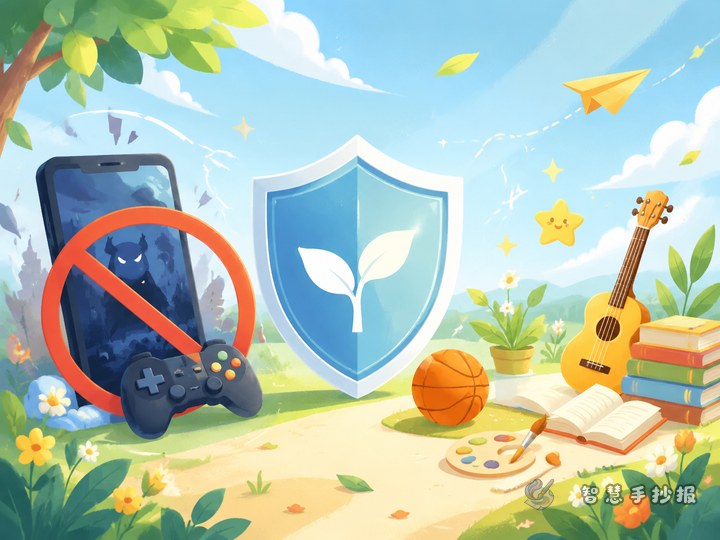
- Use the internet as a tool, not your whole world
Useful short lines for the page
If the page still looks empty, add short slogans that are easy to copy and visually clear.
- Be polite online, start with me
- Green internet, healthy growth
- Use the web wisely, avoid addiction
- Manage screen time, protect your eyes
- Self-discipline makes online life better
Small section titles can be: Online Rules, Time Manager, Safety Notes, and My Promise.
Layout ideas that look clean and student-friendly
Place the main title at the top center. Put online civility on one side and anti-addiction tips on the other. The lower part can include safety reminders and a short closing message. This structure makes the page easy to read and avoids too much crowded text.
Good decorations include clocks, books, computers, leaves, sunshine, and pencils. Blue and green are great color choices because they feel fresh, calm, and healthy.
Small details that improve the final result
- Make the title larger than the body text.
- Keep each section short and neat.
- Leave some blank space so the page does not feel crowded.
- Highlight important words such as civility, safety, self-control, and health.
- Check spelling carefully before finishing.
A simple closing line to end the poster
You can finish with a short message like this: Let us use the internet in a civilized way, manage time wisely, stay away from addiction, and grow into healthy and responsible students.
If you want to keep improving the page design and layout, you can continue creating in the Zhihui Shouchaobao WeChat mini program.