Pick a Clear Theme Line
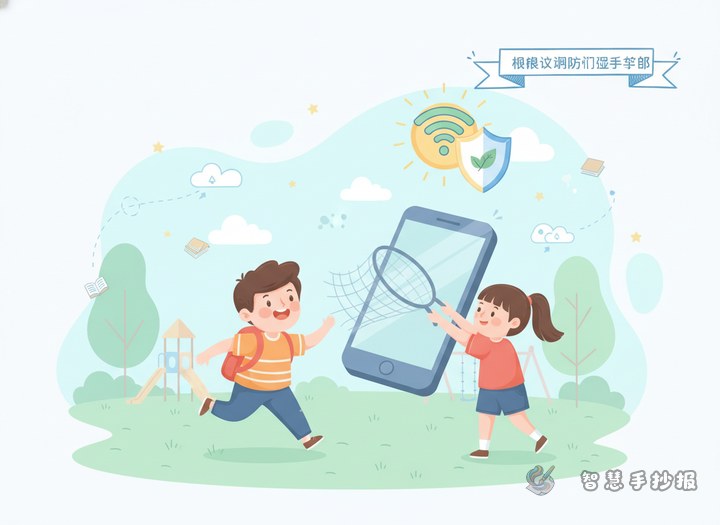
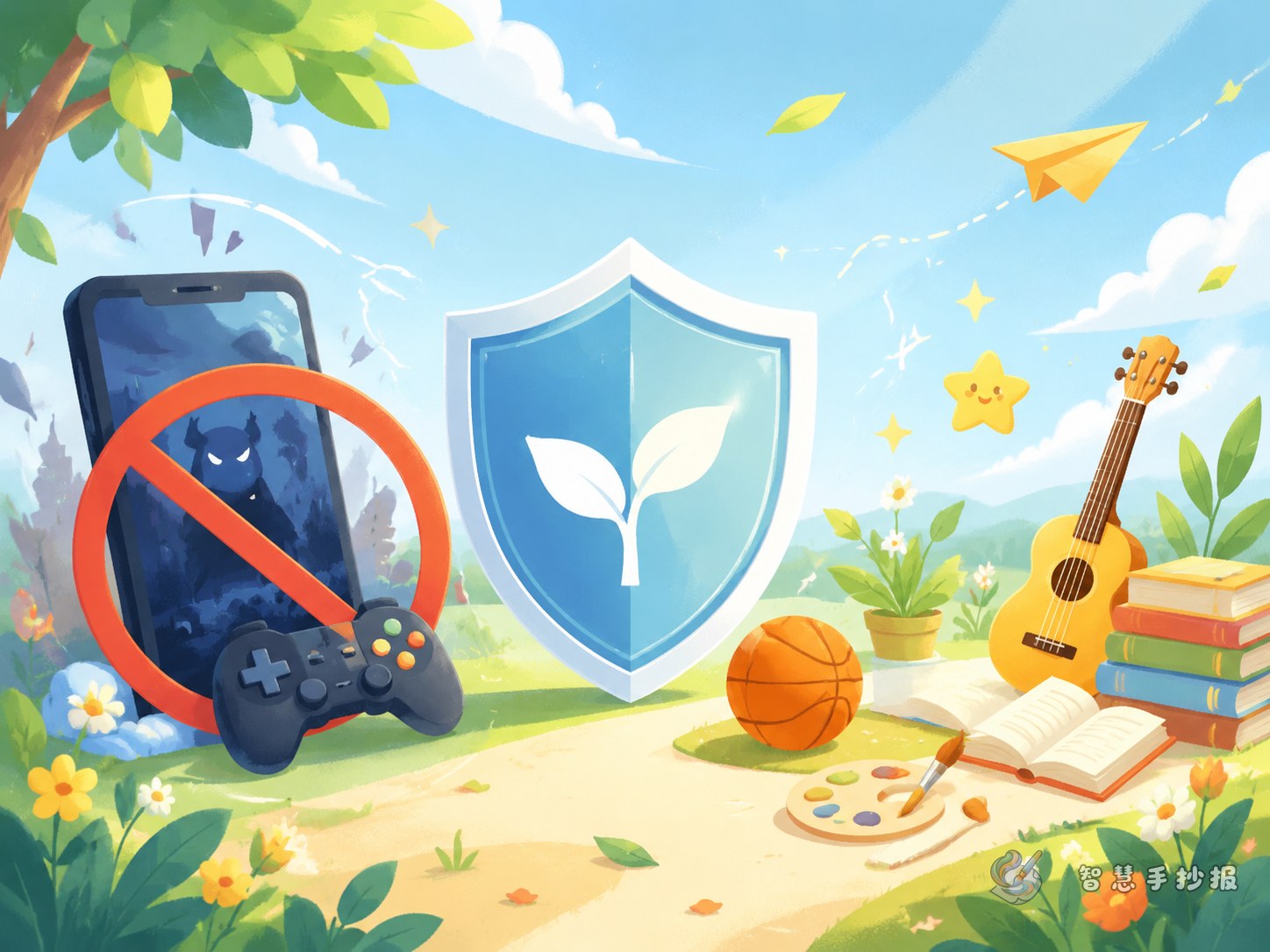
For this poster, keep the message focused on three ideas: use the internet wisely, stay polite online, and avoid game addiction. A simple main title like Say No to Game Addiction, Be a Good Digital Citizen helps the whole page feel organized.
If the student is in lower grades, use short phrases and easy vocabulary. The goal is to make the poster readable at a glance instead of filling every space with long paragraphs.
Content Blocks That Work Well
- What is healthy internet use: explain that online time should be planned and limited.
- Signs of overuse: staying up late, forgetting homework, ignoring exercise, or getting upset when asked to stop.
- Good habits: finish homework first, rest your eyes, talk with family, and balance study with play.
- Online civility tips: speak politely, do not spread rumors, and do not bully others online.
These blocks are easy to place into separate sections, and each one can hold two to four short sentences.
Short Text Materials for Students
You can directly use lines like these in the poster:
- Use the internet with rules, and grow up in a healthy way.
- Play less for too long, learn more every day.
- Be polite online and kind in words.
- Protect your eyes, protect your time, protect your future.
- Do not let games control life.
You may also add a short closing line such as: I will use the internet in a civilized way and make my daily life more balanced and bright.
Layout Ideas for a Neat Poster
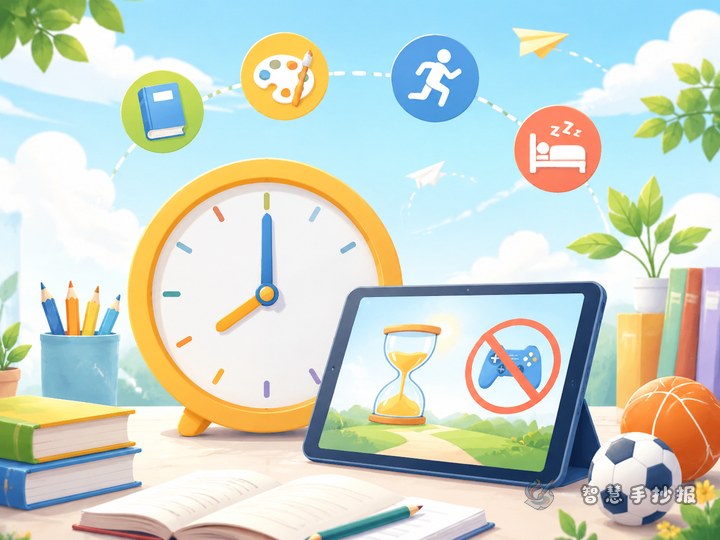
A practical layout is a large title at the top, one main picture in the center, and three content areas around it. The center drawing can be a child reading beside a computer, or a clock reminding students to manage screen time.
For decoration, choose speech bubbles, clocks, books, leaves, stars, or simple device icons. Keep colors fresh, such as blue, green, and yellow, so the page looks lively but not messy.
Easy Production Tips
- Write the title first and make it bold.
- Choose three to four sections only, so the page stays clear.
- Use short sentences instead of long paragraphs.
- Leave enough blank space between blocks.
- Check whether the whole page highlights both online civility and anti-addiction.
If you want to keep adjusting titles, sections, and visual structure, you can continue making the poster in the WeChat mini program for a cleaner final result.