
Poster topics and copy references
Not sure what to write? Browse topics with section ideas, short copy and layout suggestions.
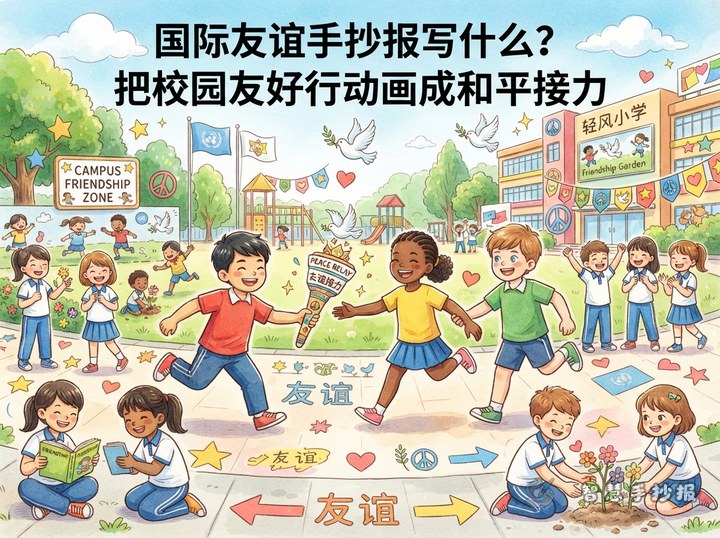
What Should I Write on an International Friendship Poster? A School Peace Relay
This poster uses a peace relay as its creative thread, turning a greeting, a shared task, and a kind action at school into a friendship story that reaches the world. It includes title ideas, short messages, section suggestions, layout guidance, colors, and a practical drawing sequence.
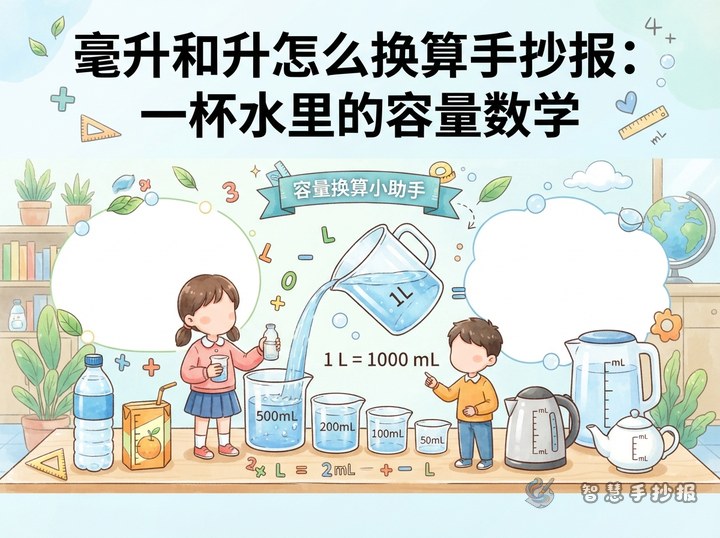
How to Make a Liters-and-Milliliters Math Poster: Capacity in a Cup
Use a cup of water, a measuring jug, and bottles to create a friendly capacity-conversion poster. Explain the relationship between liters and milliliters, add practical examples and interactive questions, then organize the page with a central illustration and colorful sections.
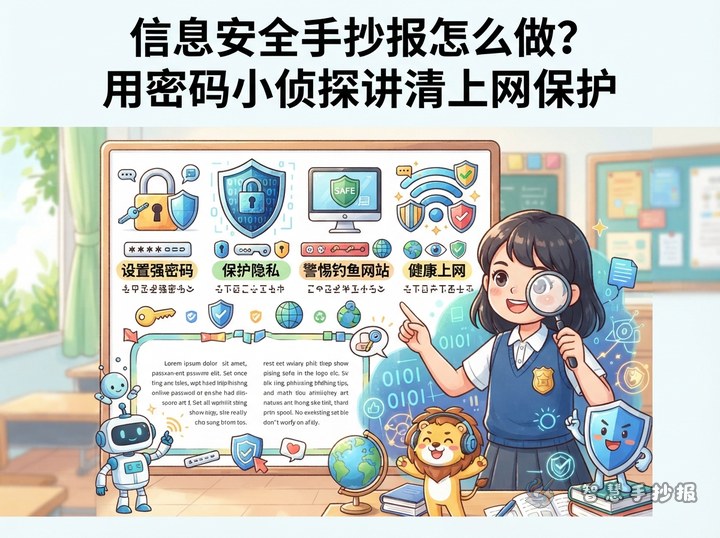
How to Make an Information Safety Handwritten Newspaper: Password Detective
Use a Password Detective as the creative theme and turn information safety into keys, shields, and clue cards. This guide includes copy-ready tips, four useful sections, color ideas, and layout steps for an elementary school technology project.
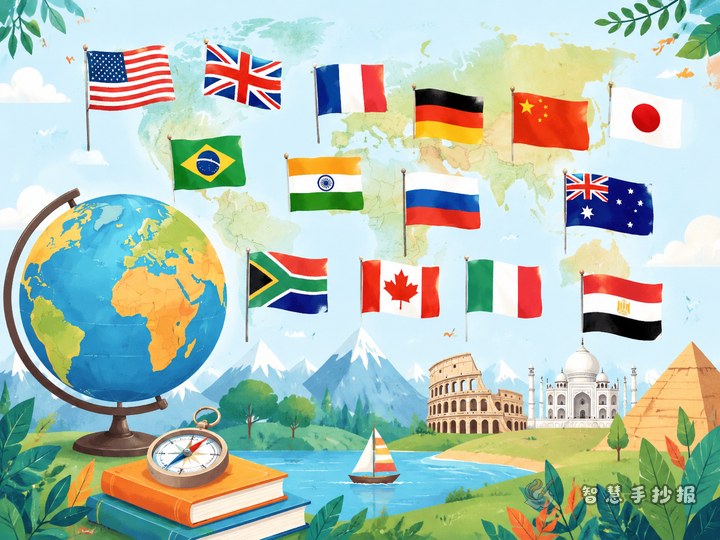
How to Make a World Flags Color Handout?
Use flag colors as visual clues and turn six flags into simple country profile cards. With a color ribbon, short geography notes, and a guessing game, students can create a clear and engaging handout while learning to compare national flags.
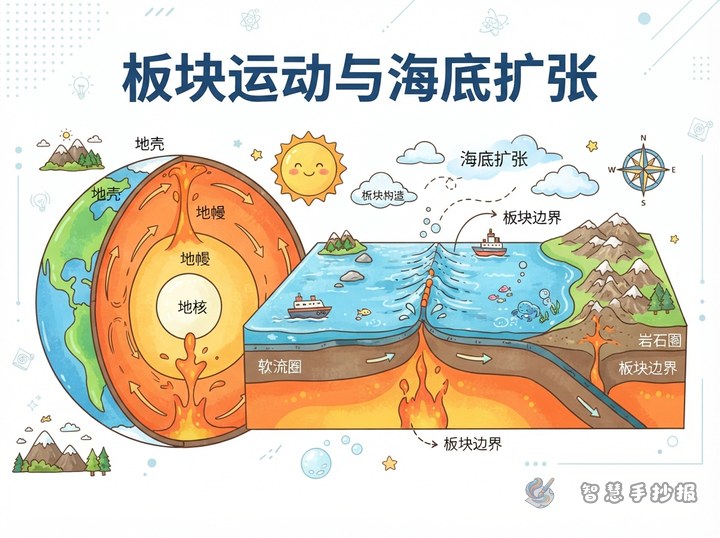
What Are the Three Plate Boundaries? Seafloor Spreading Poster Ideas
This project idea makes seafloor spreading the visual focus and adds three plate-boundary cards, an internal-heat note, useful vocabulary, and a horizontal page plan. It is designed to help elementary students present plate motion with simple drawings and concise science writing.
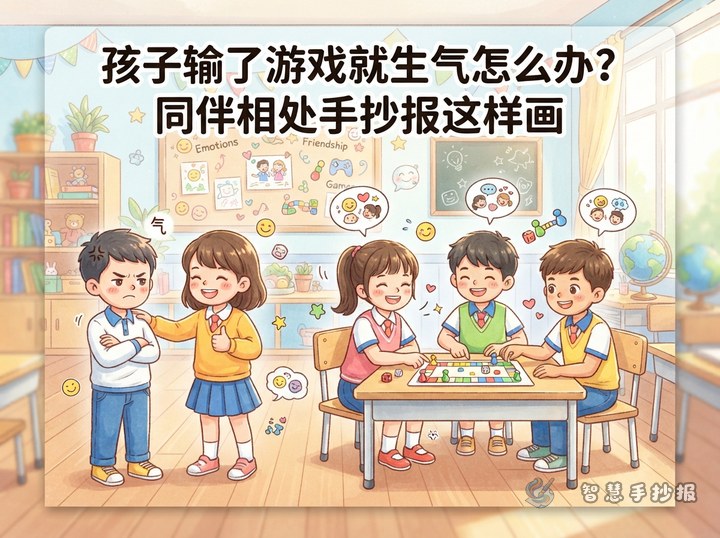
What Can Children Do When They Get Angry After Losing a Game?
This handwritten newspaper plan explores what happens after a child loses a game. It combines emotion words, calming steps, friendly dialogue, and a colorful page layout to help children handle disappointment and continue playing cooperatively.
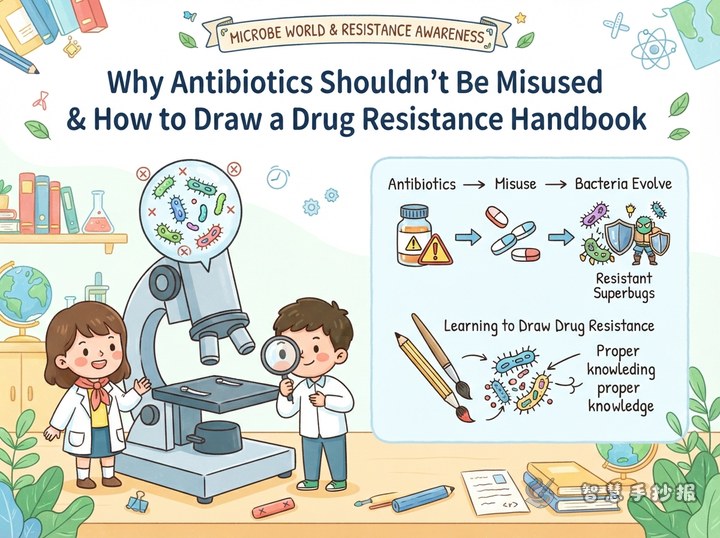
Why Shouldn’t Antibiotics Be Taken Casually? A Resistance-Themed Handwritten Newspaper
This guide helps children create a handwritten newspaper about antibiotics and resistant bacteria. It combines simple science explanations, ready-to-use sentences, section ideas, visual comparisons, and safe-use reminders without presenting antibiotics as a cure for every cold.
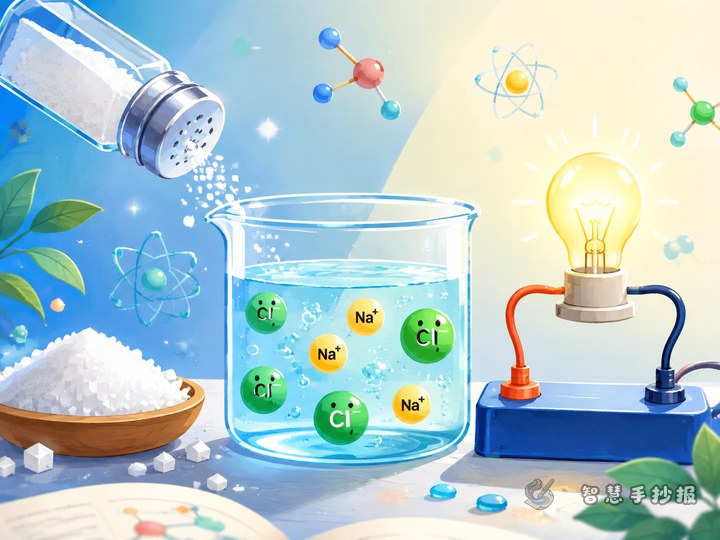
Why Does Salt Water Conduct Electricity? A Sodium and Chlorine Poster Guide
This poster idea follows salt from a kitchen jar to a simple conductivity explanation. Children can introduce sodium, chlorine and mobile ions through drawings, observation notes, safety reminders and an easy-to-follow page design.
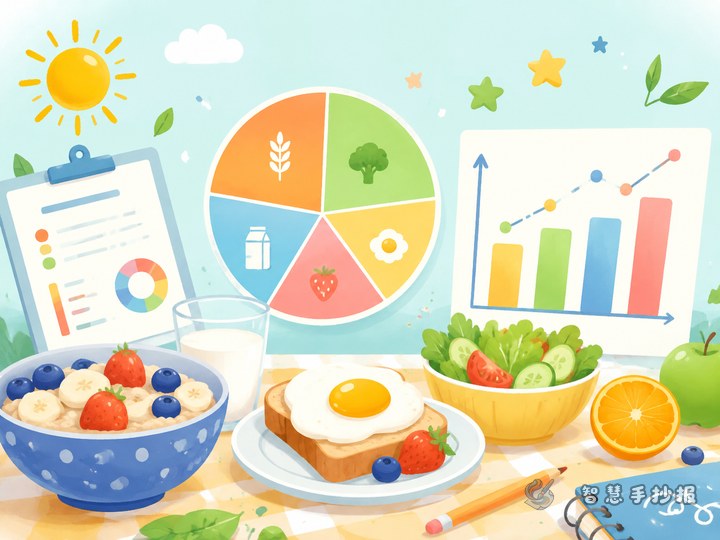
Does My Breakfast Have Enough Variety? A Data-Chart Hand Poster Plan
Turn several days of breakfast observations into a bar chart or a carefully chosen pie chart. This guide offers layout ideas, adaptable wording, data-labeling tips, and a step-by-step plan for a clear school poster.
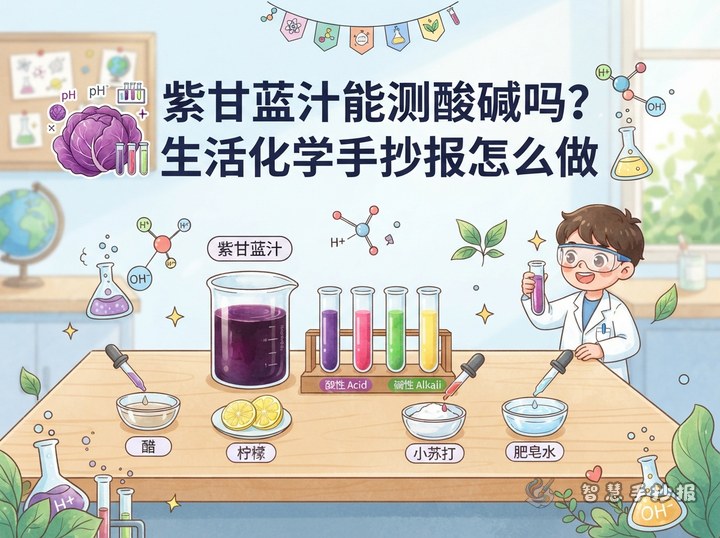
Can Red Cabbage Juice Test Acids and Bases? Handout Ideas
Use a red cabbage color test as the story of a science handout. Compare lemon juice, vinegar, water, and baking soda water, then combine a color map, simple explanation, experiment record, and safety corner for a visual everyday chemistry project.
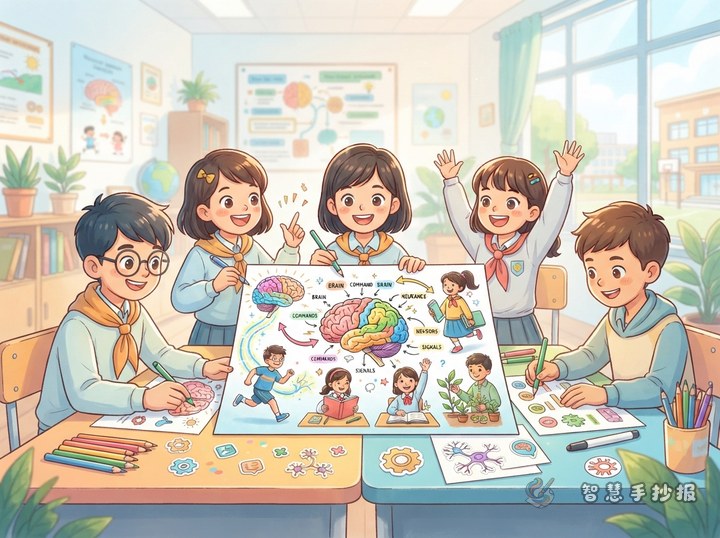
How Does the Brain Control the Body? Brain Science Handwritten Newspaper Ideas
This project plan explains how to create a brain science handwritten newspaper around the question “How does the brain control the body?” It includes simple facts about the brain, spinal cord, and nerves, a visual message pathway, brain-health tips, and a colorful layout suitable for elementary students.
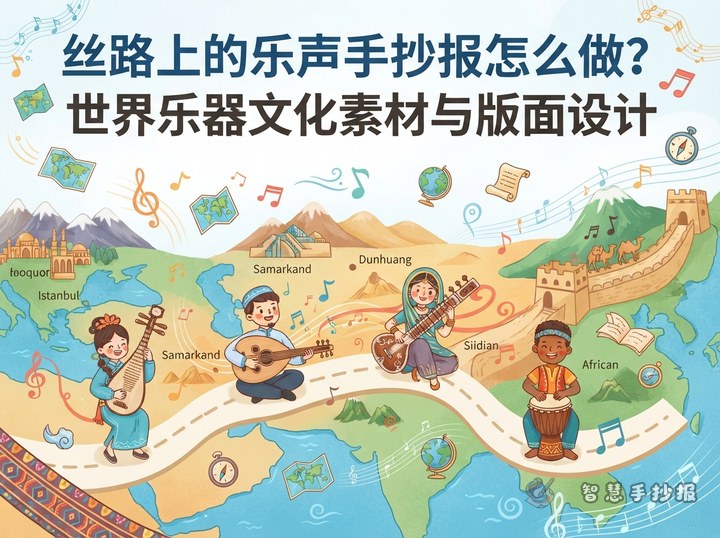
How to Make a Silk Road Music Handwritten Newspaper: World Instrument Ideas
This Silk Road music handwritten newspaper uses musical exchange as its main theme. It features the pipa, oud, dotar, and hand drum, with ready-to-use writing, section ideas, layout guidance, and decoration tips for a cultural school project.
Have a topic? Generate the layout and line art
Enter the topic in the mini program to generate section copy, a layout draft and printable line art.
 Scan with WeChat