Turn an Everyday Routine into a Thinking Path
A programming thinking handwritten newspaper does not need complicated code. A friendly starting point for younger students is to observe what happens first, next, and last in an everyday routine. Choose brushing teeth, packing a school bag, getting ready for school, borrowing a book, or making a fruit snack, then divide the activity into clear small steps.
Possible main titles include “Flowcharts in Everyday Life”, “Think Step by Step”, and “Making Things More Organized”. These titles connect information technology with familiar experiences and help readers understand the topic immediately.
Use Four Shapes to Show the Order of Events
The flowchart is the central feature of the page. There is no need to introduce too much technical vocabulary. Simply explain what each shape does.
- Start and finish: Use an oval for phrases such as “Start packing my school bag” and “Packing complete.”
- Action step: Use a box for actions such as “Check the textbooks,” “Put in the water bottle,” and “Zip the bag.”
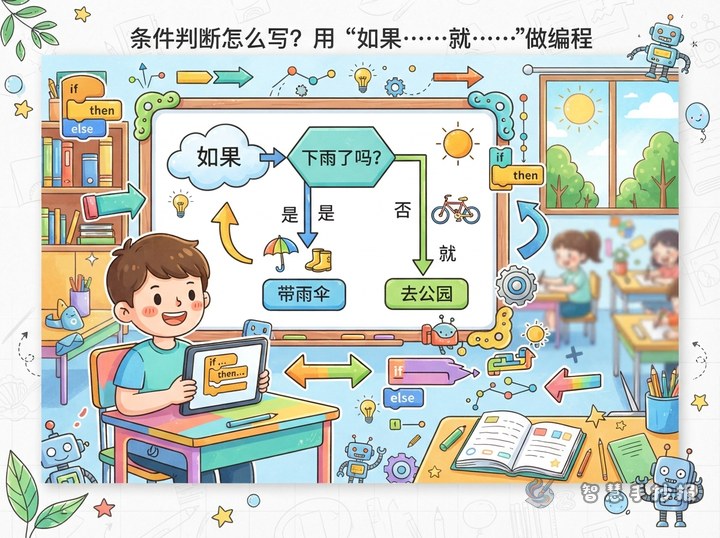
- Decision: Use a diamond for questions such as “Are all the books inside?” or “Is it raining?”
- Arrow: Use arrows to connect the steps and show the reading direction.
A central flowchart can say: Start → Check the school bag → Are all the textbooks inside? → Yes: Leave with the bag; No: Add the missing items → Finish. The “yes” and “no” paths demonstrate the idea of making a decision.
Add Short Text That Can Go Straight onto the Page
A Simple Programming Thinking Note
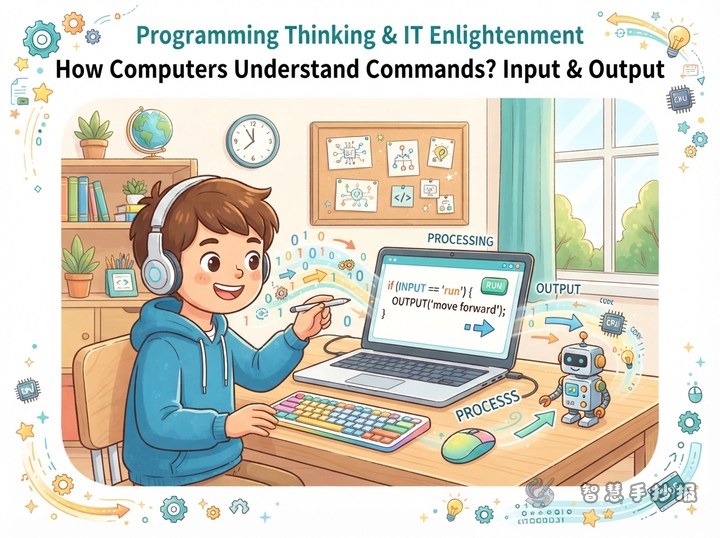
Programming thinking means understanding a problem, breaking it into small steps, and solving it in a sensible order. Waiting in line, doing chores, and organizing belongings can all help us practice sequence, decision-making, and repetition.
Short Slogans
- Break a big problem into small steps, and it becomes clearer.
- Observe first, analyze next, and act with a plan.
- Everyday life has processes, and learning uses methods.
Mini Section: Can You Find Them?
Ask readers to find one repeated action and one decision in an everyday activity. For example, placing books on a desk one by one is repetition, while asking “Should I take this book home?” is a decision. This small section makes the page more interactive.
Design the Page as a Clear Route
Place the largest flowchart in the center or let it run diagonally across the page so it becomes the visual path. Put the main title and a slogan at the top, a “flowchart shapes” box on the left, a “programming thinking” note on the right, and a “look and think” section along the bottom.
- Use a pencil to divide the page into four areas and reserve space for the title and border.
- Keep each flowchart box to one or two lines so the main route stays easy to follow.
- Use different colors for steps, decisions, and tips, while limiting the whole page to three or four main colors.
- Decorate open spaces with small drawings of computers, keyboards, mice, arrows, or gears without overcrowding the layout.
Let Clarity Come Before Complexity
Keep the arrows moving in one consistent direction and avoid crossing lines whenever possible. If the flowchart has “yes” and “no” paths, use two colors and add a short explanation beside them. Write a draft first, check that no step is missing, and then outline and color the final version.
After planning the content, you can open the 智慧手抄报 WeChat mini program to organize sections, adjust the layout, and continue making the handwritten newspaper.