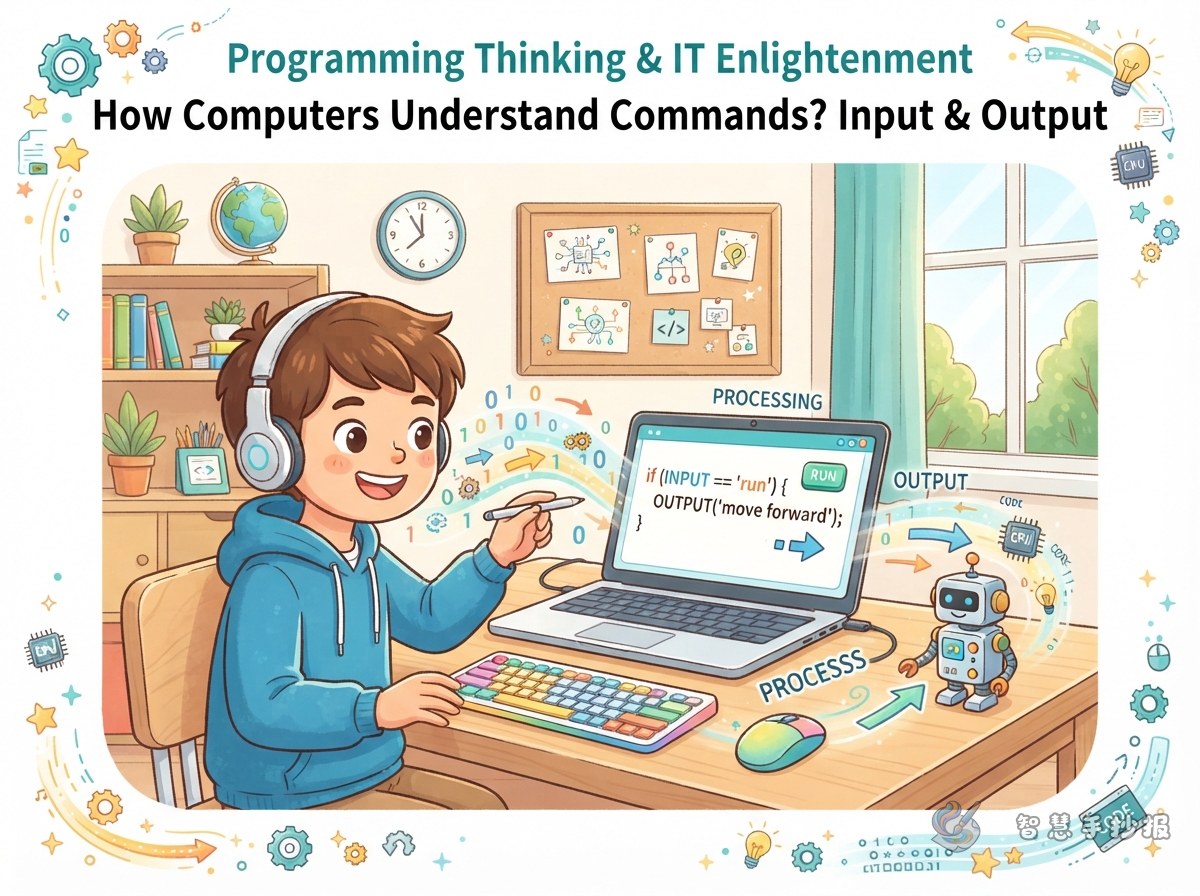
Build the main idea around input, processing, and output
This topic works best when you explain how a computer works with one simple line: input, processing, and output. It is easy for children to understand and perfect for connecting coding thinking with basic technology knowledge on one handwritten newspaper page. You can draw the three parts as a flow line in the center, showing how people give commands, the computer receives them, and then gives a result.
- Input: keyboard, mouse, microphone, touchscreen
- Processing: the program follows rules and makes decisions
- Output: the screen shows results, speakers play sound, the printer prints
A good way to make the page more vivid is to choose a daily example, such as clicking to play music, typing class information, or dragging a picture with the mouse.
What to write so the topic stays clear and easy to read
You do not need a lot of text. Instead, focus on a few keywords that children can remember and that clearly explain how a computer understands a command.
Useful keywords for the page
- Command: tells the computer what to do
- Program: helps the computer finish tasks in order
- Input device: sends information into the computer
- Output device: shows the final result
- Steps: break a big task into small ones
You can also add a short note that coding thinking is not only about writing code. It is also about breaking problems down, following steps, and checking results. That makes the topic both accurate and meaningful.
A layout idea that looks neat and easy to finish
This kind of topic fits a simple design with a central flow chart and supporting notes around it. Put the title and arrows in the middle, then add small drawings of a keyboard, mouse, monitor, and program icons around the page.
- Title area: place it at the top and make the letters large
- Main area: put the three boxes of input, processing, and output in the center
- Knowledge area: write input devices on one side and output devices on the other
- Fun corner: draw a small computer, a robot, or command cards
If there is too much empty space, connect each part with arrows, dotted lines, or speech bubbles. If you have more text, keep each block to three or four lines so the page stays clean.
Short sentences you can copy into the newspaper
Short lines are very helpful when you need to fill borders, side notes, or mini captions. These sentences are simple, clear, and easy to place anywhere on the page.
- A computer understands commands through programs and steps.
- Input brings information in, output shows the result.
- Breaking a big task into small steps is part of coding thinking.
- Observing, organizing, and checking are great habits for technology learning.
If you want the whole page to feel complete, add a small box called “My Discovery” and write: “A computer does not think by itself. It follows commands step by step.” That makes the topic more lively and easier to present.
If you want to arrange the page faster, you can continue editing it in the 智慧手抄报 WeChat mini program and choose a layout that matches your idea.