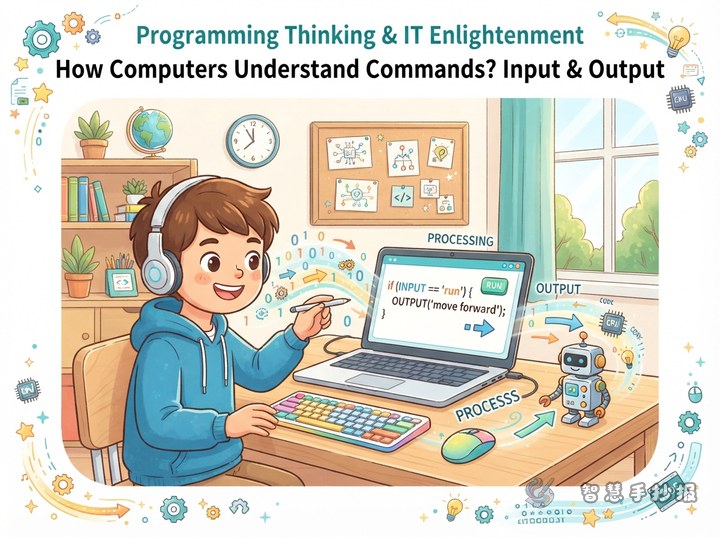
Turn the Page into a Mission Map
Build this computational thinking poster around the idea of a “mission challenge.” There is no need to fill the page with computers, code, and keyboards. Instead, draw the process of completing a task as a route: spot the problem, break it into parts, follow the steps, and finally test and improve the result. This theme connects naturally with programming and is easy to explain through everyday examples.
- Main title: The Computational Thinking Challenge
- Subtitle: Make big problems smaller and clear the steps
- Central picture: Connect four checkpoints with arrows, then add a little robot, direction keys, gears, and speech bubbles.
Four Checkpoints with Simple, Useful Text
Checkpoint One: Spot the Problem
Call this section “Problem Detective.” You can write: Before starting, find out what the goal is, what you already know, and what is still missing. Questions such as “How can I tidy my desk faster?” or “How can I plan a class reading activity?” are good everyday problems to solve.
Checkpoint Two: Break It Down
Call this section “The Decomposition Trick.” Write: When a task feels complicated, divide it into several smaller steps. Once a task becomes smaller, the idea becomes clearer and the work becomes easier to complete.
Checkpoint Three: Put the Steps in Order
Call this section “The Algorithm Route.” A short passage for the poster is: Decide the order first, then carry out the steps one by one. If the order is mixed up, the result may go wrong. An algorithm does not have to be complicated code; it can also be a clear set of instructions.
Checkpoint Four: Test and Improve
Call this section “The Debugging Team.” Write: Finishing for the first time does not always mean the task is complete. Check the result. If something is wrong, return to the step where the problem occurred, change the method, and try again. Checking and revising are important parts of computational thinking.
Turn Everyday Tasks into Program Cards
To make the poster practical instead of abstract, add an “Everyday Program Card.” For example, write the steps for tidying a desk: clear the desktop, sort the books, put the stationery in a holder, and check whether everything is neat. Draw a small icon beside each step so the idea is easy to understand at a glance.
You can also add a small “If...Then...” section: If the room gets dark, turn on the desk lamp; if a book is in the wrong place, put it back by category; if a program does not produce the expected result, check the steps and try again. This helps younger children understand decisions and revision.
Short Slogans and a Mini Challenge
- Theme slogan: A good idea can make a complicated task simple.
- Action slogan: Think first, act next; check your work and improve it.
- Growth reminder: Do not give up when a problem feels difficult. Break it apart, put it in order, and solve it step by step.
Place a “Mini Programmer Challenge” at the bottom. Ask readers to list the steps for making a cup of warm water or packing a schoolbag for the next day, then find one step that could be changed. The activity is simple, but it makes the poster more interactive.
Use a Route Layout to Show the Thinking Process
A portrait page works well. Put the title at the top, then draw a curved, colorful route beneath it. Connect the four checkpoints from the upper left downward. Place the problem examples and program card on the left, the algorithm route on the right, and the debugging team with the mini challenge at the bottom. Leave some open space in the center so the arrows and checkpoints remain the visual focus.
Choose blue, green, orange, and purple for the four checkpoints, using one color for each stage and a dark color for the text. Keep the borders simple with squares, dots, gears, and direction keys. The title should be the largest text, section headings the next largest, and each paragraph should be short enough to read and copy comfortably.
A Practical Order for Drawing the Final Poster
- Lightly sketch the title, route, and four boxes in pencil to make sure the space is balanced.
- Add small pictures such as a robot, gears, arrows, and program cards without covering the writing area.
- Copy the text in the order of spotting the problem, breaking it down, ordering the steps, and testing the result.
- Finish the outlines and colors, then check that the title stands out, the paragraphs are clear, and the route connects smoothly.
If you need help organizing the title, sections, or rough layout, continue in the 智慧手抄报 WeChat mini program, choose a suitable poster style, and adjust the content to match the child’s own ideas.