Build the Page Around a Book Swap
Use the idea “I recommend one book, and I hope to discover one book” as the main thread. Instead of presenting a single book report, the poster can show a complete exchange: your recommendation, suggestions from classmates, and the book you plan to read next.
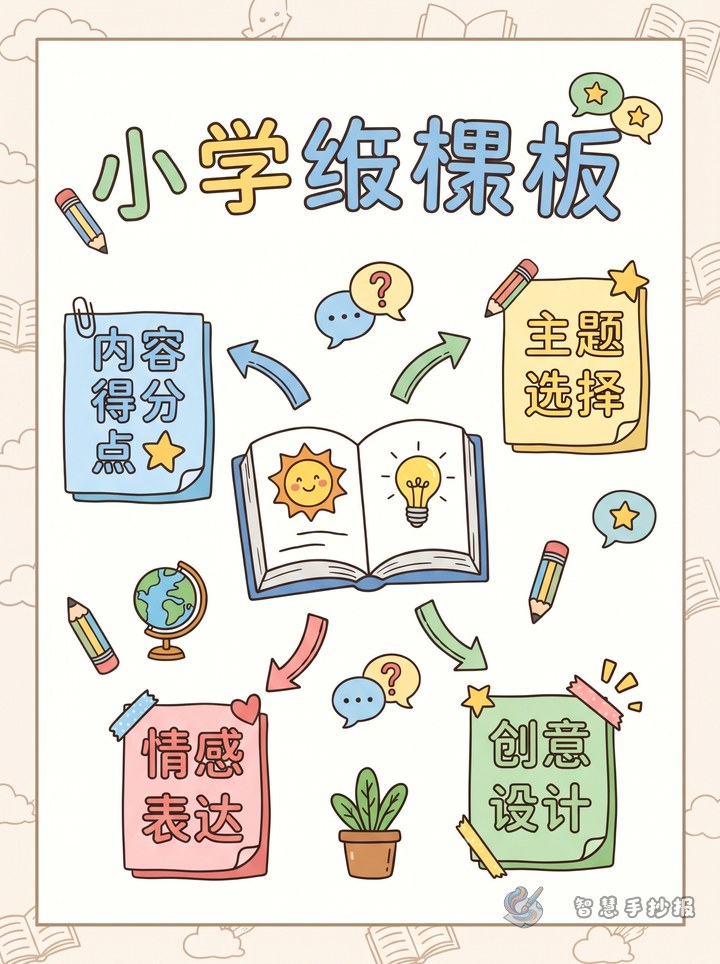
Four Sections That Tell the Whole Story
My Book Pick
Write the title, author, and genre, followed by two or three sentences about the setting or main problem. Leave one unanswered question so readers will want to open the book themselves.
Three Reasons to Read It
- Character: Describe a quality that makes the main character memorable.
- Story: Mention a funny, exciting, surprising, or moving part without revealing the ending.
- Takeaway: Explain what the book taught you or made you think about.
Books I Hope to Discover
List the kinds of books you want to explore, such as science, fairy tales, history, or growing-up stories. Add several blank bookmark shapes where classmates can write their suggestions.
My Next Reading Choice
Choose one recommendation and explain why you picked it. Add a simple plan such as “read ten pages each day” or “finish the first chapter this weekend.”
Short Text You Can Adapt
Opening: A good book is like a window that lets us see different lives and a wider world. When we share a book we love, we may also discover our next great read.
Recommendation: I recommend this book because its story is engaging and it shows why courage matters when difficulties appear. Readers who enjoy imagination and challenges may want to try it.
Closing: Let book lists travel around the classroom, and let every recommendation begin a new reading journey.
Turn the Layout into a Moving Reading List
Create a left-to-right path across the page. Place an open-book illustration and your recommendation on the left, three bookmark-shaped reasons in the center, and a bookshelf with class suggestions and your reading plan on the right. Dotted lines, page-turn symbols, or small footprints can connect the sections.
Choose two or three main colors and use one accent color for important words. Reserve about two-thirds of the page for writing. Small drawings of books, bookmarks, or a reading lamp can fill gaps without covering the text. To arrange the sections more quickly, continue the design in the Smart Handwritten Newspaper WeChat Mini Program.
A Quick Final Review
- Check that the title, author, and other book details are correct.
- Make every recommendation specific rather than simply saying the book is good.
- Give each section a clear heading and an easy reading order.
- Make sure decoration and color do not reduce readability.