Turn the Handwritten Newspaper into an Action Roster
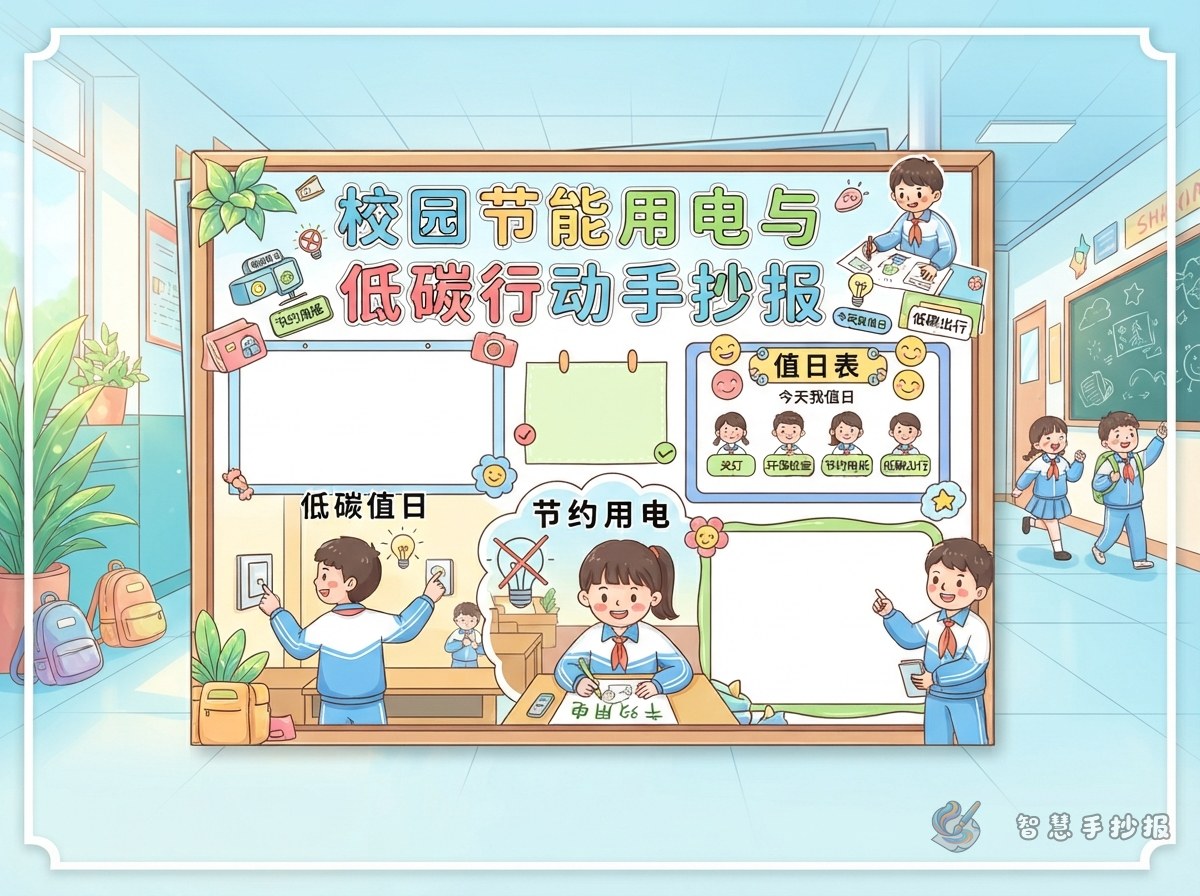
Instead of filling the page with a general slogan about saving electricity, design it as a low-carbon duty roster. Divide the campus into familiar places such as the classroom, hallway, computer corner, and activity room, then show what students can do in each one. This makes the topic practical and closely connected to school life.
Place a small date box, duty role, or check box beside the main theme. Any action involving switches, air conditioners, or sockets should follow the teacher's instructions and always put safety first.
Build the Page Around a Central Task Board
Put the title and main message at the top
Possible titles include “Low-Carbon Duty Students, a Fresher Campus” and “My Turn to Save Electricity at School.” Add one or two sentences explaining that every small action can reduce unnecessary electricity use around the campus.
Use four connected task panels
- Classroom: Use lights appropriately when needed, and check with the teacher whether they should be turned off before leaving.
- Hallway: If an empty area is still lit, remind a teacher or the duty student instead of touching an unfamiliar switch.
- Computer corner: Close programs after use and shut down the monitor or device according to school rules rather than leaving it running.
- Activity room: Tidy the room after an activity and check whether lights or other electrical equipment are still being used.
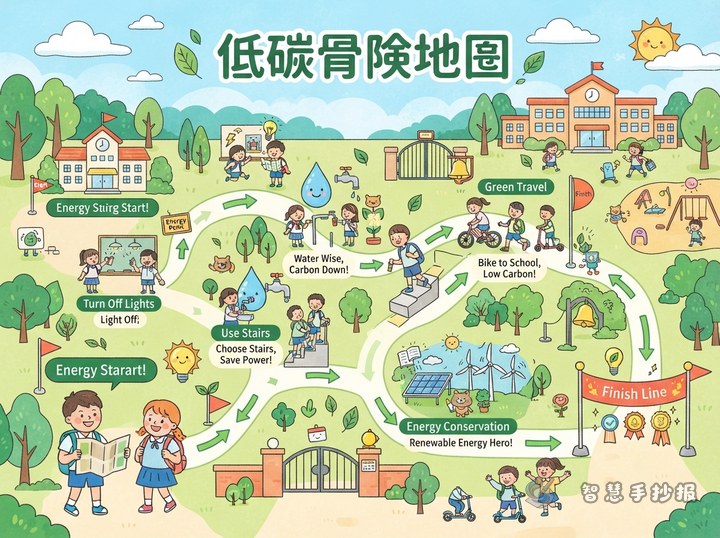
Connect the panels with green arrows, footprints, or small battery icons to show the duty being passed from one place to another. Leave enough open space so the page does not look crowded.
Short Text You Can Copy into the Panels
Simple electricity-saving reminders
- Use lights only when they are needed.
- Turn equipment off after use instead of leaving it on standby.
- Observe first, remind politely, and save electricity safely.
- Save every bit of electricity and protect our green campus.
A ready-to-use central pledge
I will start with small actions: use lights appropriately, finish using equipment on time, observe the power situation before leaving a room, and remind classmates to act safely under a teacher's guidance. Together, we can make electricity saving a daily school habit.
Make the Design Feel Like a Real School Scene
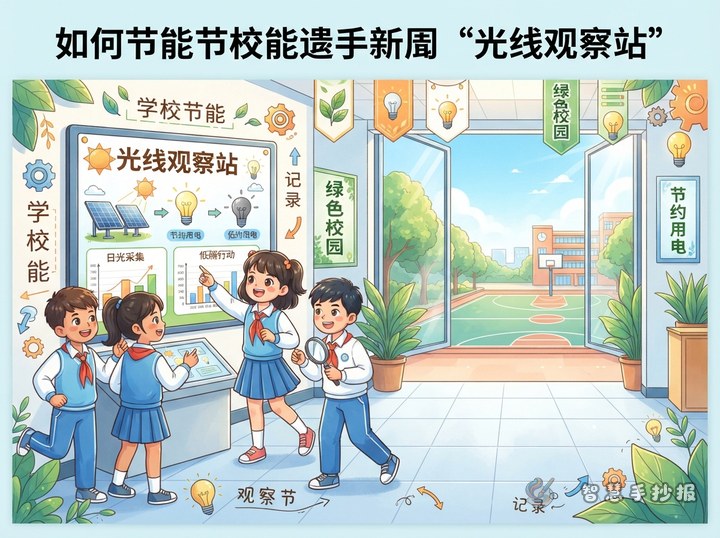
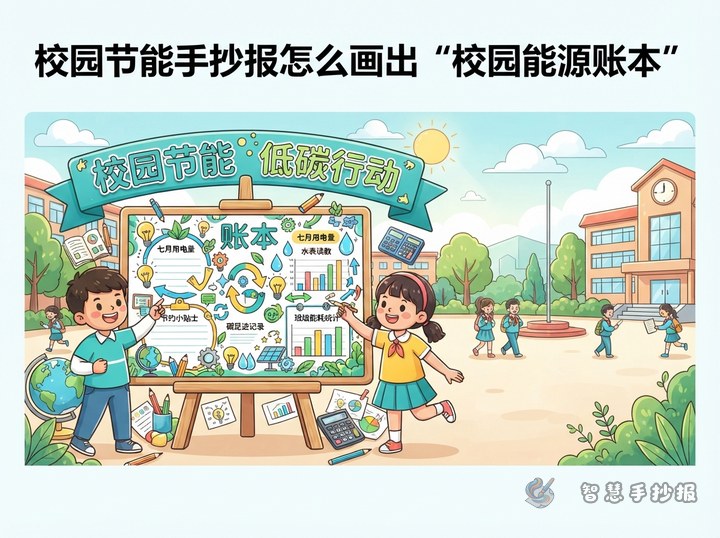
Use light green, sky blue, and warm yellow to suggest plants, the sky, and electric light. Add desks, hallway windows, a computer, a schoolbag, or a duty badge to the four panels. One clear icon is more effective than filling the page with many light bulbs. Leave a small empty circle or square beside each task for a check mark.
Use a thick colored pen for the title and black or dark blue for the main text. Do not fill every border with color; white space will make the writing easier to read. In the lower corner, draw a “low-carbon tree” made from leaves and small power symbols as a finishing touch.
A Five-Step Route from Sketch to Finished Work
- Choose the low-carbon duty roster theme and draw the title area and four task panels.
- Plan the positions with a pencil, leaving room for the pledge and illustrations.
- Rewrite each electricity-saving idea as a short sentence, using one or two lines per panel.
- Outline the school scenes and green icons before adding color and final lines.
- Check that the title stands out, every sentence is readable, and no task suggests that a child should handle electrical equipment alone.
To organize the title, sections, and decorative elements more quickly, scan to open the 智慧手抄报 WeChat Mini Program and continue creating your page with low-carbon duties drawn from your own school life.