Turn the Alphabet Garden into a Reading Path
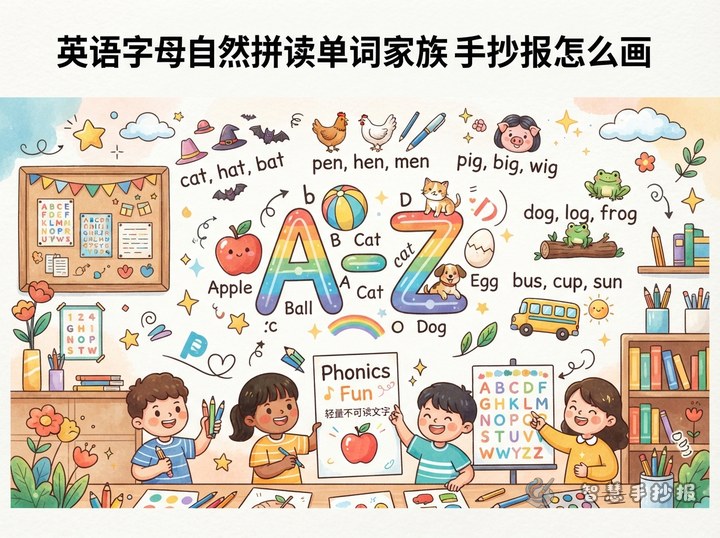
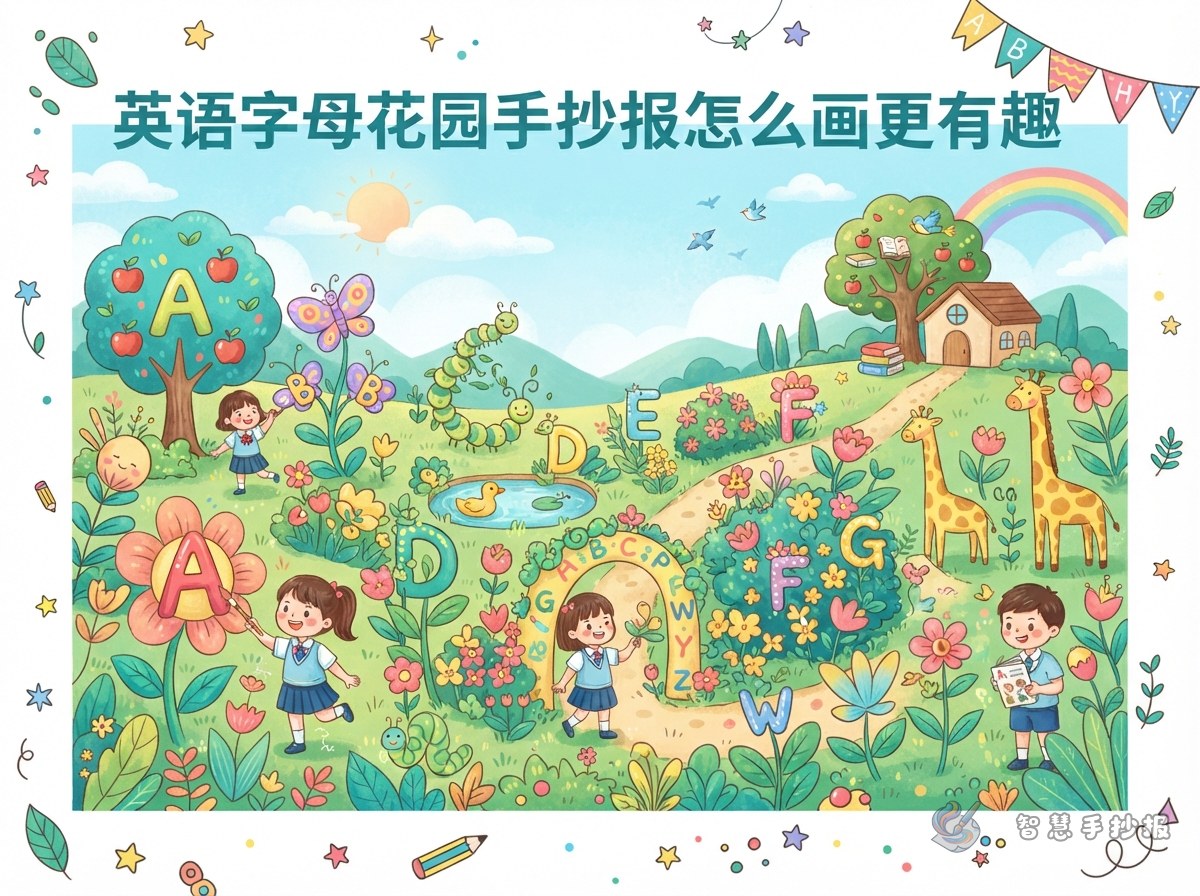
Build the poster around a garden that grows from seeds into flowers. Place letters inside blossoms, leaves, or signposts, then add a matching word nearby. Readers can follow the garden path to recognize each letter, say the word, and connect it with a simple picture.
Choose Words That Are Easy to Read and Draw
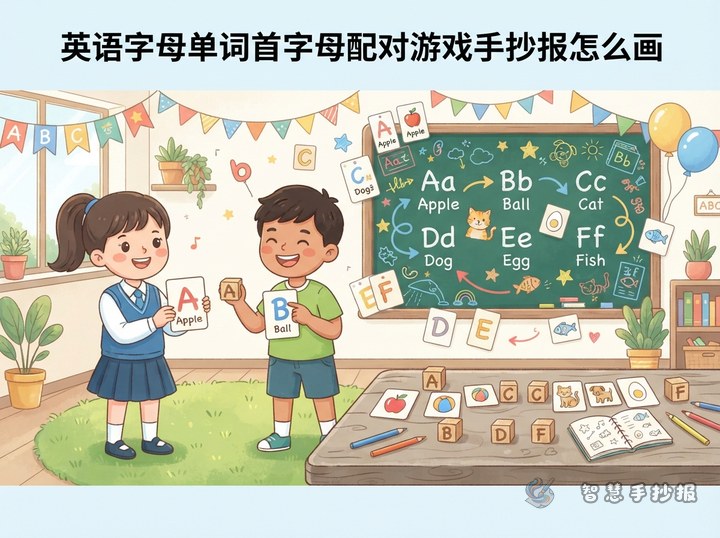
A beginner poster does not need all 26 letters. Six to ten clear pairs leave enough room for handwriting and illustrations. These garden-friendly examples work well:
- Aa: apple, with a bright red apple.
- Bb: bee, with a bee beside a flower.
- Ff: flower, with colorful petals.
- Ll: leaf, with one large green leaf.
- Ss: sun, placed near the top of the page.
- Tt: tree, used as the main central drawing.
Add one short sentence to a few groups, such as “This is a flower.” or “I see a bee.” This helps children move from single-word recognition to simple English sentences.
Add Three Small Learning Activities
- Match the letters: Write uppercase letters on flowers and lowercase letters on leaves, then join each pair with a dotted line.
- Word hunt: Hide words in the grass, flowerpots, and tree branches for readers to find and pronounce.
- My new word: Leave a small blank area where the child can add one more garden word.
Plan a Layout with a Clear Center
Use a large tree in the middle, flower beds on both sides, and a winding path along the bottom. Put the title at the top and the main letters on the tree. Use one flower bed for words, the other for short sentences, and the path for activities. Vines and small flowers can frame the page, but they should not crowd the English text.
Color and Handwriting Tips
Use the same color for each uppercase and lowercase pair. Write English words with a dark pen, then add bright red, yellow, and green details to the pictures. Sketch the sections in pencil before outlining. Keep open space around every letter so spelling remains easy to check.
Check the Poster Before Finishing
- Make sure every uppercase letter has the correct lowercase partner.
- Check that each spelling matches its picture.
- Keep the title, key letters, and supporting content visually distinct.
- Confirm that colors do not make the English difficult to read.
After choosing the letter groups and sections, open the Smart Handwritten Poster WeChat Mini Program to select a layout, refine the content, and prepare a poster for printing or hand copying.